
Facebook Twitter Email Instagram YouTube linkedin WhatsApp WhatsApp VK Telegram
info@BanuMusaGr.com
Login / Register
0 Wishlist
0 Compare
0 items / € 0.00
Facebook Twitter Email Instagram YouTube linkedin WhatsApp WhatsApp VK Telegram
FEA & CFD Consultancy | BanuMusa R&D FEA & CFD Consultancy | BanuMusa R&D
  • Consulting Services
  • Products
  • Resources
    • Blog
    • Projects
  • About Us
    • Contact Us
    • Our Team
    • Our Partners
    • Careers
    • Payment Methods
    • Support & FAQ
Free Mentoring
Menu
FEA & CFD Consultancy | BanuMusa R&D
0 items / € 0.00
HomeShopAbaqusAbaqus Plug-ins Micromechanics Plugin for Abaqus
Previous product
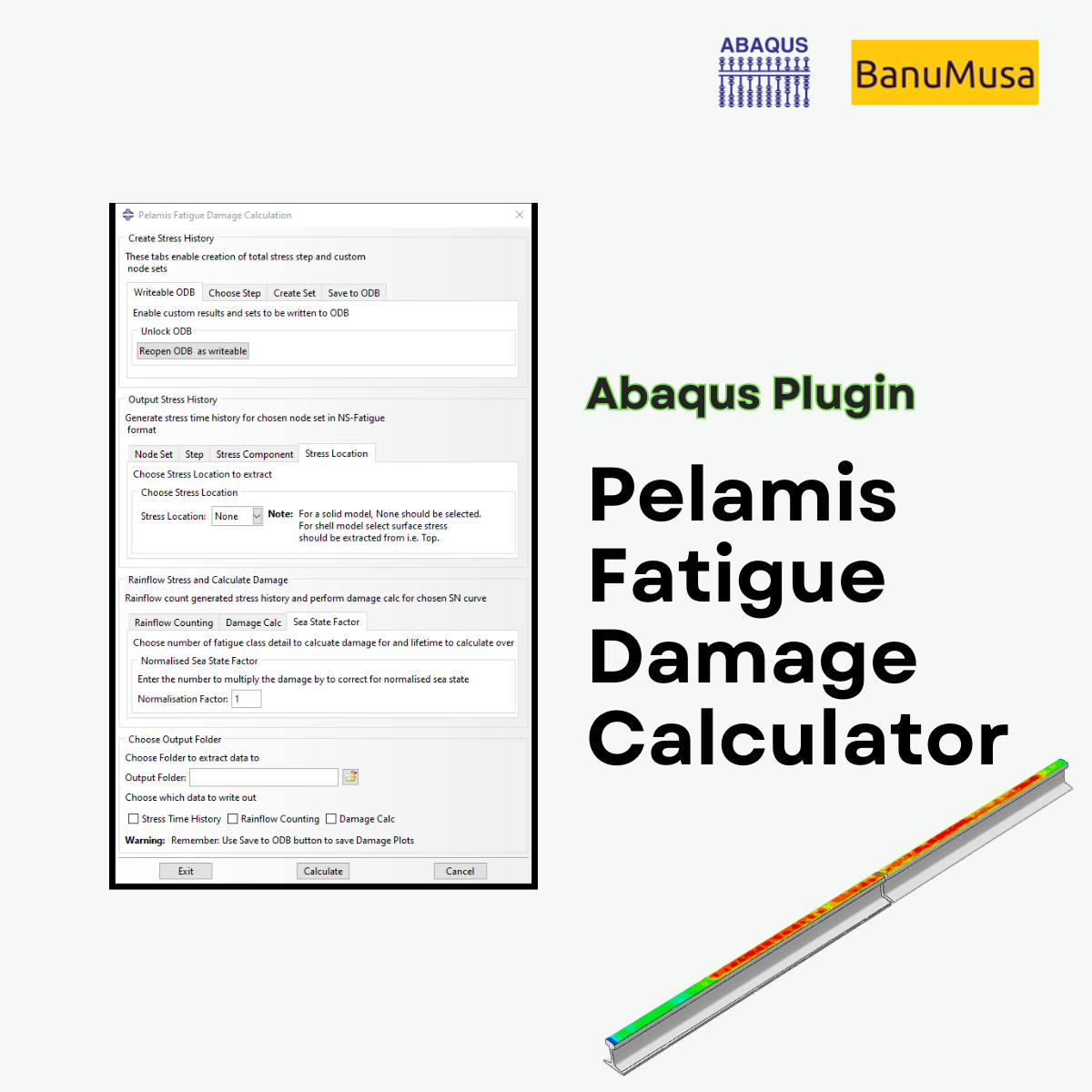
Pelamis Fatigue Damage Calculator plugin for marine Abaqus simulations abaqus fatigue analysis offshore structure design fe safe fatigue failure analysis
Pelamis Fatigue Damage Calculator Plugin for Abaqus € 0.00
Back to products
Next product
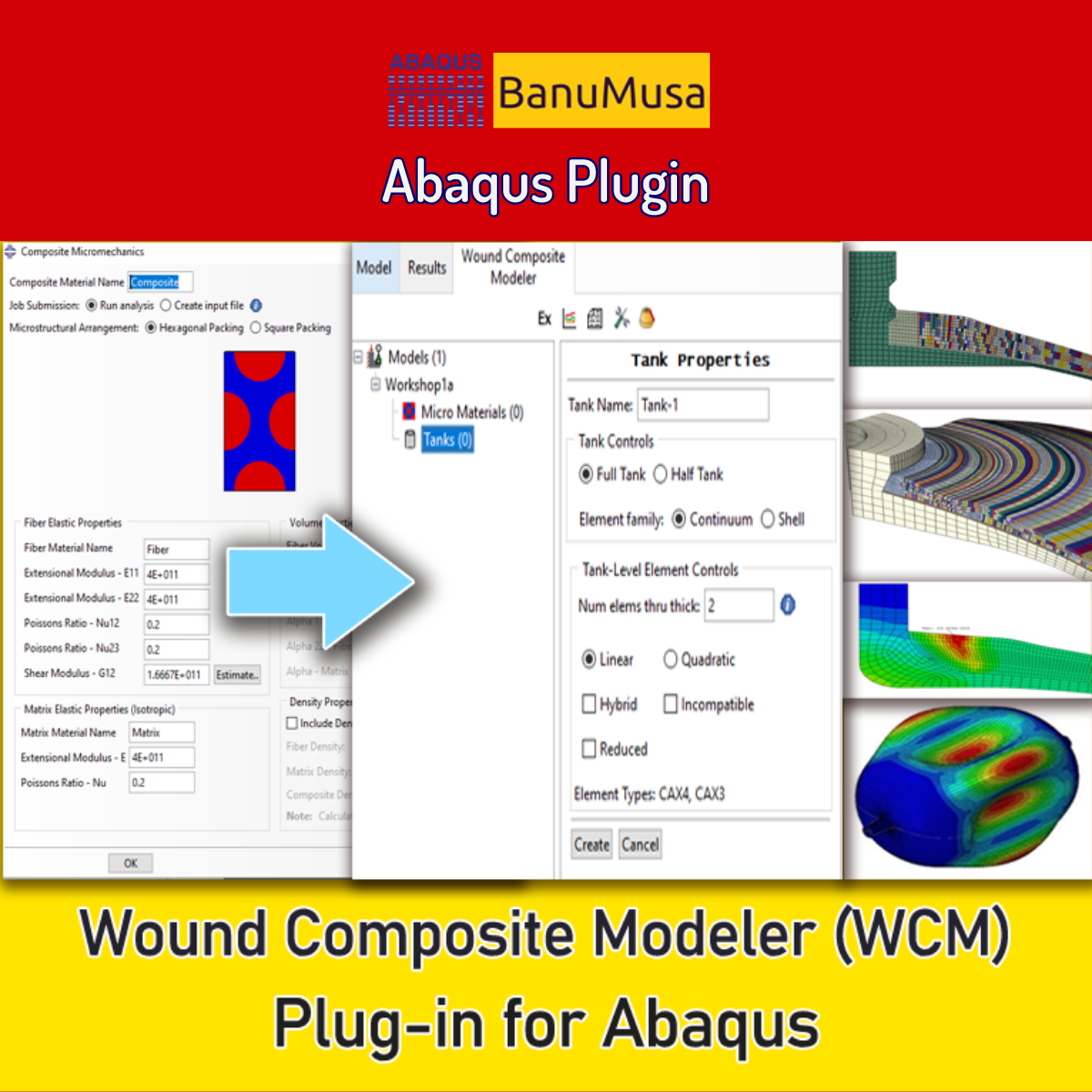
Wound Composite Modeler Plugin for Abaqus
Wound Composite Modeler Plugin for Abaqus € 210.00
Micromechanics Plugin for Abaqus
Click to enlarge

Micromechanics Plugin for Abaqus

€ 0.00

Download the Abaqus Micromechanics plugin for advanced composite failure analysis. Automate FE-RVE modeling from micro to macro scales in Abaqus/CAE.

If you want to pay in a way other than Tether/Tron, contact us.
somdn_product_page
Only registered users can download this free product.
Compare
Add to wishlist
SKU: 2001 Categories: Abaqus, Abaqus Plug-ins
Share
Facebook Twitter Email Pinterest linkedin Odnoklassniki WhatsApp WhatsApp VK Telegram
close
You may also like…
  • concrete modeling in abaqus tutorial video
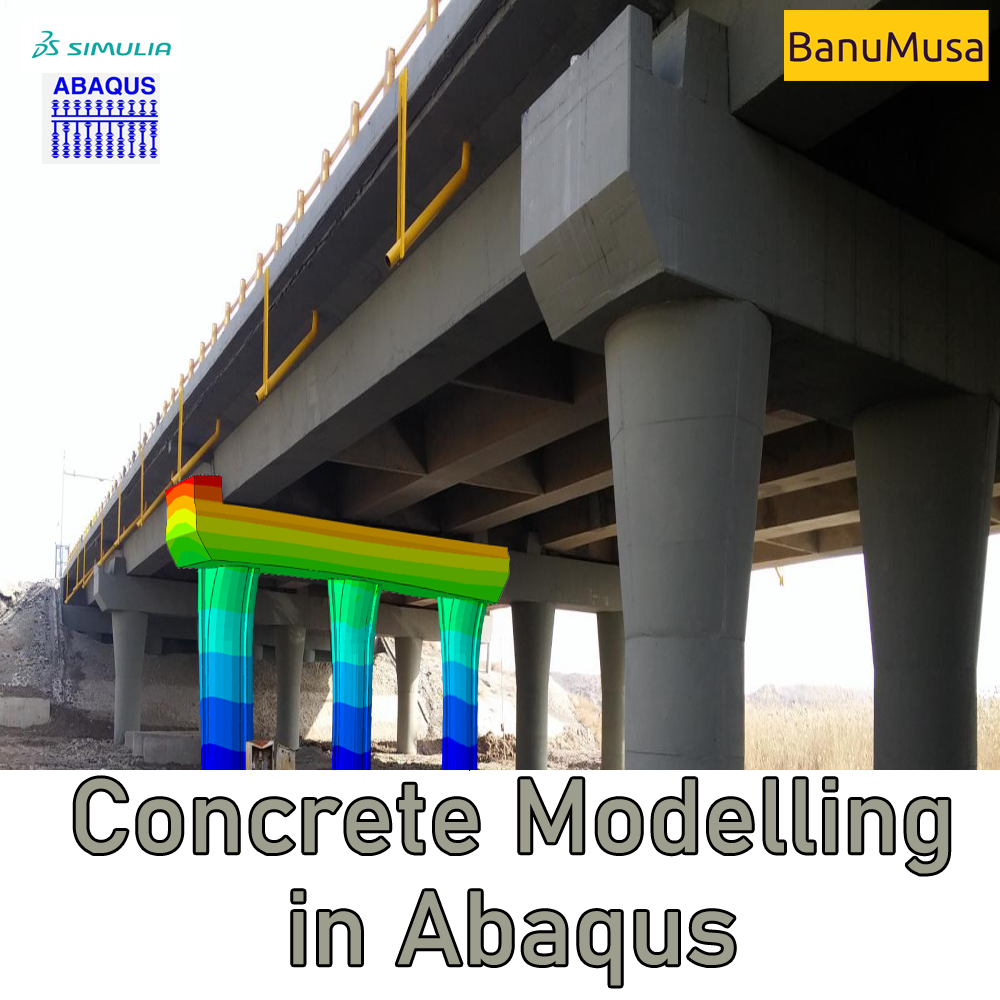
    Mastering Concrete Modeling in Abaqus: A Comprehensive Course € 425.00
  • Wound Composite Modeler Plugin for Abaqus
    Wound Composite Modeler Plugin for Abaqus € 210.00
  • Fortran for Abaqus Subroutine - writing user subroutines udhard umat film uload
    Fortran for Abaqus Subroutine € 255.00
  • Bending Pipe plugin interface acting as an advanced pipeline modeling software in Abaqus
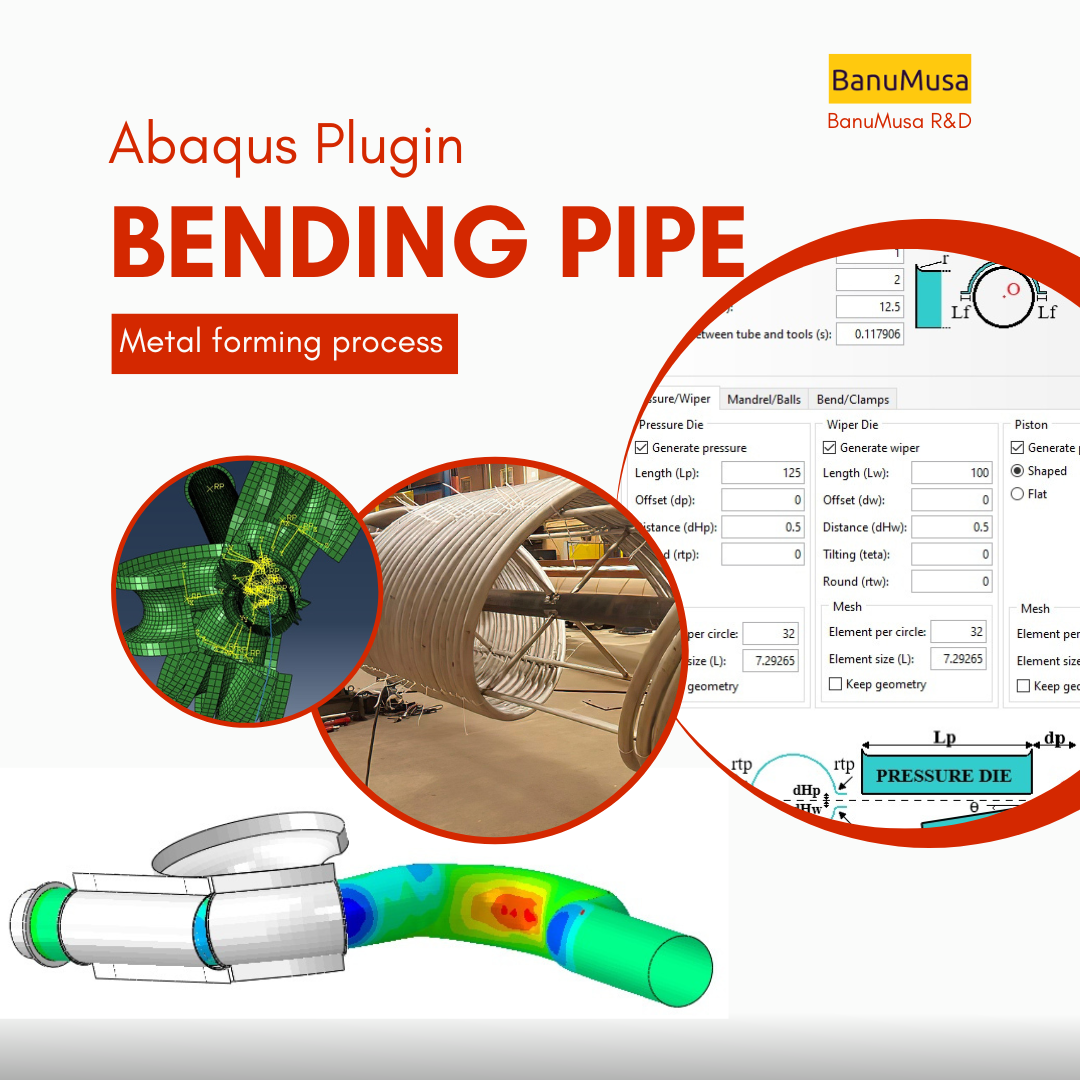
    Bending Pipe Plugin for Abaqus € 1,365.79 Original price was: € 1,365.79.€ 685.00Current price is: € 685.00.
Products
  • Porous Elastomers Abaqus UHYPER Subroutine Porous Elastomers Abaqus UHYPER Subroutine € 55.00
  • Fitness-for-Service Analysis with Abaqus Course - ffs abaqus - ffs analysis Fitness-for-Service Analysis with Abaqus Course € 550.00
  • Description
  • Additional information
  • Payment & Delivery
  • Content
Description

Abaqus Micromechanics Plugin: Advanced FE-RVE Composite Modeler

Elevate Your Composite Material Analysis

Investigating the micromechanical behavior of composite materials is a critical issue in modern mechanical engineering. Because the failure of composite materials primarily initiates at a micro-scale, examining the behavior and mechanisms of failure at this level provides invaluable insights.

The Abaqus Micromechanics Plugin (FE-RVE) is an essential tool for generating Representative Volume Element (RVE) models in Abaqus finite element software. It allows engineers to seamlessly define the components of a microstructure, constituents of a system, or the unit cell of lattice (cellular) structures commonly used in additive manufacturing. By replacing tedious and time-consuming manual setup with automation, this Abaqus micromechanics plugin empowers design engineers to vastly improve the development and construction processes of composite structures.

Investigating the micromechanical behavior of composite materials is an important issue in mechanical engineering because the failure of composite materials occurs on a micro-scale. Examining the behavior and mechanism of failure on this scale gives a good insight to the design engineer of composite structures to improve the design and construction process of composite structures.

The advantage of this plugin is to facilitate the work for finite element analysts, which used to be tedious and time-consuming work.

Download PDF manual

Watch the Textile Homogenization workshop

Key Features & Technology of the Micromechanics Plugin

This tool is built to facilitate complex workflows for finite element analysts. It eliminates repetitive tasks and ensures high accuracy in microscale modeling.

Automated RVE Generation:

  • Process Automation: Automate the entire process of creating complex FE-RVEs.

  • Extensive RVE Library: Access a built-in library for commonly used RVEs, including Unidirectional (UD), Ellipsoid, and BC lattice structures.

  • Custom RVEs: Easily add and configure your own custom RVEs.

Advanced Boundary Conditions (BCs):

Applying precise boundary conditions is notoriously difficult in manual Abaqus scripting. This plugin fully automates:

  • Periodic Boundary Conditions (PBC)
  • Taylor Boundary Conditions
  • Neumann Boundary Conditions

RVE physics study

  • Mechanical analysis
  • Steady-state heat transfer, and
  • Steady-state coupled temperature-displacement.

Comprehensive Physics Study & Homogenization

To truly understand composite failure analysis, you need accurate physical solvers and material homogenization. The Abaqus micromechanics plugin supports multi-physics simulations directly within Abaqus/CAE.

Supported RVE Physics Studies:

  • Mechanical Analysis

  • Steady-state Heat Transfer

  • Steady-state Coupled Temperature-Displacement

Automated Material Homogenization:

Extracting macro-scale properties from micro-scale RVEs is fully automated. The plugin evaluates and extracts:

  • Elastic Stiffness

  • Thermal Expansion

  • Shell Section Stiffness (ABD matrix)

  • Thermal Conductivity

  • Fully Coupled Conductivity-Stiffness (9×9 constitutive matrix)

  • Density and Specific Heat

Advanced Post-Processing:

Evaluate your results instantly with built-in tools for field averaging and detailed histogram generation.

Compatibility, Installation, and Updates

  • Compatibility: The FE-RVE features are meticulously designed to be compatible with Abaqus/CAE 2016 and later versions. (Note: Earlier versions of Abaqus/CAE will not function correctly).

  • Installation: Simply extract the contents of the zip folder into a subdirectory of your abaqus_plugins folder. This can be located in the home directory (making the plugin available globally) or within the current working directory of your specific Abaqus/CAE session.

  • Latest Updates (V1.18): Continuous improvement is guaranteed. The latest update fixes issues with periodic boundary conditions for non-periodic meshes in Abaqus/CAE 2022. It also corrects an issue that caused the 13 and 23 components of far-field stress to be swapped for periodic- and uniform surface gradient-type models.

Who Will Benefit from This Plugin?

  • Engineering Students & Professionals: Anyone working on the micromechanical analysis of composite structures who wants to bypass steep coding learning curves.

  • Academic Researchers & Ph.D. Students: Ideal for researchers focusing on composite failure analysis and complex RVE modeling for their Abaqus FEA projects.

  • Abaqus Application Engineers: Professionals involved in daily industrial simulation projects looking to accelerate their FE-RVE workflow.

What You Will Gain

By incorporating the Micromechanics Plugin for Abaqus into your workflow, you can elevate your microscale analysis capabilities and gain a deeper understanding of composite material behavior. Whether you’re involved in academic research or industrial development, this plugin opens up new possibilities for exploring the intricate world of micromechanics.
(Ready to see it in action? Download the comprehensive PDF manual or watch our exclusive Textile Homogenization workshop included with your purchase).


💡 Upgrade Your FEA Workflow:
Loved this free plugin? Take your simulations to the next level with MatLib - The Complete Abaqus Material Database. Skip manual calibration and access 1,400+ materials instantly.
We are ready to help you do CFD & FEA simulations.

Need help? Get a consultation from our experts.

Email us: info@banumusagr.com
Telegram: +98-915-55-20-388
WhatsApp: +98-915-55-20-388

Recent Posts

  • Essential Abaqus Plugins (Add-ons) Every FEA Engineer Should Know – Part II
  • The Critical Role of Analytical Hand Calculations in Modern FEA Validation
  • Understanding Step Cycling in Abaqus 2025
  • Uncertainty Quantification in Finite Element Analysis (FEA)
  • Composite Progressive Failure Analysis
  • Ansys or Abaqus; A Personal Experience
  • Analyzing Nitinol Stents Using Abaqus: FEA Simulation Guide
  • Abaqus Tutorial: Abaqus/CAE Plug-in Utility to Calibrate Nitinol Material Behavior
  • Techniques for Material Model Calibration in Abaqus
  • Introducing the New Features of Abaqus 2024
Additional information
Software

Abaqus FEA

Type

Abaqus Plugin

Level

Advanced

Files

Abaqus files: *.rar
Documentation: PDF

Language

English

Category

Micromechanics analysis

Solver

Explicit, Standard

Material

Composites

Payment & Delivery
All products available on the website come with a guarantee of customer satisfaction. The products can be used immediately after purchase through the download link. There is also online consulting/mentoring for all customer reassurance products.
Before buying, you can also talk to our experts in BanuMusa R&D and buy from the Shop according to your needs.

Note:

Please pay attention to the following points when you pay.

1. Tether / Tron The easiest way to pay is through the Tether portal in the BanuMusa shop. You can easily pay with your wallet.

• How to pay for a product using USDT TRC-20 with ADVCash https://www.youtube.com/watch?v=DYyHsdcLxhk

• Tron TRC20 Wallet for USDT Tutorial (Send USDT for Lowest Fees!!) https://www.youtube.com/watch?v=lBQMkEBf7W4

For other wallets just search on YouTube!

The download link automatically will be sent to you.

2. Payoneer:

If you have Payoneer, you can pay simply through the following ID.

fro458nk@gmail.com

After your payment is processed, you will receive the download links.

Let me know if you need any further adjustments!

3. PAYEER

Send us a message/ email to help you how to pay for this method, please. (info@banumusagr.com)

4. WebMoney

We will send you the wallet if you request this method. Email us.

5. PayPal Payment Instructions:

Please email us to send your PayPal Account.

After your payment is processed, you will receive the download links.

Let me know if you need any further adjustments!

6. SWIFT/IBAN

Another way is to pay via SWIFT or IBAN, contact us to learn more.

We will do our best to make sure you have a good shopping experience.


If it is not possible for you to buy through the Tether gateway, send us the link to the product using email (info@banumusagr.com) or social networks (WhatsApp, WeChat, Telegram). After that, the PayPal account will be sent to you.

Another way is to pay via SWIFT, contact us to learn more.


Ways to Contact Us:

WhatsApp / Telegram / WeChat: +98-915-5520-388
E-mail: info[at]banumusagr.com
Phone: +98-51-35424520

Payment Methods:

You can buy the product through Tether, Tron, Payoneer, PAYEER, WebMoney, PayPal, and SWIFT.

Content

Contents

  • Abaqus files: *.rar
  • Documentation: PDF

Reviews

There are no reviews yet.

Be the first to review “Micromechanics Plugin for Abaqus” Cancel reply

You must be logged in to post a review.

Related products

Calibrate Nitinol Material Behavior Abaqus Plugin free download
Compare
Close

Calibrate Nitinol Material Behavior: Free Abaqus Plugin

€ 0.00

Download the free Abaqus plugin for advanced Nitinol simulation. Automate superelastic material calibration using uniaxial tension test data instantly.

Documentation (PDF + HTML) Abaqus plugin files (*.RAR) Abaqus workshop files
Add to wishlist
View
Quick view
Introduction to VUMAT Subroutine Abaqus Mentoring Abaqus tutorial video
Introduction to VUMAT Subroutine Abaqus Mentoring- tutorial
Compare
Close

Introduction to VUMAT Subroutine

€ 210.00
Introduction to VUMAT Subroutine course helps you to learn the process of writing VUMAT as quickly as possible with the help of practical examples. All the tips and details that you encounter to write the code are taught in this course and you can implement the material model in the subroutine. Because you may have questions while watching the course, an expert will answer your questions online. Abaqus tutorial video (*.mp4) Lecture notes (PDF) Abaqus workshop files (*.cae, *.inp, *.jnl, *.odb) Fortran subroutines 15-day money-back guarantee   Free 24/7 online mentoring
Add to wishlist
Add to cart
Quick view
Porous Elastomers Abaqus UHYPER Subroutine
Compare
Close

Porous Elastomers Abaqus UHYPER Subroutine

€ 55.00
The " Porous Elastomers Abaqus UHYPER Subroutine " product implements the hyperelastic energy density derived for the macroscopic elastic response of non-Gaussian elastomers weakened by an isotropic and non-percolative distribution of equiaxed pores. This result is valid for any choice of I1-based incompressible energy density characterizing the non-Gaussian isotropic elastic response of the underlying elastomer. Lecture notes (PDF)   5 Abaqus example files (cae, inp, jnl, odb) FORTRAN UHYPER subroutine run on Windows or Linux 15-day money-back guarantee Free 24/7 online mentoring
Add to wishlist
Add to cart
Quick view
Shot Peening Induced Residual Stresses - Abaqus Validation
Compare
Close

Shot Peening Induced Residual Stresses Simulation & Validation in Abaqus FEA Software

Rated 5.00 out of 5
€ 85.00
This package describes Shot Peening Induced Residual Stresses Simulation & Validation in Abaqus FEA Software, a three-dimensional dynamic finite element (FE) study of single-shot impacting on a metallic component using Abaqus/CAE software. The Finie element results are validated by comparison with results from the published paper by Meguid et al. (1999). The shot peening finite element modeling using Abaqus/CAE allows engineers to optimize shot peening parameters for maximum benefits like increased fatigue life and yield strength. It also helps determine the effective extent of stress relief heat treatment. Abaqus validation files (cae, jnl, inp, odb) Tutorial video (Mp4) 15-day money-back guarantee Free 24/7 online mentoring
Add to wishlist
Add to cart
Quick view
Plastic Curve Generator plugin converting stress-strain data in Abaqus
Compare
Close

Plastic Curve Generator Plugin for Abaqus

€ 163.05
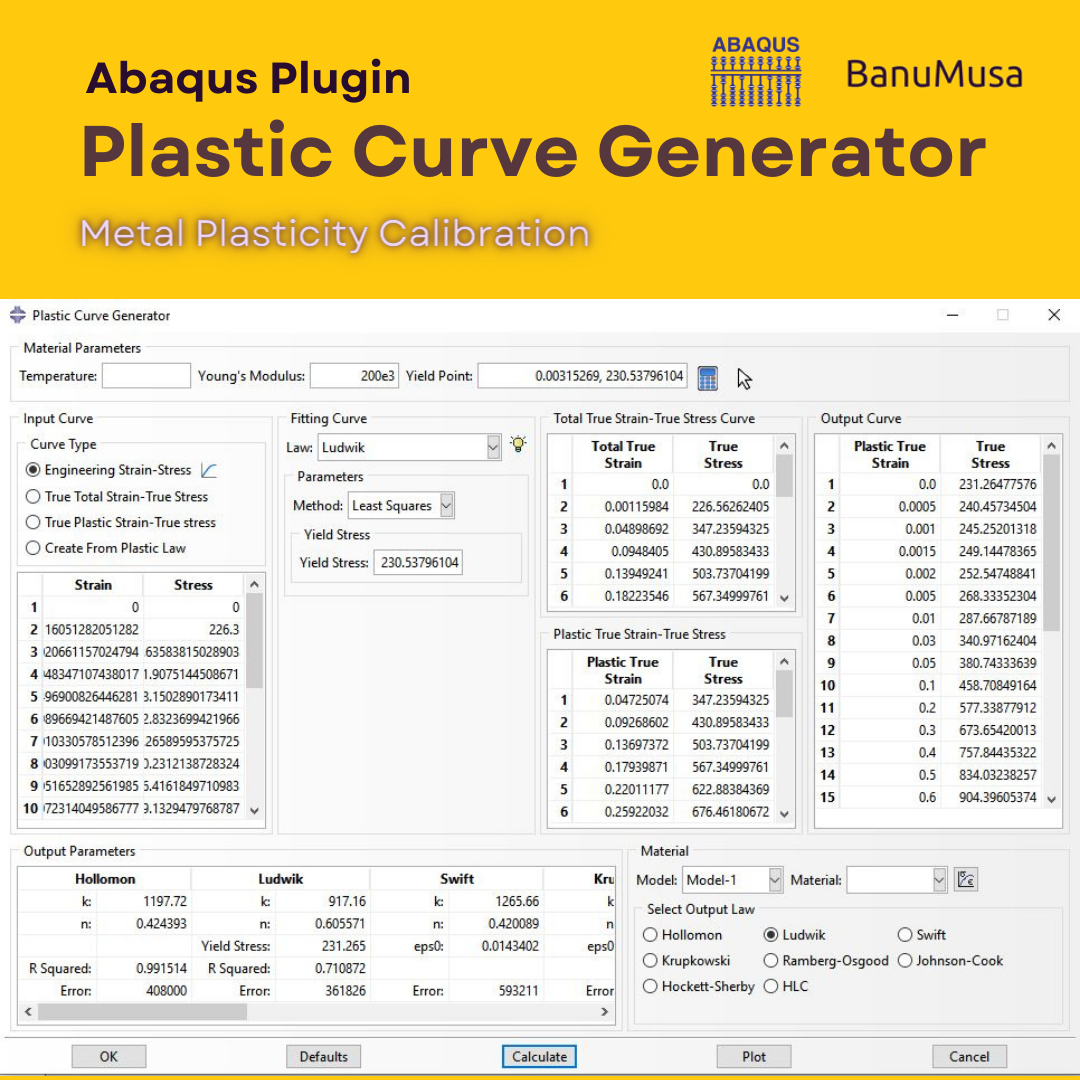
The Plastic Curve Generator plugin helps the Abaqus user to create stress-strain curves easily. The input data can be either: engineering stress-strain curves, true total stress-strain curves, or true plastic strain-stress curves. It makes automatically all the conversions needed from the input data, giving the user the total true curve, plastic curve, and output curve, which is obtained according to the plastic flow laws. Documentation (PDF + HTML) Abaqus plugin files (*.RAR) 15-day money-back guarantee   Free 24/7 online mentoring
Add to wishlist
Add to cart
Quick view
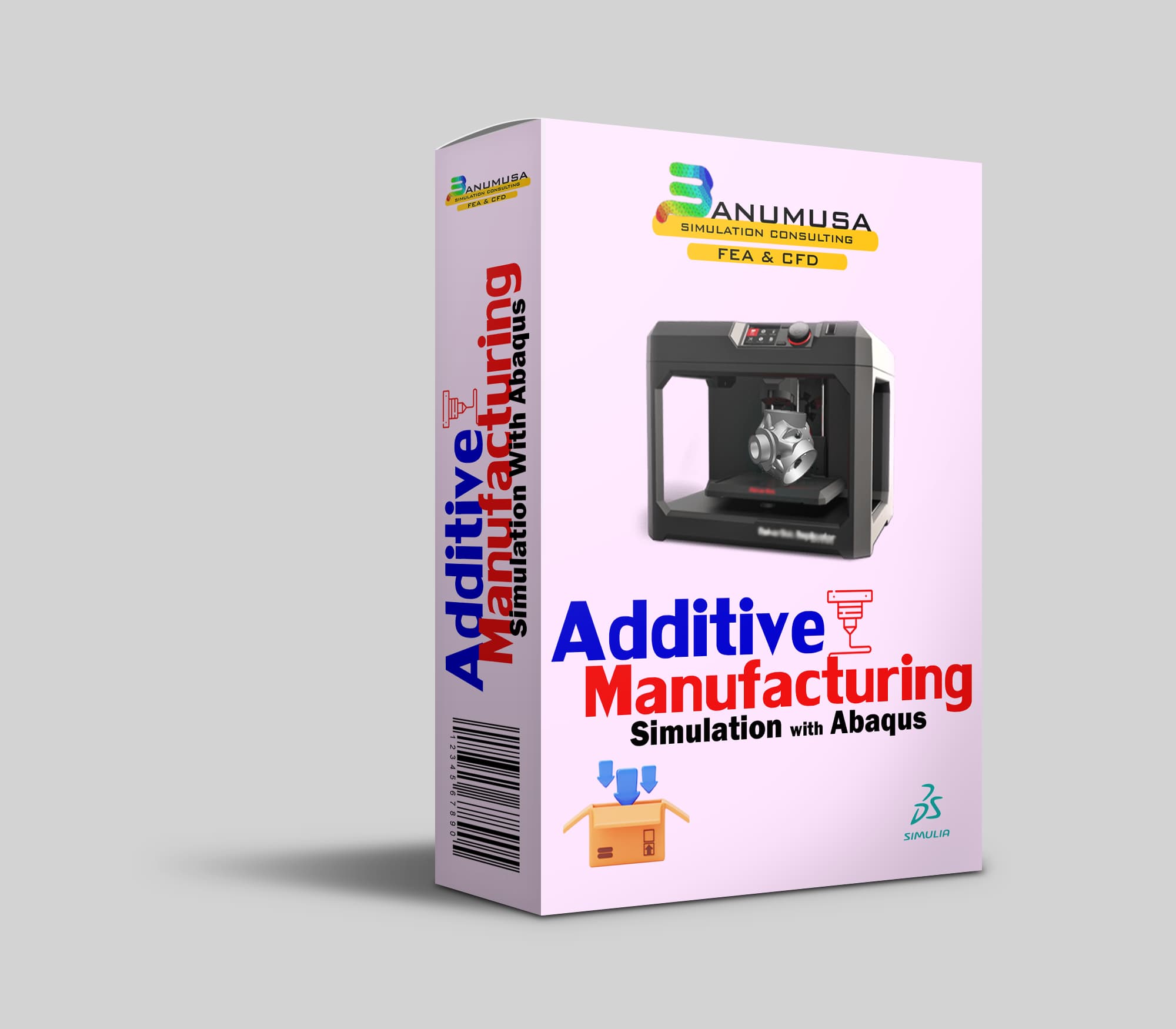
Additive Manufacturing Simulation with Abaqus
Compare
Close

Additive Manufacturing Simulation with Abaqus

€ 410.00
Throughout Additive Manufacturing Simulation with Abaqus course, you will gain a deep understanding of the principles and techniques involved in additive manufacturing simulation using Abaqus software. You will learn how to simulate the complex processes involved in additive manufacturing, such as material deposition, thermal management, and residual stress analysis. By the end of the course, you will be equipped with the knowledge and skills to effectively utilize Abaqus for additive manufacturing simulation, making you a valuable asset in the field of advanced manufacturing. Abaqus tutorial video (*.mp4) Lecture notes (PDF) Abaqus workshop files (*.cae, *.inp, *.jnl, *.odb) 15-day money-back guarantee   Free 24/7 online mentoring
Add to wishlist
Add to cart
Quick view
Fitness-for-Service Analysis with Abaqus Course - ffs abaqus - ffs analysis
Level 3 assessment abaqus ffs analysis banumusa
Compare
Close

Fitness-for-Service Analysis with Abaqus Course

€ 550.00
In the Fitness-for-Service Analysis with Abaqus Course, participants will gain an in-depth understanding of assessing pressure vessels and piping equipment in accordance with industry standards such as ASME/API-579 Fitness-for-Service (FFS). The course focuses on utilizing Finite Element Analysis (FEA), specifically Level-3 stress analysis assessments, to evaluate equipment with complex geometries and varying loading conditions. Participants will learn techniques for modeling common pressure vessels like distillation towers and storage vessels using Abaqus/CAE. Additionally, the course covers the application and validation of loads such as the weight of contents, internal pressure, and more using Abaqus/Standard, which is essential for Level-3 FFS evaluations. Furthermore, procedures for analyzing metal loss through the finite element method, including mapping thickness readings from scans, will be discussed. This course is designed to enhance participants' expertise in utilizing Abaqus FEA simulation technology for making fitness-for-service (FFS) decisions on assets in the Petrochemical, Refinery, Oil & Gas industries, including pipelines, pressure vessels, heat exchangers, and more. Abaqus tutorial video (*.mp4) Lecture notes (PDF) Abaqus workshop files (*.cae, *.inp, *.jnl, *.odb) FFS Abaqus Plugins API 579 / ASME FFS-1 Standard 15-day money-back guarantee   Free 24/7 online mentoring
Add to wishlist
Add to cart
Quick view
Johnson-Cook plugin for Abaqus
Compare
Close

Abaqus Johnson Cook Plugin: Free Material Calibration Tool

€ 0.00
Download the free Abaqus Johnson Cook plugin. Automate material calibration, calculate hardening parameters, and plot stress-strain responses instantly.
Add to wishlist
View
Quick view
University of Warwick
NBJX
MultiFat
kitech
kims
EnginSoft
Techinco
NIGC
Mobarakeh Steel Co.
Lincoln University
ISOICO Shipbuilding Company
IRISL Company
Ferdows Marine Tech
AQR Company

Founded in 2016, BanuMusa R&D is an established engineering consultancy specializing in advanced Finite Element Analysis (FEA), Computational Fluid Dynamics (CFD), and simulation-driven product development.

Facebook Youtube Linkedin Instagram

Products

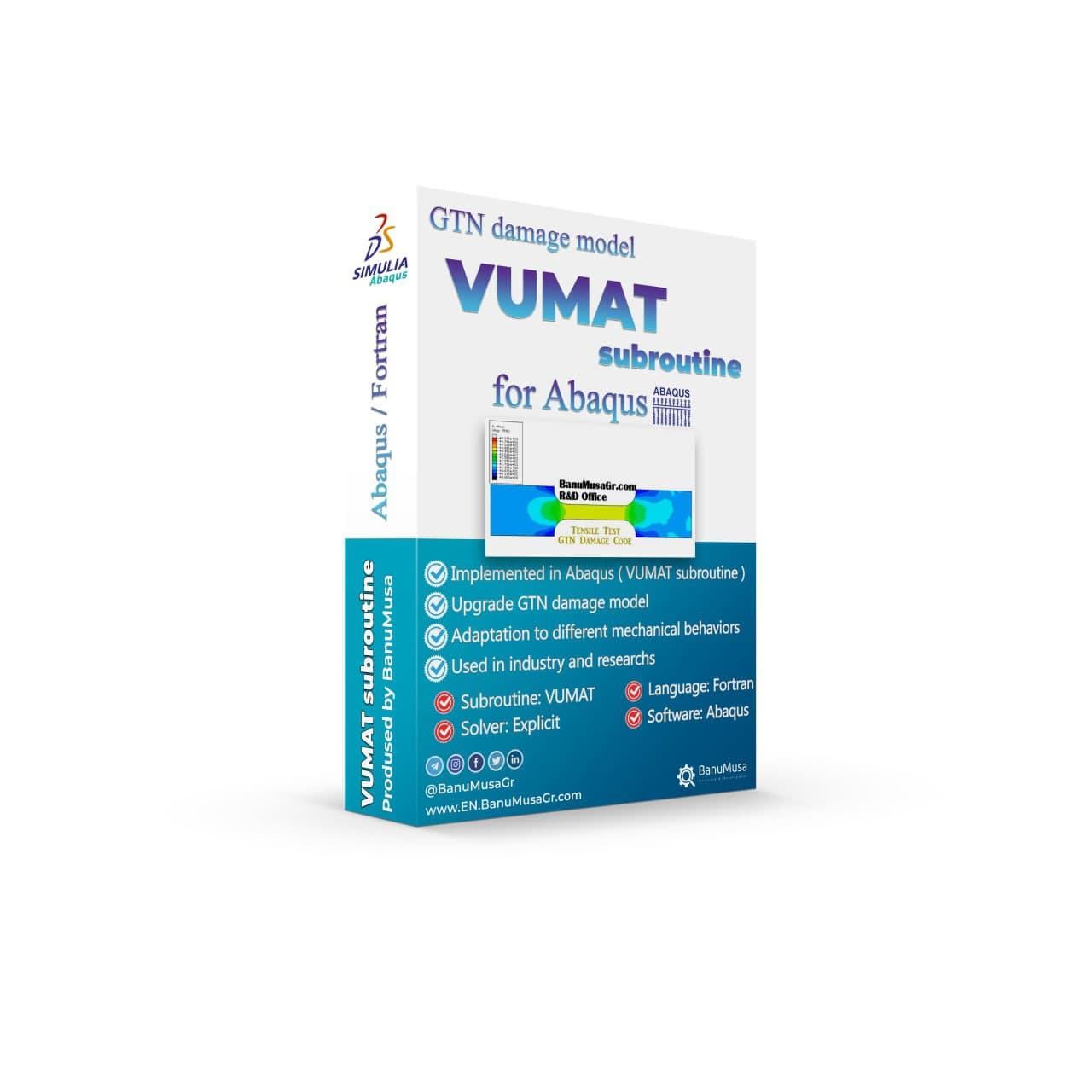
  • 3D Hashin VUMAT Subroutine for Abaqus with Exponential Damage Evolution
  • VUMAT Subroutine: Shear Anisotropic Modified GTN Damage Model
  • MatLib Abaqus Material Library

Company

  • Contact us
  • Our team
  • Our partners
  • Careers
Start Project

Our WeChat 

abaqus ansys lsdyna banumusa wechat

Copyright BanuMusa 2026
payments

Shopping cart

close

Powered by WhatsApp Chat

  • Menu
  • Categories
  • Consulting Services
  • Products
  • Resources
    • Blog
    • Projects
  • About Us
    • Contact Us
    • Our Team
    • Our Partners
    • Careers
    • Payment Methods
    • Support & FAQ
  • Consulting Services
  • Products
  • Resources
    • Blog
    • Projects
  • About Us
    • Contact Us
    • Our Team
    • Our Partners
    • Careers
    • Payment Methods
    • Support & FAQ

Sign in

close


Lost your password?
No account yet? Create an Account
Sidebar