

Facebook Twitter Email Instagram YouTube linkedin WhatsApp WhatsApp VK Telegram
info@BanuMusaGr.com
Login / Register
0 Wishlist
0 Compare
0 items / € 0.00
Facebook Twitter Email Instagram YouTube linkedin WhatsApp WhatsApp VK Telegram
BanuMusa R&D BanuMusa R&D
  • Consulting Services
  • Products
  • Resources
    • Blog
    • Projects
  • About Us
    • Contact Us
    • Our Team
    • Our Partners
    • Careers
Free Mentoring
Menu
BanuMusa R&D
0 items / € 0.00
HomeShopAbaqusAbaqus Subroutines Fortran for Abaqus Subroutine
Previous product
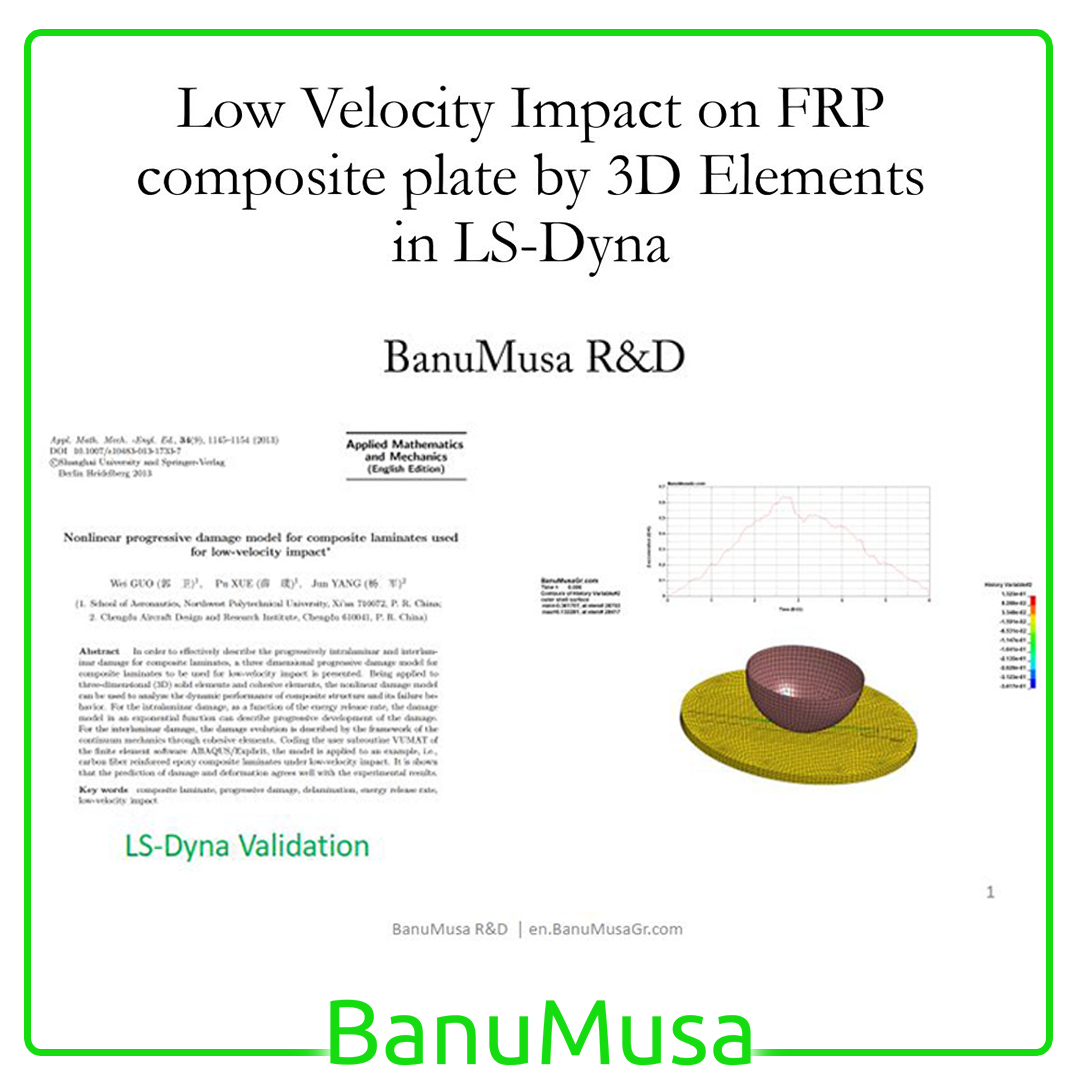
Low-Velocity Impact FRP Laminate damage finite element (fea) analysis on frp composite plate validation - lsdyna tutorial video
LS-Dyna Tutorial: 3D modeling techniques for low-velocity impact analysis of FRP composite laminate € 239.00
Back to products
Next product
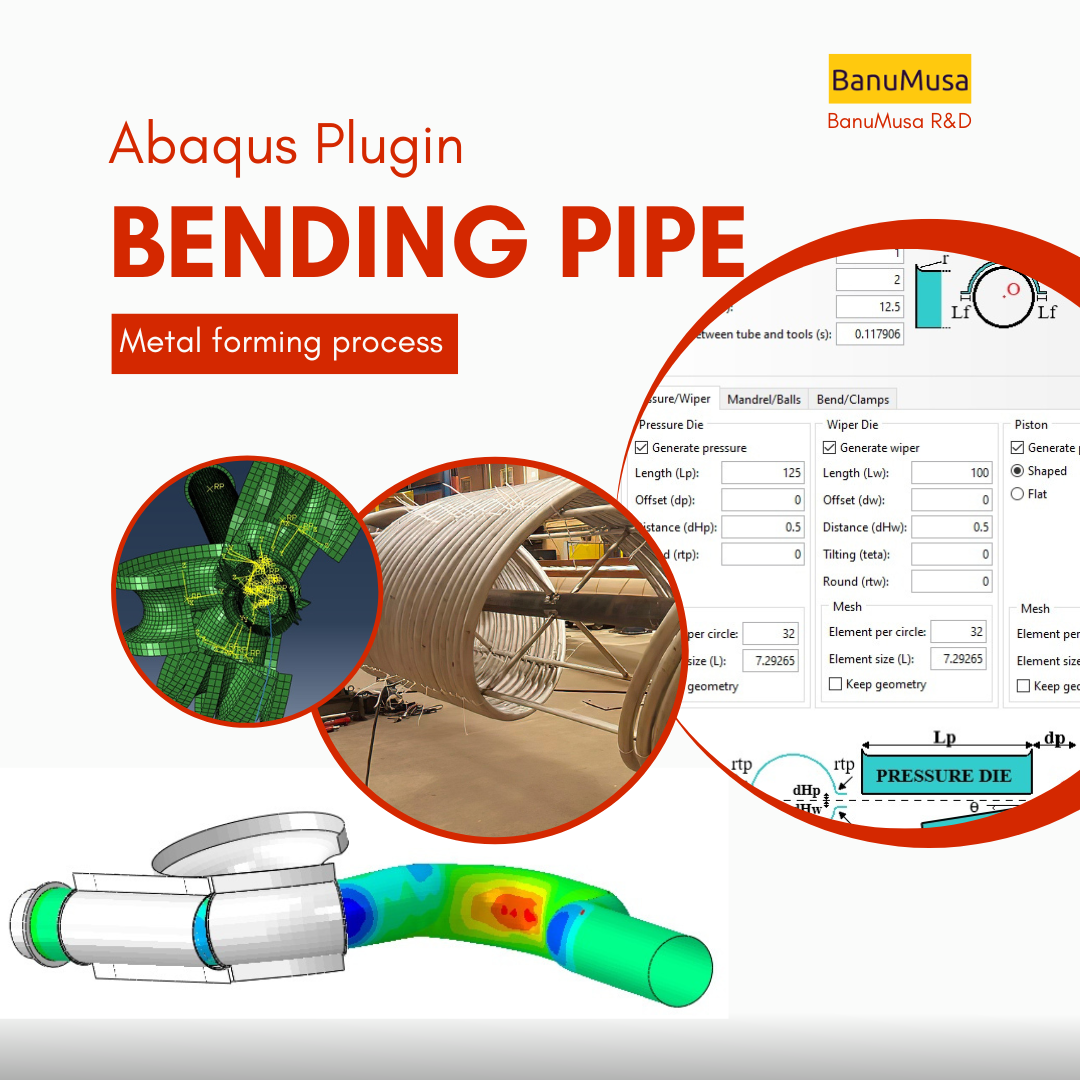
Bending Pipe plugin interface acting as an advanced pipeline modeling software in Abaqus
Bending Pipe Plugin for Abaqus € 1,365.79 Original price was: € 1,365.79.€ 685.00Current price is: € 685.00.
Fortran for Abaqus Subroutine - writing user subroutines udhard umat film uload
Click to enlarge

Fortran for Abaqus Subroutine

€ 255.00

If you are familiar with user subroutines in Abaqus, you must know that Fortran, C, and C# are languages that can be used to write subroutines in Abaqus. What is common among Abaqus users now is using Fortran in writing user subroutines. In the “Fortran for Abaqus Subroutine” training package, zero-to-one writing user subroutine tips are taught using Fortran in Abaqus.

Abaqus tutorial video (*.mp4)
Lecture notes (PDF)
Abaqus workshop files (*.cae, *.inp, *.jnl, *.odb)
Fortran Abaqus subroutines run on Windows or Linux
15-day money-back guarantee
  Free 24/7 online mentoring

If you want to pay in a way other than Tether/Tron, contact us.
somdn_product_page
Compare
Add to wishlist
SKU: 011-1 Categories: Abaqus, Abaqus Subroutines, Training courses, Tutorial
Share
Facebook Twitter Email Pinterest linkedin Odnoklassniki WhatsApp WhatsApp VK Telegram
close
You may also like…
  • USDFLD Subroutine 3D Hashin
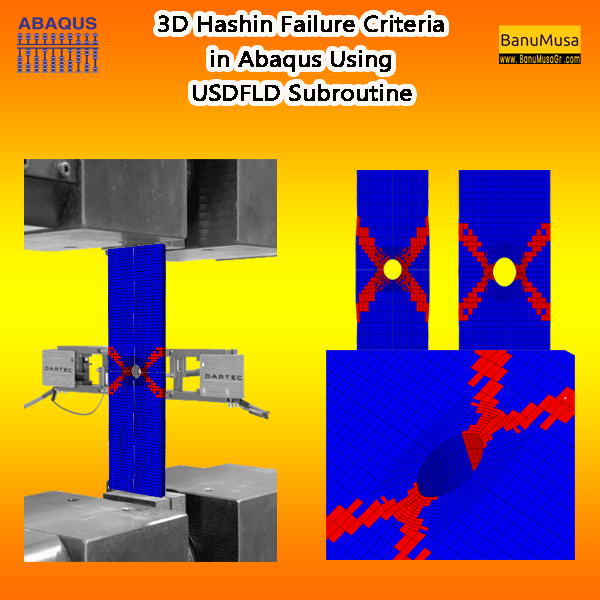
    3D Hashin USDFLD Subroutine Failure Criteria for Abaqus € 124.00 Original price was: € 124.00.€ 119.00Current price is: € 119.00.
  • umat-vumat-subroutine-gtn-damage-model-abaqus GTN damage model Abaqus Shear-Modified GTN VUMAT Gurson-Tvergaard-Needleman plasticity ductile failure simulation void coalescence Abaqus
    VUMAT Subroutine: Shear Anisotropic Modified GTN Damage Model € 535.00 Original price was: € 535.00.€ 490.00Current price is: € 490.00.
  • abaqus explicit - 3d hashin
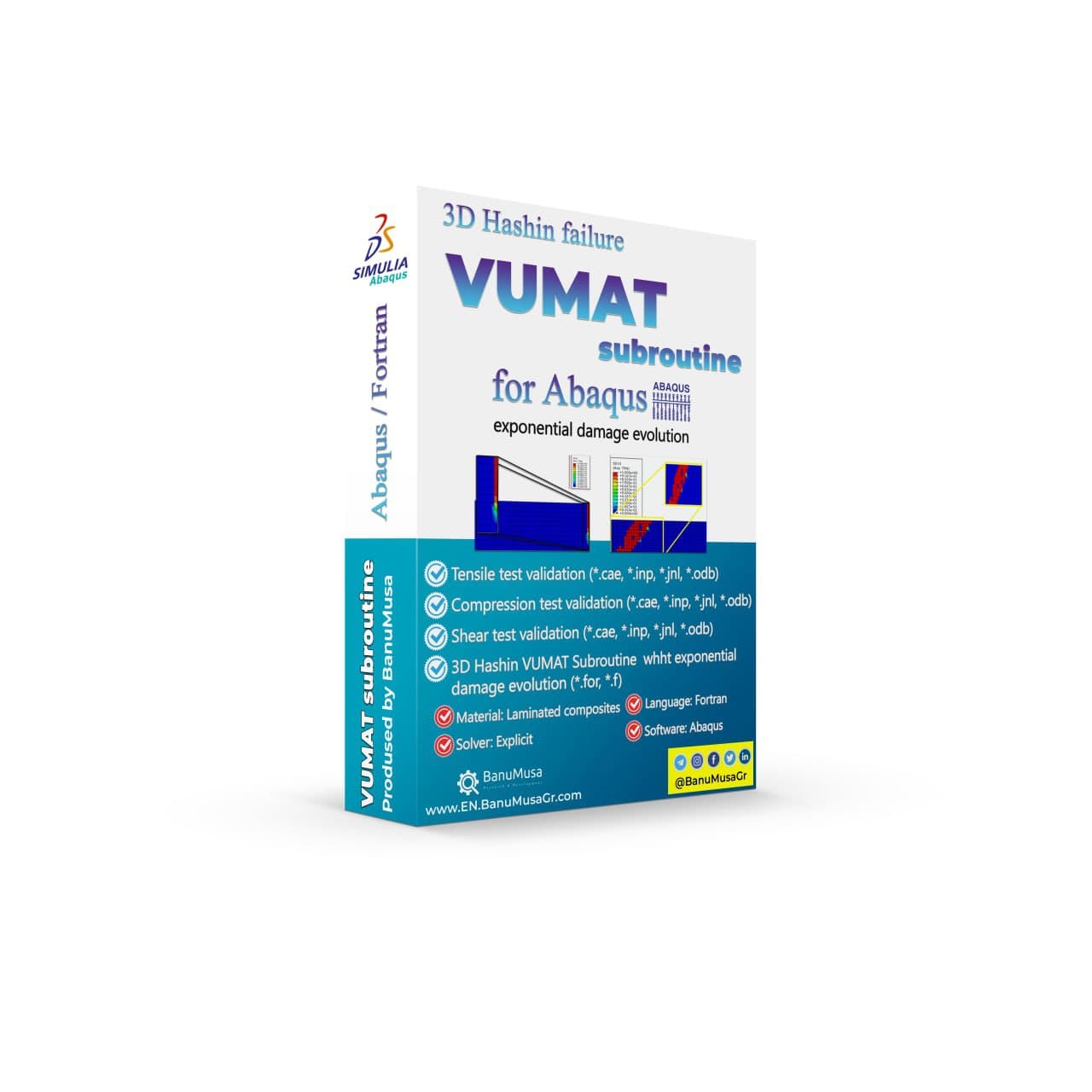
    3D Hashin VUMAT Subroutine for Abaqus with Exponential Damage Evolution € 455.00
  • Porous Elastomers Abaqus UHYPER Subroutine
    Porous Elastomers Abaqus UHYPER Subroutine € 55.00
Products
  • Porous Elastomers Abaqus UHYPER Subroutine Porous Elastomers Abaqus UHYPER Subroutine € 55.00
  • SlopeSR plugin for geotechnical Shear Strength Reduction and slope stability in Abaqus SlopeSR Plugin for Abaqus € 55.00
  • Description
  • Additional information
  • Payment & Support
  • Content
Description
How to write a subroutine in Abaqus?

Fortran for Abaqus Subroutine

+ practical examples

Fortran for Abaqus Subroutine

The Fortran language was designed in the 1950s at IBM by a team led by John Backus.  Fortran is one of the most popular programming languages in numerical calculations. This language is very efficient, simple, and fast for solving finite element problems. These features make it the first choice for high-performance computing (HPC) by engineers and scientists.

Numerical simulation engineers, both CFD and FEM, are familiar with this program and its capabilities. Since ancient times, Fortran has been used in many numerical simulation software, and even now it plays a significant role in the development of software such as Abaqus.

Fortran in Abaqus

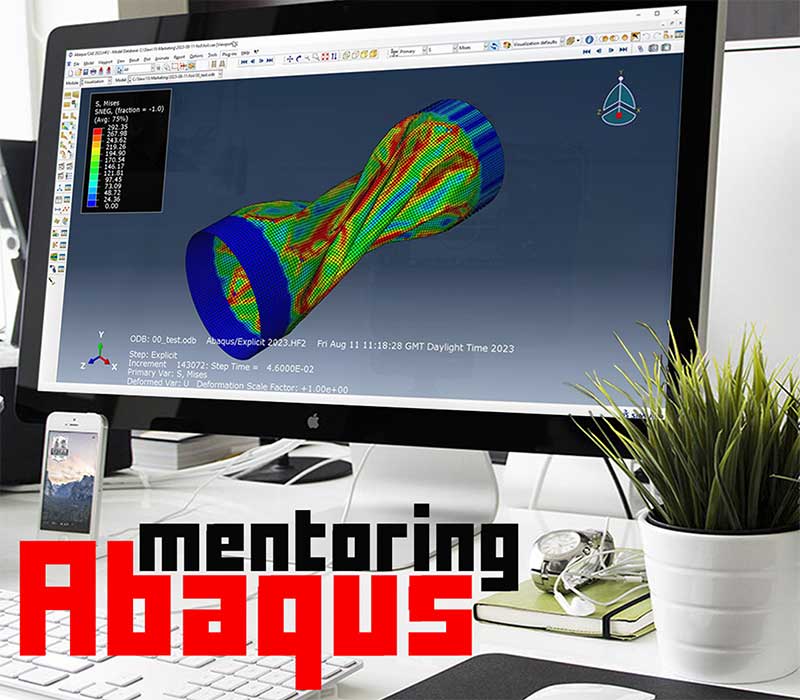
In Abaqus, this programming language is available to engineers, students, and researchers along with C and C# for developing numerical codes known as user subroutines. Various tasks can be done with the help of user subroutines. For example, you can develop new material models, try different loadings, and even produce new elements! These are a small part of the capabilities that are provided to users with the help of subroutine. The key to entering this field is learning Fortran for Abaqus subroutine. In this course, I will try to provide you with the experiences gained from 10 years of writing Fortran user subroutines.

Why & When to Use Abaqus User Subroutines?

  • When Standard Abaqus  built-in capabilities are limited, restrictive, or insufficient
  • Go away from black-box modeling
  • Achieve more accurate material models from experimental data
  • Adapt Abaqus to a particular analysis requirement
  • Straightforward for others to use your code
  • When the features and options in the Abaqus do not meet the user’s needs,


Prerequisites

A basic understanding of programming concepts and experience with Fortran programming language would be beneficial. It is also recommended to have some familiarity with Abaqus software and its usage.

What you will learn in Fortran for Abaqus subroutine course?

  • Initial setup – Abaqus and Fortran linking in all Abaqus versions + required software
  • Introduction with Abaqus subroutines
  • Introduction to Fortran programming language
  • Fortran basics such as variables, data types, and arrays
    • Expressions, Order of Operations and Type Conversions
  • Writing to a File
  • Reading From a File
  • Subroutines and Functions
  • Important and frequently used Fortran commands
  • Debugging and troubleshooting Fortran subroutine code
  • Subroutine activation and introduction to Abaqus
  • Structure of an Abaqus subroutine
  • Choosing the right subroutine
  • Rules and regulations to prevent errors
  • View results in Abaqus
  • Best practices for writing efficient and effective subroutines in Abaqus (including umat, dload, vumat, film, usdfld, uhard, ufield)


Who this course is for

  • All Abaqus users
  • Anyone new to Fortran programming
  • Anyone interested in learning the Abaqus user subroutine

What you’ll gain

  • You will be able to write user subroutines in Abaqus
  • You will be able to develop your own codes
We are ready to help you do FEA simulations.

Need help? Get a consultation from our experts.

Abaqus E-learning technical FEA & CFD consulting by banumusa FEA & CFD Consultancy Services Abaqus Ansys LS-Dyna user subroutine plugin FEA and CFD consultancy Abaqus consultancy services Technical Abaqus mentoring fluent cfd services ls-dyna consultancy services ansys consultancy services comsol consultancy services
Email us: info@banumusagr.com
Telegram: +98-915-55-20-388
WhatsApp: +98-915-55-20-388

Find Us on WeChat

wechat banumusa company ویچت

Money-Back Guarantee

15-Day

Money back gold guarantee - BanuMusaWe’re fully confident in the value and reliability of the product. If for any reason you are not completely satisfied, email us at info@BanuMusaGr.com within 48 hours of your purchase for a full refund.
Additional information
Software

Abaqus FEA

Type

Abaqus Tutorial Course
Abaqus User Subroutine

Level

Elementary

Files

Abaqus files: *.cae, *.inp
Fortran files: *.for
Video: *.mp4
Lecture notes: *.pdf

Language

English

Category

Programming

Solver

Explicit, Standard

Material

FRP Composite Materials
Metals

Payment & Support

Satisfaction Guarantee & Instant Access

All products available on the BanuMusa R&D website come with a guarantee of customer satisfaction. You will receive an automated download link immediately after your purchase is processed. We also provide online consulting and mentoring to ensure you get the absolute most out of our engineering products.

Before buying, you can consult with our technical experts to ensure the product perfectly aligns with your project requirements.

Secure Payment Methods

Cryptocurrency (Fastest)

The easiest way to pay is through the Tether portal in our shop using your wallet. The download link will be generated automatically.

  • Tether (USDT) - TRC20
  • Tron (TRX)
Video Tutorials:
  • How to pay using USDT TRC-20
  • Tron TRC20 Wallet Tutorial

International e-Wallets

We support major digital wallets. Once your manual payment is verified, we will email you the download links.

  • Payoneer: Contact us to receive the payment address.
  • PayPal: Contact us for our official account.
  • PAYEER: Contact us for instructions.
  • WebMoney: Contact us for our WMZ wallet address.

Bank Transfer (SWIFT)

For corporate clients or large engineering software orders, we accept direct wire transfers.

Please contact our support team to receive our official SWIFT/IBAN banking details and a Proforma Invoice.

Need Help with Payment? Contact Us

If you cannot use the direct Tether gateway or need our payment details (PayPal, Payoneer, SWIFT, etc.), simply send us the product link via email or our social networks.

  • +98-915-5520-388 (WhatsApp, Telegram, WeChat)
  • info@banumusagr.com
  • +98-51-35424520
Content
  • Abaqus tutorial video (*.mp4)
  • Lecture notes (PDF)
  • Abaqus workshop files (*.cae, *.inp, *.jnl, *.odb)
  • Fortran Abaqus subroutines run on Windows or Linux
  • 15-day money-back guarantee
  •   Free 24/7 online mentoring

Reviews

There are no reviews yet.

Be the first to review “Fortran for Abaqus Subroutine” Cancel reply

You must be logged in to post a review.

Related products

Coupled thermal stress analysis
Hongqi-CA7220-AE_abaqus-Coupled Thermal Stress Analysis of Automotive Disc Brake Validation Tutorial
Compare
Close

Coupled Thermal Stress Analysis of Automotive Disc Brake: A Complete Validation Tutorial

€ 175.00
In Coupled Thermal Stress Analysis of Automotive Disc Brake: A Complete Validation Tutorial, a solid disk brake of a CA7220 car with initial rotational velocity will contact a disk pad. The effects of friction will be an increase in disk temperature due to heat generated by energy dissipation and the reduction of rotational velocity. The numerical results were validated by the Gao & Lin, (2002) paper. Abaqus tutorial video (*.mp4)  Abaqus files (*.cae, *.inp, *.jnl, *.odb) 15-day money-back guarantee   Free 24/7 online mentoring
Add to wishlist
Add to cart
Quick view
online Technical Abaqus Mentoring by Skype and anydesk - banumusa - fea consulting
Compare
Close

Technical Abaqus Mentoring by Skype

€ 75.00
Our Technical Abaqus Mentoring by Skype service offers you the opportunity to engage in personalized one-on-one mentoring sessions via Skype and AnyDesk with our team of certified Abaqus specialists. This unique platform allows you to delve into your engineering challenges, providing you with expert guidance and support to navigate through any obstacles you may encounter. Our specialists are dedicated to steering you in the right direction, ensuring that you receive the assistance needed to overcome your technical hurdles effectively and efficiently.
Add to wishlist
Add to cart
Quick view
asme design by analysis course - banumusa - abaqus fea
PRESSURE VESSEL DESIGN asme design by analysis course - banumusa - abaqus
Compare
Close

ASME Design By Analysis Course

€ 1,100.00
The ASME Design By Analysis Course provides a comprehensive overview of advanced engineering design techniques and analysis methods as per the ASME Section VIII, Division 2, Part 5. This course equips participants with the knowledge and skills needed to effectively apply FEA method in designing and evaluating mechanical components and systems. Through practical examples and case studies, participants will gain a deeper understanding of the principles behind design analysis and how to implement them in real-world engineering projects. Course video (mp4) Lecture notes (PDF) API 579 / ASME Sec. VIII, Div. 2 code (PDF) 15-day money-back guarantee   Free 24/7 online mentoring
Add to wishlist
Add to cart
Quick view
VUMAT JHB JH-2 ceramic model- Implementing Johnson-Holmquist model in Abaqus - JH-2 damage model VUMAT
Compare
Close

Abaqus VUMAT JHB and JH-2 Ceramic Model

€ 199.00
In Abaqus VUMAT JHB and JH-2 Ceramic Model tutorial course, you will learn how to use Built-in VUMAT subroutines in Abaqus to predict brittle materials (e.g. ceramic materials) damage using Johnson, Holmquist, and Beissel (JHB) and Johnson-Holmquist (JH-2) ceramic model. Also, 5 practical workshops show you how to define and use the subroutine, how to configure the model in Abaqus CAE, and how to visualize the results. There is also a JH-2 VUMAT subroutine Fortran file in this CAE package. In addition to the tutorial video, the Abaqus workshop files, & JH-2 VUMAT subroutine will be provided to you so that nothing will remain unclear. Also, all course includes free online 24/7 online tutoring after purchase. Abaqus tutorial video (*.mp4) Lecture notes (PDF) Abaqus workshop files (*.cae, *.inp, *.jnl, *.odb)  JH-2 Fortran VUMAT subroutine run on Windows or Linux 15-day money-back guarantee   Free 24/7 online mentoring
Add to wishlist
Add to cart
Quick view
Design and Analysis of Composite Overwrapped Pressure Vessels Course banumusa wcm plugin
Design and Analysis of Composite Overwrapped Pressure Vessels Course banumusa wound composite modeler plugin abaqus
Compare
Close

Design and Analysis of Composite Overwrapped Pressure Vessels Course

€ 425.00
The "Design and Analysis of Composite Overwrapped Pressure Vessels (COPV)" course provides a comprehensive overview of the principles, processes, and considerations involved in designing and analyzing COPVs. Participants will delve into topics such as material models, structural design, manufacturing modeling, and FEA analysis guidelines specific to COPVs. The course aims to equip attendees with the knowledge and skills necessary to understand the complexities of COPV design, ensuring safety, reliability, and efficiency in aerospace and other industries. Abaqus tutorial video (mp4) Lecture notes (PDF) Abaqus workshop files (cae, jnl, inp, odb) API 579 / BPVC ASME section X standard (PDF) 15-day money-back guarantee   Free 24/7 online mentoring
Add to wishlist
Add to cart
Quick view
Modeling Rubber and Viscoelasticity with Abaqus tutorial course
Modeling Rubber and Viscoelasticity with Abaqus course - abaqus tutorial
Compare
Close

Modeling Rubber and Viscoelasticity with Abaqus

€ 550.00
The Modeling Rubber and Viscoelasticity with Abaqus course delves into the intricacies of simulating rubber, foam, and viscoelastic materials using the Abaqus software. Throughout this training, participants will explore techniques for accurately modeling the behavior of rubber and viscoelastic substances, gaining valuable insights into material model, material data calibration, element selection, meshing, and simulation methodologies. This course equips learners with the knowledge and skills necessary to effectively model these complex materials in engineering simulations by focusing on practical applications and theoretical foundations. Course video (mp4) Lecture notes (PDF) Abaqus workshop files (CAE, INP, ODB) 15-day money-back guarantee   Free 24/7 online mentoring
Add to wishlist
Add to cart
Quick view
Shot Peening Induced Residual Stresses - Abaqus Validation
Compare
Close

Shot Peening Induced Residual Stresses Simulation & Validation in Abaqus FEA Software

Rated 5.00 out of 5
€ 85.00
This package describes Shot Peening Induced Residual Stresses Simulation & Validation in Abaqus FEA Software, a three-dimensional dynamic finite element (FE) study of single-shot impacting on a metallic component using Abaqus/CAE software. The Finie element results are validated by comparison with results from the published paper by Meguid et al. (1999). The shot peening finite element modeling using Abaqus/CAE allows engineers to optimize shot peening parameters for maximum benefits like increased fatigue life and yield strength. It also helps determine the effective extent of stress relief heat treatment. Abaqus validation files (cae, jnl, inp, odb) Tutorial video (Mp4) 15-day money-back guarantee Free 24/7 online mentoring
Add to wishlist
Add to cart
Quick view
rolling contact fatigue rail
Compare
Close

Rolling Contact Fatigue Analysis of UIC60 Rail Wheels

Rated 5.00 out of 5
€ 99.00
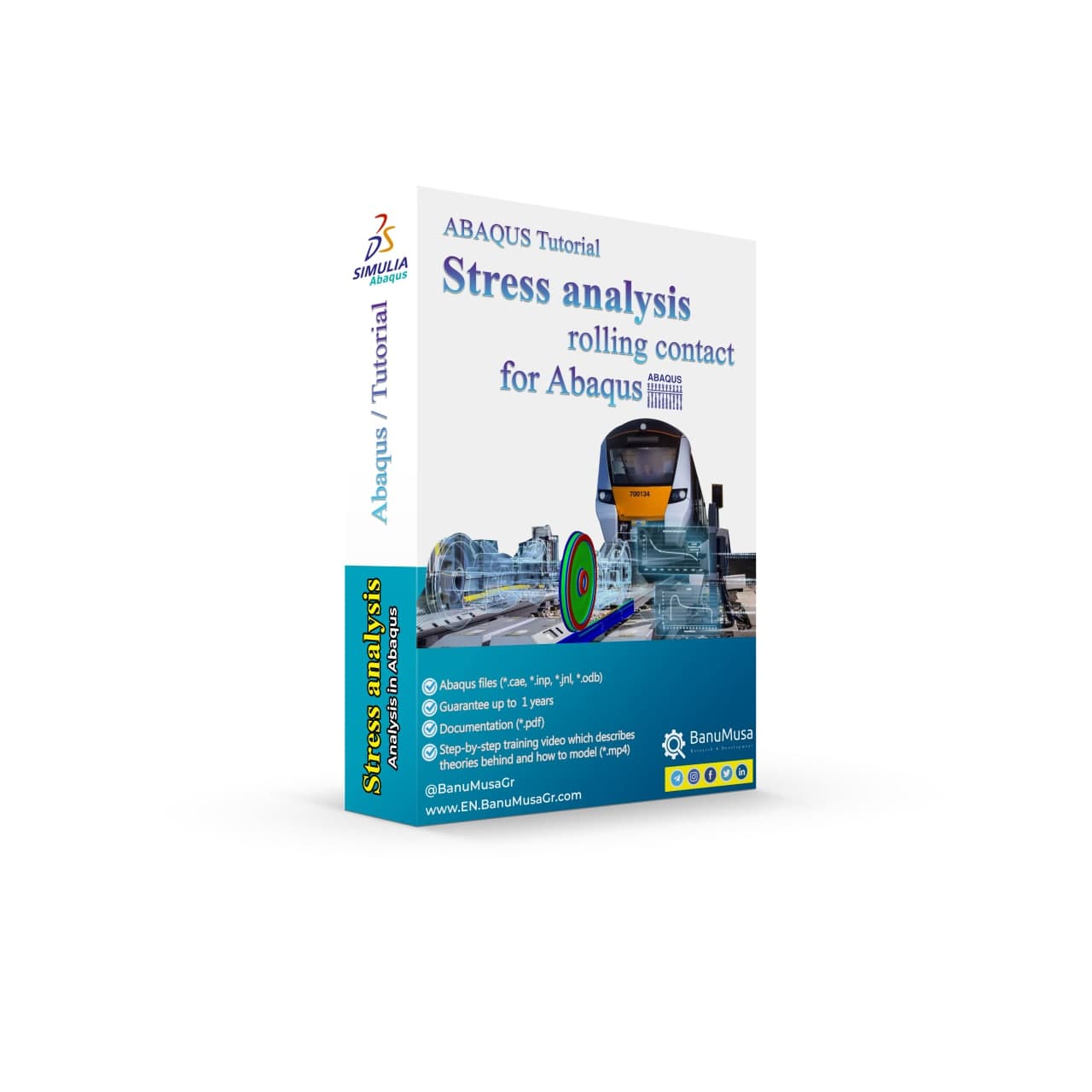
Advanced finite element analysis with proper contact modeling and considering parameters like residual stresses can provide detailed insights into the stress state and rolling contact fatigue failure mechanism. This Abaqus tutorial discusses the effect of axial force, velocity, and rail joint gap angle parameters on the distribution of contact and impact stresses. Modeling the rolling contact fatigue of a train wheel rail has tips trained in this tutorial video. In addition to the tutorial video, the Abaqus files and their results will be provided to you so that nothing will remain unclear. Also, all training includes free online 24/7 online tutoring after purchase. Abaqus tutorial video (*.mp4)  Abaqus files (*.cae, *.inp, *.jnl, *.odb) 15-day money-back guarantee   Free 24/7 online mentoring
Add to wishlist
Add to cart
Quick view

BanuMusa R&D Simulation Consultancy

Bridging the gap between theoretical engineering and manufacturing reality. We provide high-fidelity FEA, CFD, and specialized Abaqus plugins to eliminate trial-and-error in critical industrial sectors.

Capabilities

  • FEA Consultancy
  • CFD Simulation
  • API 579 FFS Assessment
  • ASME Design by Analysis
  • Composite & COPV

Flagship Utilities

  • MatLib Material Database
  • WCM Plugin (COPV)
  • 3D Hashin VUMAT
  • Autokeeler (Metal Forming)
  • Johnson-Cook Plugin

Support & Resources

  • 40% Academic Discount
  • 1-on-1 Abaqus Mentoring
  • Advanced CAE Courses
info@banumusagr.com
06-02 Park View condo, Changkat perak, off Lorong Perak, 50250, Kuala Lumpur, Selangor, Malaysia
Accepted Payments
© 2026 BanuMusa R&D. Engineering Simulation & Automation. All rights reserved.
Support & FAQ Payment Methods Privacy Policy Terms of Service

© 2026 BanuMusa R&D. All rights reserved

Shopping cart

close

Powered by WhatsApp Chat

  • Menu
  • Categories
  • Consulting Services
  • Products
  • Resources
    • Blog
    • Projects
  • About Us
    • Contact Us
    • Our Team
    • Our Partners
    • Careers
  • Consulting Services
  • Products
  • Resources
    • Blog
    • Projects
  • About Us
    • Contact Us
    • Our Team
    • Our Partners
    • Careers

Sign in

close


Lost your password?
No account yet? Create an Account
Sidebar