
Facebook Twitter Instagram YouTube linkedin
info@BanuMusaGr.com
Login / Register
0 Wishlist
0 Compare
0 items / € 0.00
Facebook Twitter Instagram YouTube linkedin
BanuMusa R&D BanuMusa R&D
  • Consulting Services
  • Products
  • Resources
    • Blog
    • Projects
  • About Us
    • Contact Us
    • Our Team
    • Our Partners
    • Careers
Free Mentoring
Menu
BanuMusa R&D
0 items / € 0.00
Shot Peening Induced Residual Stresses - Abaqus Validation
Watch video
HomeShopTraining courses Shot Peening Induced Residual Stresses Simulation & Validation in Abaqus FEA Software
Back to products
Next product
abaqus material library
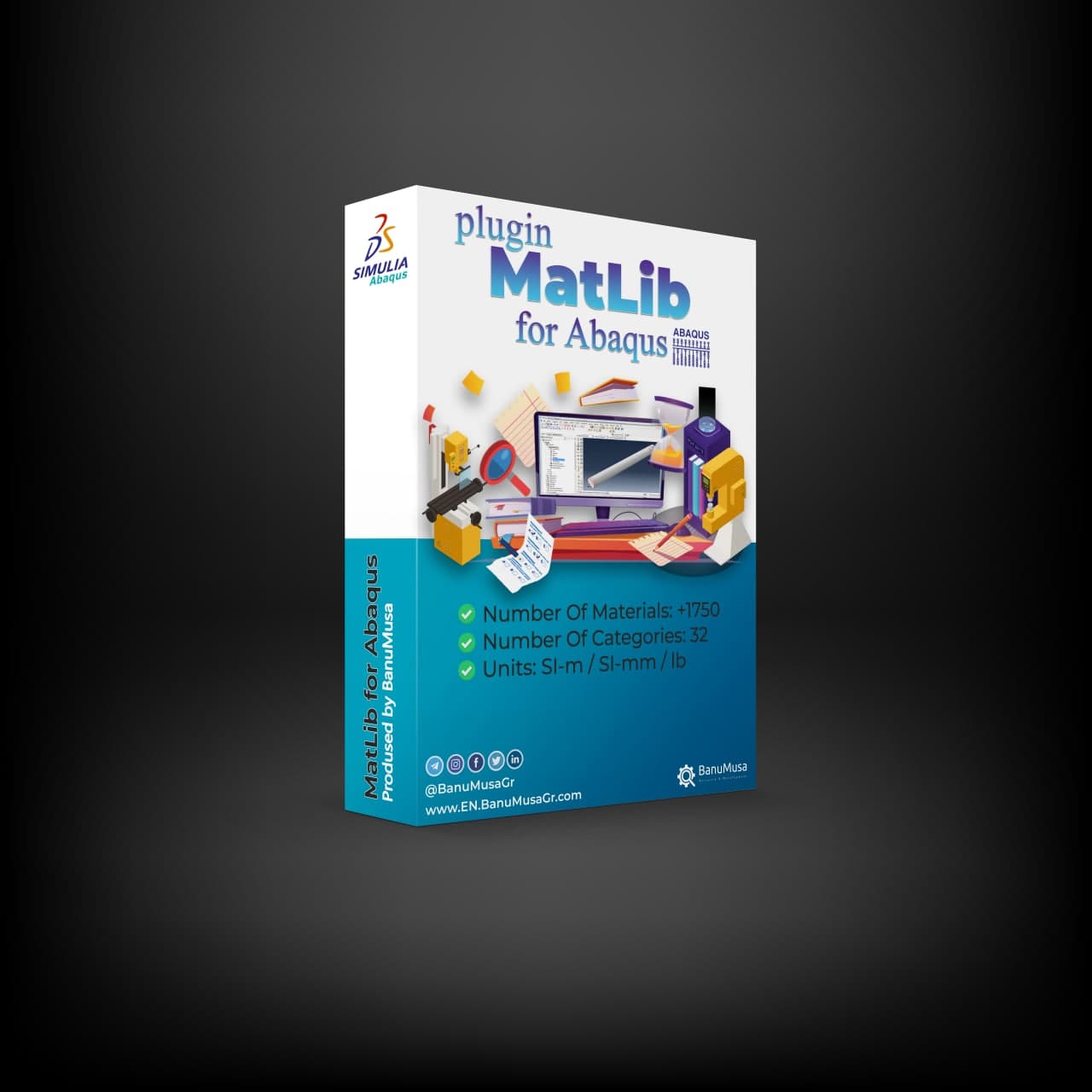
MatLib: The Ultimate Abaqus Material Library Plugin € 315.00

Shot Peening Induced Residual Stresses Simulation & Validation in Abaqus FEA Software

Rated 5.00 out of 5 based on 4 customer ratings
(4 customer reviews)

€ 85.00

This package describes Shot Peening Induced Residual Stresses Simulation & Validation in Abaqus FEA Software, a three-dimensional dynamic finite element (FE) study of single-shot impacting on a metallic component using Abaqus/CAE software. The Finie element results are validated by comparison with results from the published paper by Meguid et al. (1999). The shot peening finite element modeling using Abaqus/CAE allows engineers to optimize shot peening parameters for maximum benefits like increased fatigue life and yield strength. It also helps determine the effective extent of stress relief heat treatment.

Abaqus validation files (cae, jnl, inp, odb)
Tutorial video (Mp4)
15-day money-back guarantee
Free 24/7 online mentoring

somdn_product_page
Compare
Add to wishlist
SKU: 005 Categories: Abaqus, FEM Validation, Training courses
Share
Facebook Twitter Email Pinterest linkedin Odnoklassniki WhatsApp WhatsApp VK Telegram
close
Products
  • Shot Peening Induced Residual Stresses - Abaqus Validation Shot Peening Induced Residual Stresses Simulation & Validation in Abaqus FEA Software
    Rated 5.00 out of 5
    € 85.00
  • Blast and Explosion Modeling with LS-DYNA Blast and Explosion Modeling with LS-DYNA € 480.00
  • Description
  • Additional information
  • Reviews (4)
  • Payment & Support
  • Content
Description

Shot Peening Induced Residual Stresses – Abaqus Validation

Shot Peening Induced Residual Stresses – Abaqus Validation is a tutorial package for Abaqus users, Abaqus application engineers, and anyone who needs to learn and perform shot peening process analysis. This package contains all the required Abaqus files, and the FE results have been validated with an authoritative paper.

Results are accomplished by bombarding the surface of the component with small spherical shots made of hardened cast steel, conditioned cut-wire, and glass or ceramic beads at a relatively high velocity (40±70 m/s). After contact between the target and the shot has ceased, a small plastic indentation is formed causing stretching of the top layers of the exposed surface.

Upon unloading, the elastically stressed sub-surface layers tend to recover their original dimensions, but the continuity of the material in both zones, the elastic and the plastic do not allow this to occur. Consequently, a compressive residual stress field followed by tensile is trapped in the treated component. This surface compressive residual stress field is highly effective in preventing premature failure under conditions of cyclic loading. Fatigue failure generally propagates from the upper-most surface of the component and usually starts in a region that is subjected to high tensile stresses.

What is Shot Peening & How It Works?

Shot peening is a cold working process that involves impacting a metal surface with small abrasive particles (shot) at high velocity to produce beneficial compressive residual stresses in the surface. Also, it is used mainly to improve the fatigue life and resistance to crack initiation and propagation of metallic components.

Some benefits of shot peening are:

  • Improved fatigue life – Compressive residual stresses increase resistance to crack initiation and prolong the fatigue life. Fatigue life improvement factors of 1.2x to 2x are common.
  • Improved corrosion resistance – Compressive layer hinders crack initiation from corrosion pits.
  • Increased yield and tensile strength

The shot used is typically steel, ceramic, or glass beads ranging from 0.1 to 2 mm in size. A larger shot produces deeper compressive zones.

Shot Peening Modeling in Abaqus

Despite its importance to the aerospace and automobile industries, little or no attention has been devoted to the accurate modeling of the process. Shot peening is a very complex process to model numerically, involving dynamic analysis of fast-moving shots impacting on a metallic component which can often have complex geometry. There are a significant number of parameters involved in shot peening that need to be controlled and regulated in order to produce a more beneficial compressive residual stress distribution within the component.

These parameters can be categorized into three groups relating to the shot, the component, and the process. The shot parameters include size, density, shape, impact velocity, rotary inertia, incident angle, and hardness. The component parameters include geometry, initial yield stress, work-hardening characteristics, and hardness.

The process parameters include mass flow rate, air pressure, angle of attack, the distance between nozzle and component, and percentage coverage. In order to control the resulting residual stress pattern in shot peened components, it would be highly beneficial to establish quantitative relationships between these parameters and residual stress characteristics.

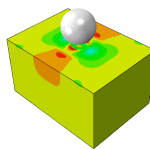
This package describes a three-dimensional dynamic finite element (FE) study of the single-shot impact on a metallic component using Abaqus/CAE software. The prediction is validated by comparison with results from the published literature by Meguid et al. (1999).
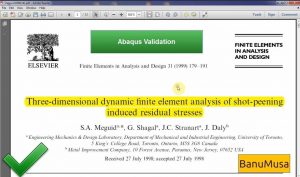
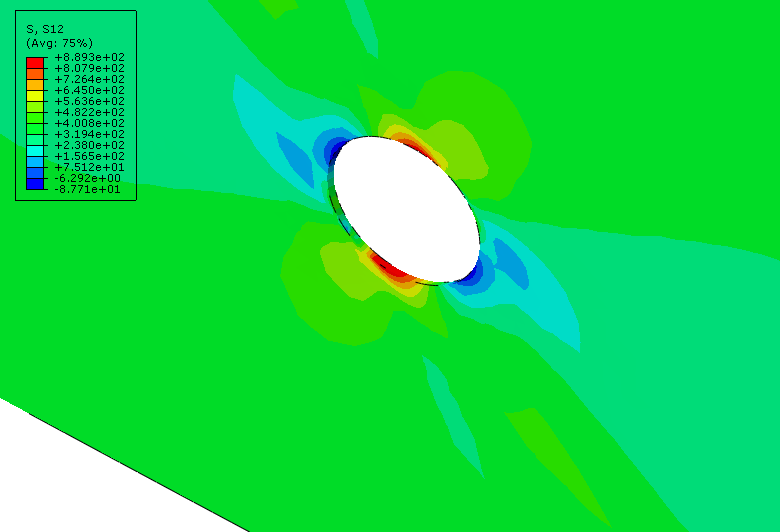
Shot Peening Induced Residual Stresses - Abaqus Validation with Mequid et al. paper

Shot Peening Induced Residual Stresses – Abaqus Validation with Mequid et al. paper

What you’ll learn

In this Abaqus training course, you will learn the following:

  1. How to do FEA validation with a paper
  2. How to model rigid bodies
  3. How to model elastic-plastic material
  4. How to use the tangential modulus in material property
  5. how to partition a geometry for a better mesh
  6. how to assign a mass to a rigid body
  7. how to use a dynamic explicit step
  8. how to select field outputs
  9. how to use surface-to-surface contact (Explicit)
  10. how to create an interaction property
  11. how to create boundary conditions
  12. how to define initial velocity for the shot peening
  13. how to local seeds using single and double bias
  14. how to use multiple processors
  15. how to use display group
  16. how to create a path
  17. how to export results in Excell
  18. how to normalize data
  19. how to use GetData Graph Digitizer software

Who this course is for

  • Mechanical engineers who need to perform stress & fatigue analysis
  • Advanced students, Ph.D. students, or researchers for their Abaqus FEA projects
  • Any Abaqus application engineer who is involved with various simulation projects on a daily basis

What you’ll gain

  • You will be able to perform a stress analysis of the shot peening process by Abaqus
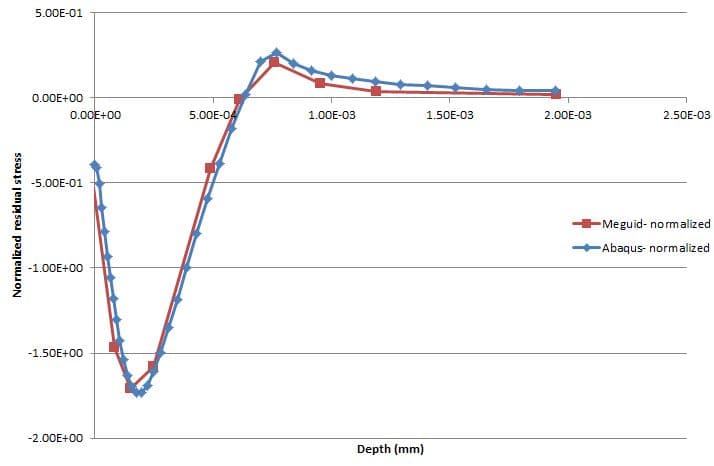
Abaqus shot peening validationAbaqus Shot Peening Validation

A finite element model of the experimental specimen is created in Abaqus using the same material properties and shot peening parameters. The residual stresses predicted by Abaqus are compared with the experimental measurements of the Meguid et al. paper. Material properties and/or shot peening parameters in the Abaqus model are adjusted to achieve a closer match with the experimental residual stresses.

Iterations are performed until a satisfactory agreement is reached. Once a good match is achieved, the Abaqus model is considered validated for predicting residual stresses under the specified conditions. The validated Abaqus model can now be used with confidence to predict residual stresses for the actual part under similar conditions.

The key to a successful validation is adjusting the right input parameters in Abaqus and performing enough iterations to achieve an accurate prediction of residual stresses compared to experimental measurements. This process helps calibrate the Abaqus model to mimic the real shot peening process.

With a validated model, Abaqus can be reliably used for further simulations involving changes to shot peening parameters, part geometries, materials, etc. to optimize the residual stress distribution for fatigue performance.

Shot Peening Simulation
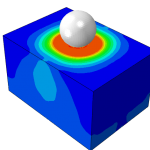
  • shot peening
  • abaqus-validation-shot-peening

Money-Back Guarantee

15-Day

Money back gold guarantee - BanuMusaWe’re fully confident in the value and reliability of the product. If for any reason you are not completely satisfied, email us at info@BanuMusaGr.com within 48 hours of your purchase for a full refund.
Demo

Additional information
Software

Abaqus FEA

Reviews (4)

4 reviews for Shot Peening Induced Residual Stresses Simulation & Validation in Abaqus FEA Software

  1. Rated 5 out of 5

    Mahenk – 25 January 2021

    These project result match nearly to the research paper, and team worked rwally good and cooperate and clear the doubts.

  2. Rated 5 out of 5

    Engfara – 27 April 2021

    Really, I’m so satisfied about services, I asked them many addition tasks, modifications and they help me a lot. I highly recommended their services.

  3. Rated 5 out of 5

    Engfara – 4 July 2021

    I benefited a lot from this project and it helped me pass my studies, I really recommend their services.

    • Mohamad Khorashad – 4 July 2021

      Thank you. We hope you continue your successful research path

  4. Rated 5 out of 5

    Pedram Gholami – 11 December 2022

    abaqus tutorial video

Add a review Cancel reply

You must be logged in to post a review.

Payment & Support

Satisfaction Guarantee & Instant Access

All products available on the BanuMusa R&D website come with a guarantee of customer satisfaction. You will receive an automated download link immediately after your purchase is processed. We also provide online consulting and mentoring to ensure you get the absolute most out of our engineering products.

Before buying, you can consult with our technical experts to ensure the product perfectly aligns with your project requirements.

Secure Payment Methods

Cryptocurrency (Fastest)

The easiest way to pay is through the Tether portal in our shop using your wallet. The download link will be generated automatically.

  • Tether (USDT) - TRC20
  • Tron (TRX)
Video Tutorials:
  • How to pay using USDT TRC-20
  • Tron TRC20 Wallet Tutorial

International e-Wallets

We support major digital wallets. Once your manual payment is verified, we will email you the download links.

  • Payoneer: Contact us to receive the payment address.
  • PayPal: Contact us for our official account.
  • PAYEER: Contact us for instructions.
  • WebMoney: Contact us for our WMZ wallet address.

Bank Transfer (SWIFT)

For corporate clients or large engineering software orders, we accept direct wire transfers.

Please contact our support team to receive our official SWIFT/IBAN banking details and a Proforma Invoice.

Need Help with Payment? Contact Us

If you cannot use the direct Tether gateway or need our payment details (PayPal, Payoneer, SWIFT, etc.), simply send us the product link via email or our social networks.

  • +98-915-5520-388 (WhatsApp, Telegram, WeChat)
  • info@banumusagr.com
  • +98-51-35424520
Content

Course Content

In this Abaqus training course, you will learn the following:  
  1. How to valid FEM with a paper
  2. How to model rigid bodies
  3. How to model elastic-plastic material
  4. How to use the tangential modulus in material property
  5. how to partition a geometry for a better mesh
  6. how to assign a mass to a rigid body
  7. how to use a dynamic explicit step
  8. how to select field outputs
  9. how to use surface-to-surface contact (Explicit)
  10. how to create an interaction property
  11. how to create boundary conditions
  12. how to define initial velocity for the shot peening
  13. how to local seeds using single and double bias
  14. how to use multiple processors
  15. how to use display group
  16. how to create a path
  17. how to export results in Excell
  18. how to normalize data
  19. how to use GetData Graph Digitizer software
  Abaqus validation files (cae, jnl, inp, odb) Tutorial video (Mp4) 15-day money-back guarantee Free 24/7 online mentoring

Related products

API 579-1/ASME FFS-1 Fitness-For-Service Evaluation Course Fitness-for-Service evaluation course API 579-1 / ASME FFS-1 training Level 3 FFS assessment Abaqus Local Thin Area (LTA) evaluation Crack-like flaws assessment
Compare
Close

API 579-1/ASME FFS-1 Fitness-For-Service Evaluation Course

€ 259.00
API 579-1/ASME FFS-1 Fitness-For-Service Evaluation Course offers both theoretical knowledge and practical skills in utilizing API-579/ASME FFS-1 techniques to evaluate the suitability of equipment containing different types of defects. The Fitness-for-Service training course gives guidance on conducting FFS assessments using methods tailored for pressure vessels, piping, and tanks. Gain expertise in advanced analyses for safe and efficient equipment operation. Course video (*.mp4) Lecture notes (PDF) API 579 / ASME FFS-1 Standards (PDF) 15-day money-back guarantee   Free 24/7 online mentoring
Add to wishlist
Add to cart
Quick view
asme design by analysis course - banumusa - abaqus fea
PRESSURE VESSEL DESIGN asme design by analysis course - banumusa - abaqus
Compare
Close

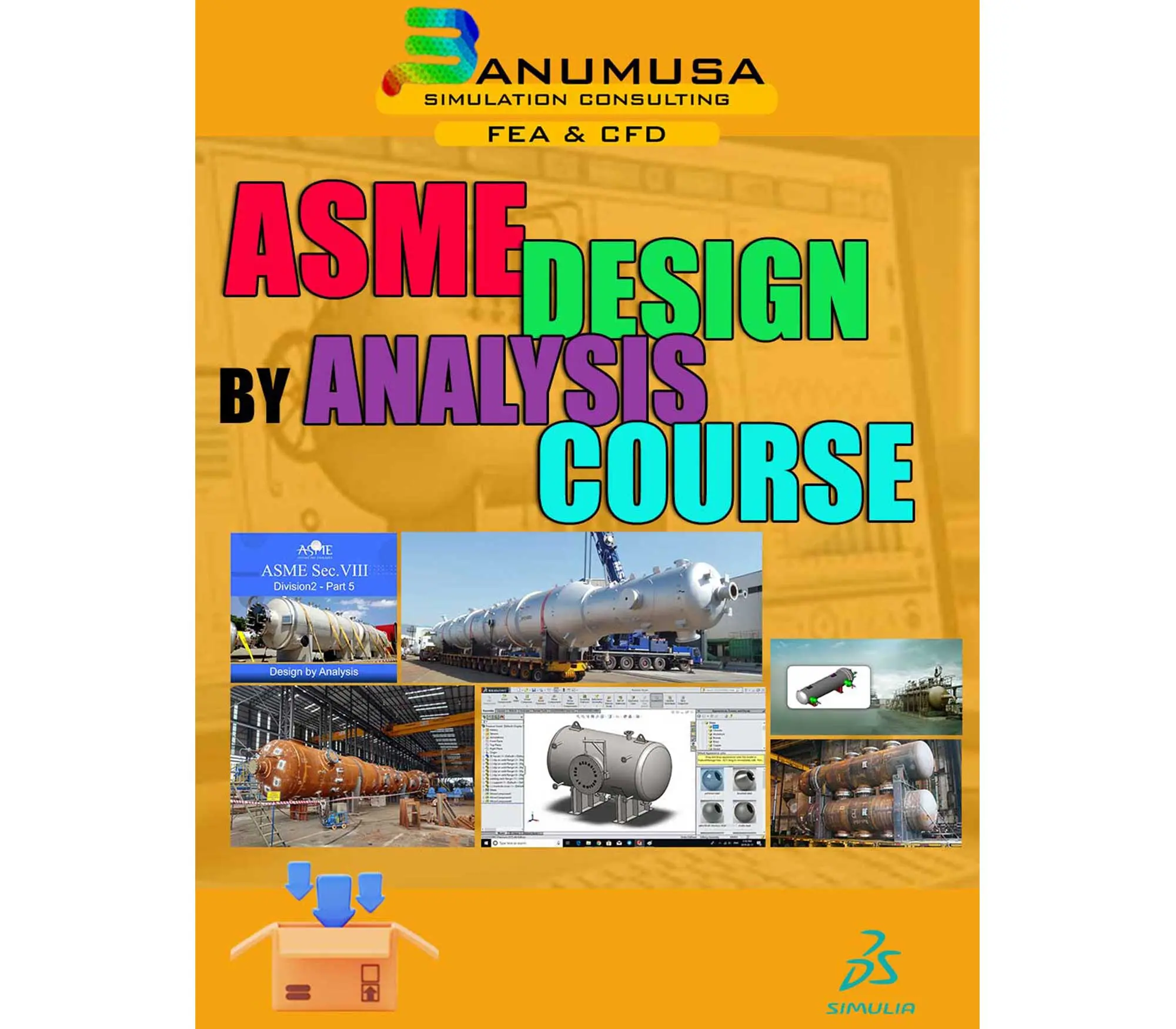
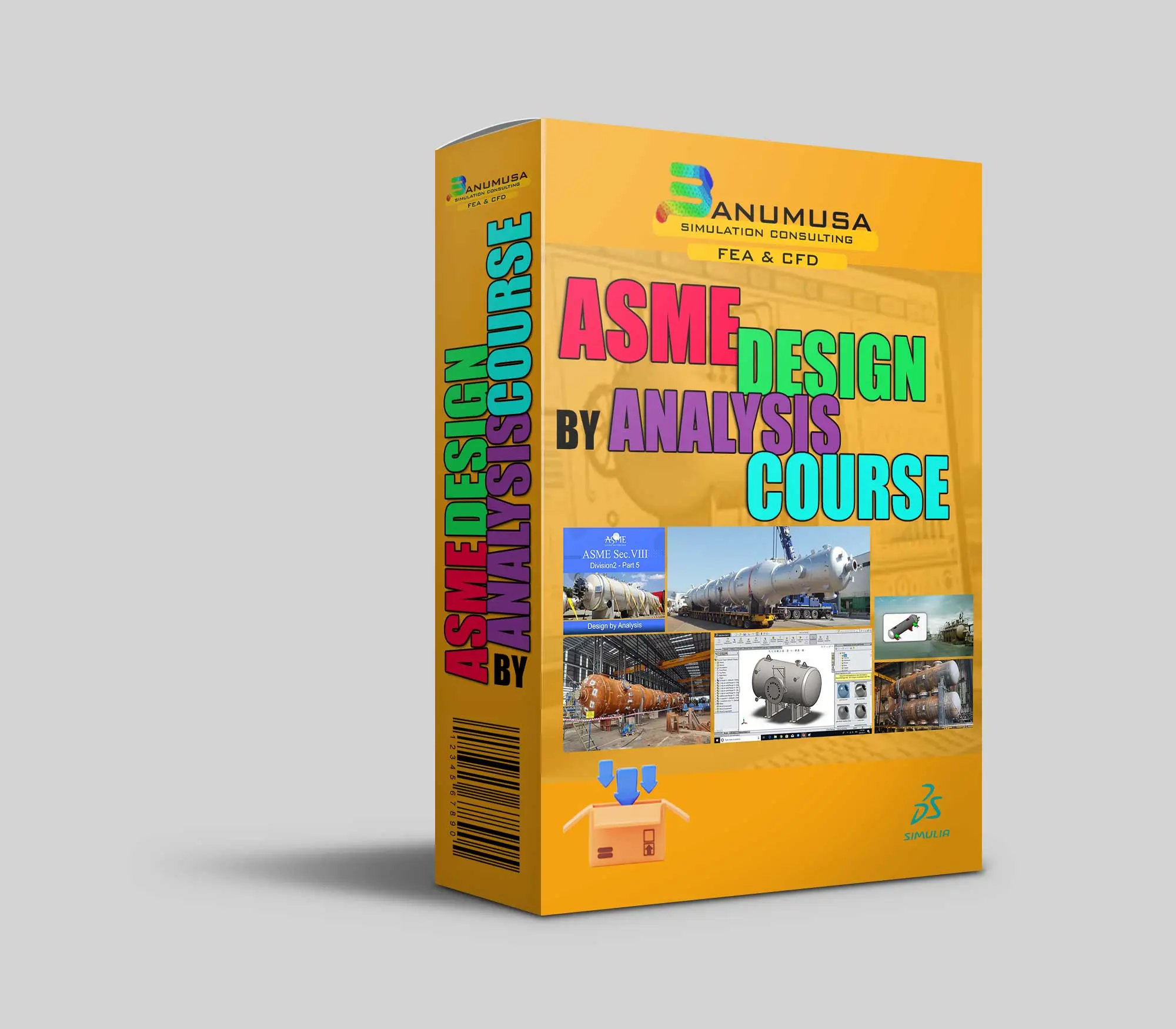
ASME Design By Analysis Course

€ 1,100.00
The ASME Design By Analysis Course provides a comprehensive overview of advanced engineering design techniques and analysis methods as per the ASME Section VIII, Division 2, Part 5. This course equips participants with the knowledge and skills needed to effectively apply FEA method in designing and evaluating mechanical components and systems. Through practical examples and case studies, participants will gain a deeper understanding of the principles behind design analysis and how to implement them in real-world engineering projects. Course video (mp4) Lecture notes (PDF) API 579 / ASME Sec. VIII, Div. 2 code (PDF) 15-day money-back guarantee   Free 24/7 online mentoring
Add to wishlist
Add to cart
Quick view
Design and Analysis of Composite Overwrapped Pressure Vessels Course banumusa wcm plugin
Design and Analysis of Composite Overwrapped Pressure Vessels Course banumusa wound composite modeler plugin abaqus
Compare
Close

Design and Analysis of Composite Overwrapped Pressure Vessels Course

€ 425.00
The "Design and Analysis of Composite Overwrapped Pressure Vessels (COPV)" course provides a comprehensive overview of the principles, processes, and considerations involved in designing and analyzing COPVs. Participants will delve into topics such as material models, structural design, manufacturing modeling, and FEA analysis guidelines specific to COPVs. The course aims to equip attendees with the knowledge and skills necessary to understand the complexities of COPV design, ensuring safety, reliability, and efficiency in aerospace and other industries. Abaqus tutorial video (mp4) Lecture notes (PDF) Abaqus workshop files (cae, jnl, inp, odb) API 579 / BPVC ASME section X standard (PDF) 15-day money-back guarantee   Free 24/7 online mentoring
Add to wishlist
Add to cart
Quick view
-4%
USDFLD Subroutine 3D Hashin
Compare
Close

3D Hashin USDFLD Subroutine Failure Criteria for Abaqus

€ 124.00 Original price was: € 124.00.€ 119.00Current price is: € 119.00.
The 3D Hashin USDFLD subroutine is used in Abaqus to define failure criteria for composite materials based on the Hashin failure criteria and field variables (FV) for softening behavior. It allows you to specify the failure criteria for each ply of composite material in three dimensions (3D). This subroutine is particularly useful for analyzing the failure behavior of composite structures under various loading conditions in Abaqus simulations. It is a functionally validated USDFLD subroutine that compares results with the Chang & Lessard failure criterion available in Abaqus documentation. This code identifies four damage modes including matrix tension, matrix compression, fiber tension, and fiber compression using the elastic constants. Abaqus tutorial video (*.mp4) Lecture notes (PDF) Abaqus workshop files (*.cae, *.inp, *.jnl, *.odb) Fortran Abaqus subroutines run on Windows or Linux 15-day money-back guarantee   Free 24/7 online mentoring
Add to wishlist
Add to cart
Quick view
Introduction to umat subroutine
Introduction to umat subroutie abaqus tutorial video writing umat subroutine
Compare
Close

Introduction to UMAT Subroutine

€ 210.00
Introduction to UMAT Subroutine course helps you to learn the process of writing UMAT as quickly as possible with the help of practical examples. All the tips and details that you encounter to write the code are taught in this course and you can implement the material model in the subroutine. Because you may have questions while watching the course, an expert will answer your questions online. Abaqus tutorial video (*.mp4) Lecture notes (PDF) Abaqus workshop files (*.cae, *.inp, *.jnl, *.odb) Fortran subroutines 15-day money-back guarantee   Free 24/7 online mentoring
Add to wishlist
Add to cart
Quick view
Machining Simulation with Abaqus - chip formation with water jet -coupled eulerian lagrangian model cel - turning drilling milling adaptive meshing abaqus tutorial
Machining Simulation with Abaqus - chip formation with water jet -coupled eulerian lagrangian model cel - turning drilling milling
Compare
Close

Machining Simulation with Abaqus

€ 280.00
Machining Simulation with Abaqus course provides a comprehensive introduction to the use of the Abaqus finite element analysis software for simulating machining processes. Participants will learn how to set up, run, and analyze machining simulations, including turning, milling, and drilling operations. The course covers material modeling, contact mechanics, adaptive meshing, and post-processing techniques specific to machining applications. Through hands-on exercises and case studies, attendees will gain the skills needed to effectively leverage Abaqus for their own machining analysis and optimization requirements. Course video (mp4) Lecture notes (PDF) Abaqus workshop files (CAE, JNL, INP, ODB) 15-day money-back guarantee   Free 24/7 online mentoring
Add to wishlist
Add to cart
Quick view
Multiple Step Analysis in Abaqus -tutorial- banumusa-
Compare
Close

ABAQUS Tutorial: Multiple Step Analysis

Rated 5.00 out of 5
€ 65.00
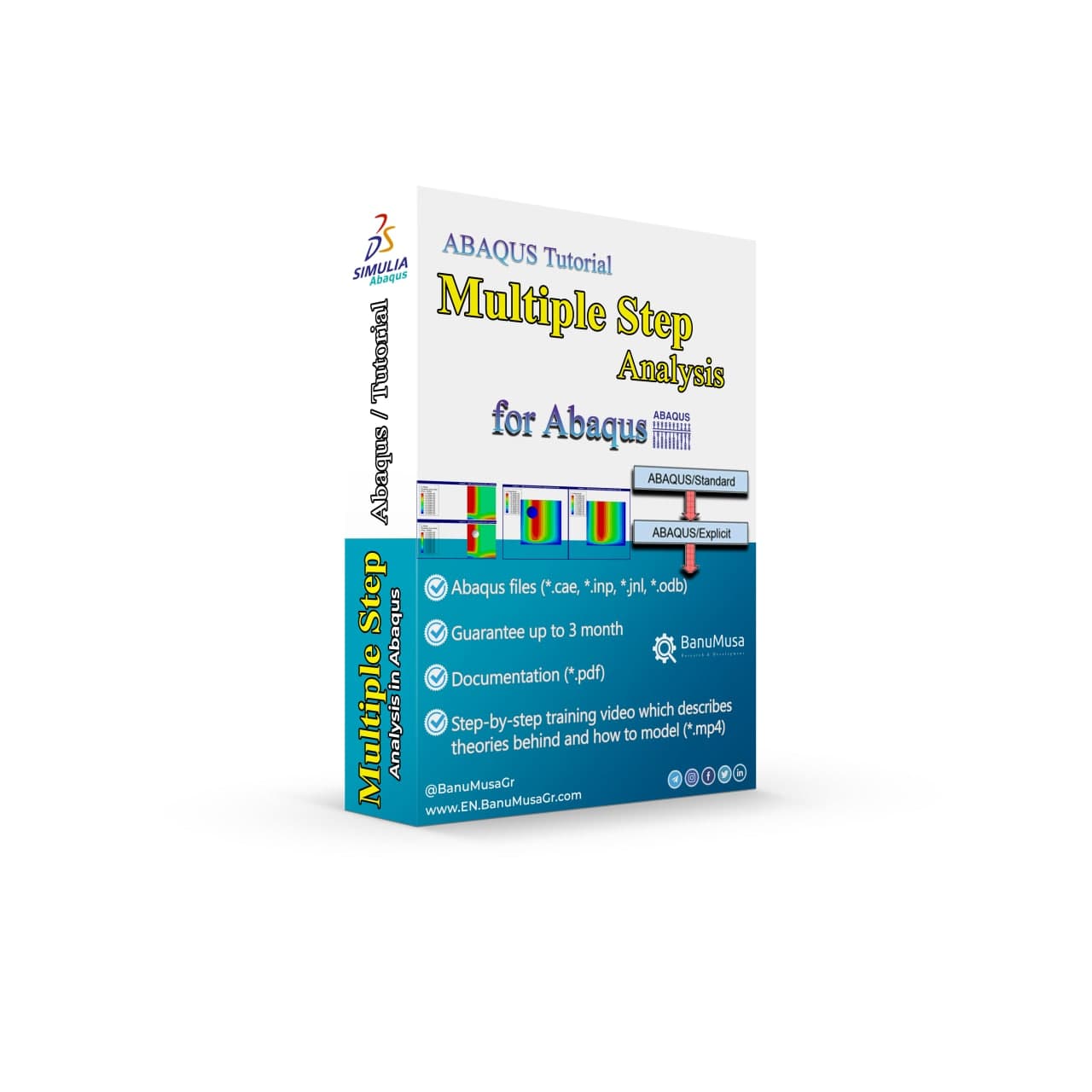
In this training video, you will learn how to transfer the results of heat transfer analysis, such as thermal stress, from the Abaqus/standard to impact analysis in Abaqus/explicit as an initial condition. You will learn the limitations, and technical tips in modeling, as well as a practical example of low-velocity impact analysis on a composite plate. Lecture notes (PDF) Abaqus tutorial video (*.mp4) 15-day money-back guarantee   Free 24/7 online mentoring
Add to wishlist
Add to cart
Quick view
Low-Velocity Impact FRP Laminate damage finite element (fea) analysis on frp composite plate validation - lsdyna tutorial video
low velocity impact damage finite element fea analysis on frp composite plate validation - lsdyna tutorial video
Compare
Close

LS-Dyna Tutorial: 3D modeling techniques for low-velocity impact analysis of FRP composite laminate

€ 239.00
In this LS-Dyna tutorial video, we have tried to cover all the tips and tricks that are required by the user when modeling low-velocity impact FRP laminates FEA analysis with LS-Dyna. Material models for FRP composite & cohesive materials are available in the LS-Dyna and its parameters are described. Also, the modeling methods of geometry, FRP material, cohesive, contacts &, etc. are explained one by one. Finally, in a comprehensive example, the LS-Dyna finite element model is validated by Guo et al. (2013) paper. All the modeling & results files, as well as the LS-Dyna tutorial video, are included in this package. LS-Dyna tutorial video (*.mp4) Lecture notes (PDF) LS-Dyna workshop files (*.k, d3plot) 15-day money-back guarantee   Free 24/7 online mentoring
Add to wishlist
Add to cart
Quick view

Tag your photos with #shotpeen_abaqus on Instagram.

BanuMusa R&D Simulation Consultancy

Bridging the gap between theoretical engineering and manufacturing reality. We provide high-fidelity FEA, CFD, and specialized Abaqus plugins to eliminate trial-and-error in critical industrial sectors.

Capabilities

  • FEA Consultancy
  • CFD Simulation
  • API 579 FFS Assessment
  • ASME Design by Analysis
  • Composite & COPV

Flagship Utilities

  • MatLib Material Database
  • WCM Plugin (COPV)
  • 3D Hashin VUMAT
  • Autokeeler (Metal Forming)
  • Johnson-Cook Plugin

Support & Resources

  • 40% Academic Discount
  • 1-on-1 Abaqus Mentoring
  • Advanced CAE Courses
info@banumusagr.com
06-02 Park View condo, Changkat perak, off Lorong Perak, 50250, Kuala Lumpur, Selangor, Malaysia
Accepted Payments
© 2026 BanuMusa R&D. Engineering Simulation & Automation. All rights reserved.
Support & FAQ Payment Methods Privacy Policy Terms of Service

Shopping cart

close

Powered by WhatsApp Chat

  • Menu
  • Categories
  • Consulting Services
  • Products
  • Resources
    • Blog
    • Projects
  • About Us
    • Contact Us
    • Our Team
    • Our Partners
    • Careers
  • Consulting Services
  • Products
  • Resources
    • Blog
    • Projects
  • About Us
    • Contact Us
    • Our Team
    • Our Partners
    • Careers

Sign in

close


Lost your password?
No account yet? Create an Account
Sidebar Scroll To Top