
Facebook Twitter Email Instagram YouTube linkedin WhatsApp WhatsApp VK Telegram
info@BanuMusaGr.com
Login / Register
0 Wishlist
0 Compare
0 items / € 0.00
Facebook Twitter Email Instagram YouTube linkedin WhatsApp WhatsApp VK Telegram
FEA & CFD Consultancy | BanuMusa R&D FEA & CFD Consultancy | BanuMusa R&D
  • Consulting Services
  • Products
  • Resources
    • Blog
    • Projects
  • About Us
    • Contact Us
    • Our Team
    • Our Partners
    • Careers
    • Payment Methods
    • Support & FAQ
Free Mentoring
Menu
FEA & CFD Consultancy | BanuMusa R&D
0 items / € 0.00
HomeShopAbaqusAbaqus Subroutines Introduction to VUMAT Subroutine
Previous product
Modeling Stents Using Abaqus video Tutorial - sma nitimol material
Modeling Stents Using Abaqus € 440.00
Back to products
Next product
Introduction to umat subroutine
Introduction to UMAT Subroutine € 210.00
Introduction to VUMAT Subroutine Abaqus Mentoring Abaqus tutorial video
Introduction to VUMAT Subroutine Abaqus Mentoring- tutorial
Click to enlarge

Introduction to VUMAT Subroutine

€ 210.00

Introduction to VUMAT Subroutine course helps you to learn the process of writing VUMAT as quickly as possible with the help of practical examples. All the tips and details that you encounter to write the code are taught in this course and you can implement the material model in the subroutine. Because you may have questions while watching the course, an expert will answer your questions online.

Abaqus tutorial video (*.mp4)
Lecture notes (PDF)
Abaqus workshop files (*.cae, *.inp, *.jnl, *.odb)
Fortran subroutines
15-day money-back guarantee
  Free 24/7 online mentoring

If you want to pay in a way other than Tether/Tron, contact us.
somdn_product_page
Compare
Add to wishlist
SKU: 2024-2 Categories: Abaqus, Abaqus Subroutines, Training courses, Tutorial
Share
Facebook Twitter Email Pinterest linkedin Odnoklassniki WhatsApp WhatsApp VK Telegram
close
You may also like…
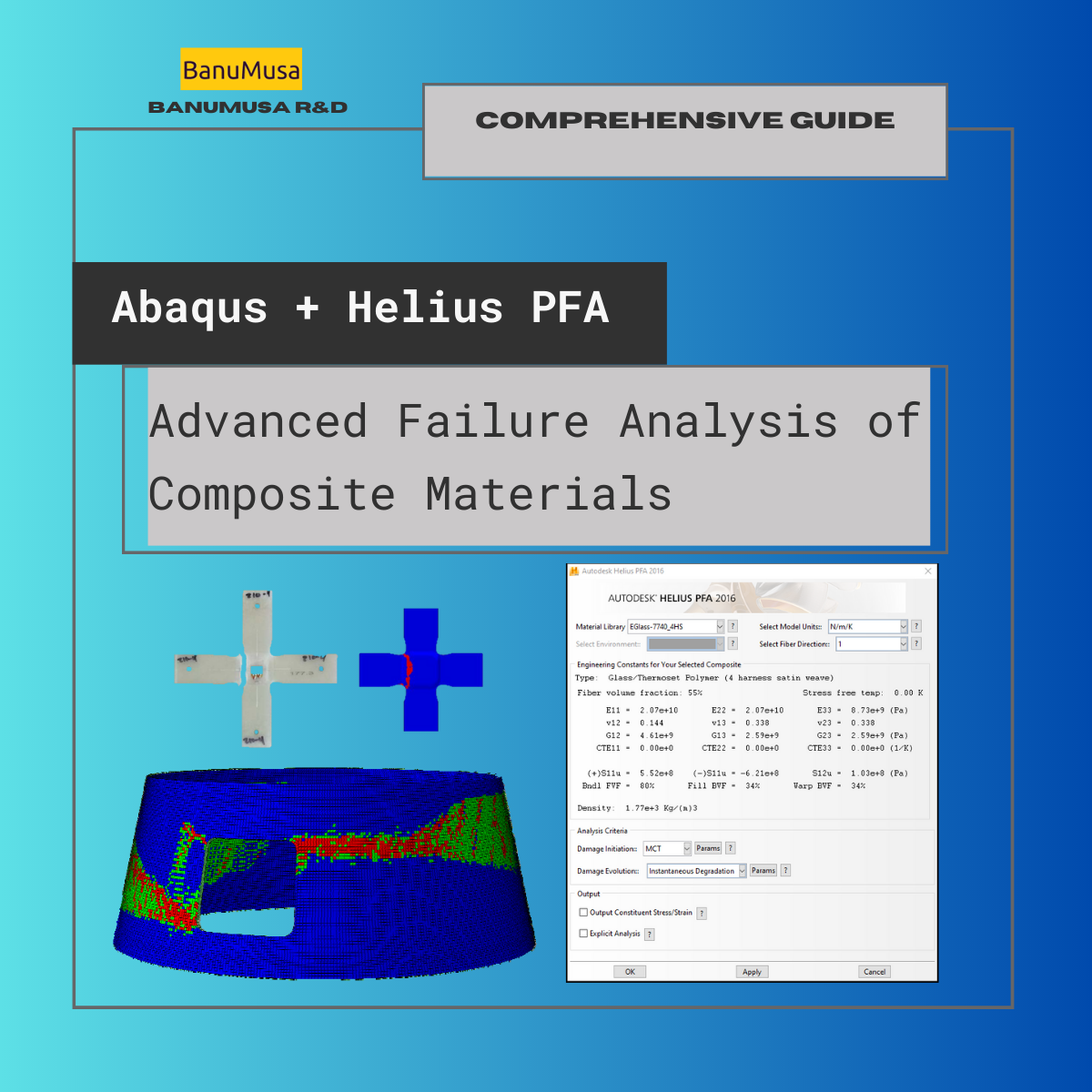
  • Advanced Failure Analysis of Composite Materials Abaqus -helius
    Advanced Failure Analysis of Composite Materials with Abaqus and Autodesk Helius PFA: A Comprehensive Guide € 550.00 Original price was: € 550.00.€ 499.00Current price is: € 499.00.
  • umat-vumat-subroutine-gtn-damage-model-abaqus
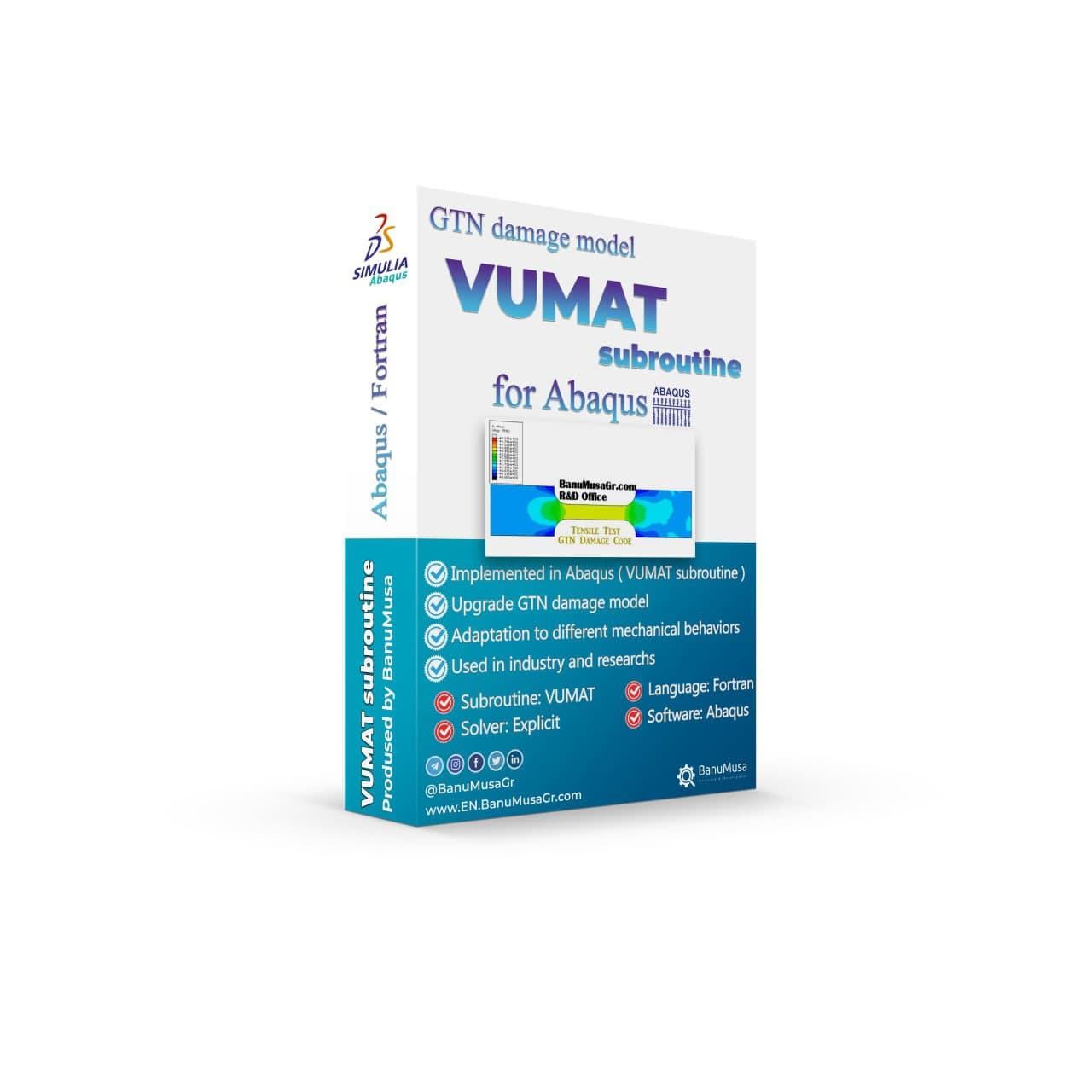
    VUMAT Subroutine: Shear Anisotropic Modified GTN Damage Model € 535.00 Original price was: € 535.00.€ 490.00Current price is: € 490.00.
  • VUMAT JHB JH-2 ceramic model- Implementing Johnson-Holmquist model in Abaqus - JH-2 damage model VUMAT
    Abaqus VUMAT JHB and JH-2 Ceramic Model € 199.00
  • abaqus explicit - 3d hashin
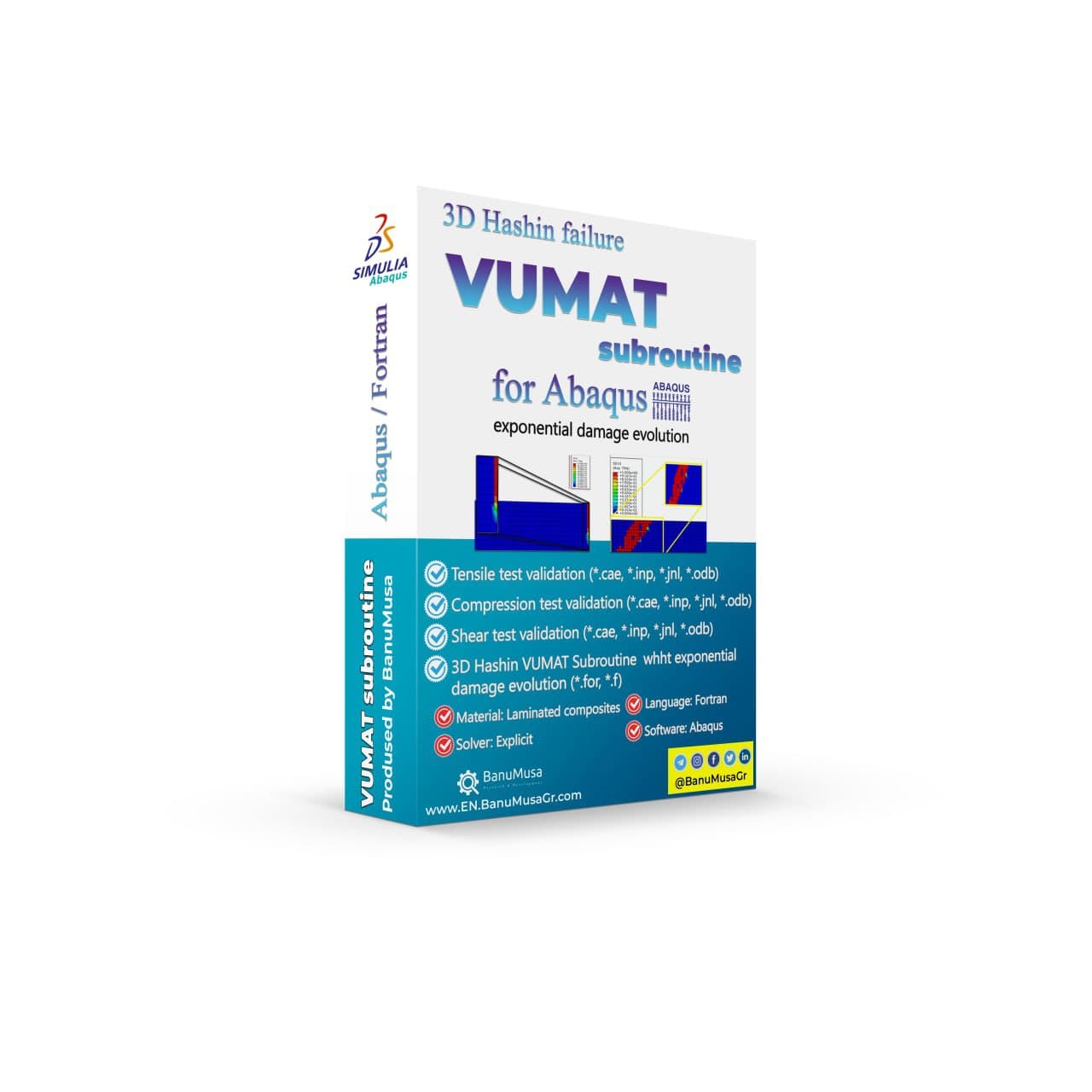
    3D Hashin VUMAT Subroutine for Abaqus with Exponential Damage Evolution € 455.00
  • Fortran for Abaqus Subroutine - writing user subroutines udhard umat film uload
    Fortran for Abaqus Subroutine € 255.00
Products
  • Numerical Simulation of Nonlinear Engineering Problems Using LS-DYNA book by Hamid Rokhi Banumusa LS-DYNA Book: Numerical Simulation of Nonlinear Engineering Problems Using LS-DYNA € 410.00
  • anisotropy calculator abaqus plugin - abaqus material models Anisotropy Calculator Abaqus Plugin € 190.00
  • awi plugin - abaqus welding interface plugin - welding fea simulation - cae - simulia -qustomapps Abaqus Welding Interface Plugin € 55.00
  • Calibrate Nitinol Material Behavior Abaqus Plugin free download Calibrate Nitinol Material Behavior Abaqus Plugin € 0.00
  • Machining Simulation with Abaqus - chip formation with water jet -coupled eulerian lagrangian model cel - turning drilling milling adaptive meshing abaqus tutorial Machining Simulation with Abaqus € 280.00
Recent Posts
  • Importance of hand calculations in FEA verifying FEA results with analytical methods, finite element analysis sanity checks, FEA vs hand calculations, how to validate FEA models, structural analysis engineering best practices, CAE engineering job requirements, analytical validation of numerical simulations, structural fatigue analysis calculation, non-linear FEA vs linear analytical methods.
    The Critical Role of Analytical Hand Calculations in Modern FEA Validation
    1 August 2026 No Comments
  • abaqus 2025 steo cycling fatigue analysis Understanding Step Cycling in Abaqus 2025
    Understanding Step Cycling in Abaqus 2025
    7 May 2025 No Comments
  • Uncertainty Quantification in abaqus finite element analysis - verification & validation
    Uncertainty Quantification in Finite Element Analysis (FEA)
    27 August 2024 No Comments
  • Composite Progressive Failure Analysis - finite element analysis - fea -abaqus - ansys - autodesk helius pfa
    Composite Progressive Failure Analysis
    10 June 2024 No Comments
  • Ansys or Abaqus failure analysis
    Ansys or Abaqus; A Personal Experience
    9 May 2024 No Comments
  • Description
  • Additional information
  • Payment & Delivery
  • Content
Description

Introduction to VUMAT Subroutine

In ABAQUS/Explicit, the user can implement any general constitutive equations through the interface provided. This is achieved using the user subroutine VUMAT. It is utilized when the existing material models in the ABAQUS/Explicit material library do not accurately represent the material’s behavior. These interfaces enable the definition of any proprietary constitutive model of arbitrary complexity. User-defined material models can be applied to any ABAQUS/Explicit structural element type, and multiple user materials can be implemented in a single routine and used together. The implementation of material models in VUMAT will be covered in this course, along with illustrative examples.

What is VUMAT?

In Abaqus, VUMAT stands for “Vectorized User Material“. It is a user-defined subroutine that allows you to define custom material models for use in finite element simulations. With this subroutine, you can implement your own material behavior laws, such as plasticity, viscoelasticity, damage, and more, by specifying the constitutive equations and material properties.

The subroutine is written in Fortran and is used to describe the material behavior at integration points within the finite element model. It allows for the implementation of complex and specialized material models that are not available in the standard material library of Abaqus.

By defining a VUMAT subroutine, you can extend the capabilities of Abaqus to simulate the behavior of advanced materials or material models specific to your research or industry application. However, it requires a good understanding of material behavior and programming in Fortran.

What you’ll learn

In this Abaqus tutorial video course, you will learn about writing VUMAT subroutine in Abaqus, ways to debug the code, and also verification of that.

Upon completion of this course, you will be able to:

  • Write your own VUMAT subroutine
  • Choose the proper element type
  • Postprocessing and visualization of the results

Overview of the course

Lecture 1 Introduction to User Material Subroutines

  • Overview of Some User Subroutines
  • Understanding the purpose and capabilities of VUMAT subroutines in Abaqus
  • When to use VUMAT?
  • UMAT or VUMAT?
  • How do you convert UMAT and VUMAT?
  • Our portfolio of coding user material subroutines
  • Quiz 1

Lecture 2 Fortran Programming

  • Basic concepts of Fortran programming language
  • Essential FORTRAN Statements
  • Naming Conventions
  • Learn More
  • Quiz 2

Lecture 3 Material Modeling

  • In-depth understanding of material behavior and constitutive modeling, including plasticity, viscoelasticity, damage, and other material phenomena.
  • VUMAT Interface
  • Including User Subroutines in a Model
  • VUMAT Variables
  • VUMAT Conventions
  • Formulation Aspects
  • Solution-Dependent State Variables
  • Quiz 3

Lecture 4 VUMAT Subroutine Implementation

  • Hands-on training in implementing custom material models using VUMAT subroutines, including defining material properties, constitutive equations, and integration within the finite element framework.
  • Deleting Elements from a Mesh Using State Variables
  • Example 1: Using More than One User-Defined Material Model
  • Example 2: Elastic/Plastic Material with Kinematic Hardening
  • Example 3: Elastic/Plastic Material with Isotropic Hardening
  • Example 4: 3D Orthotropic Elasticity with 3D Hashin Failure Criteria
  • Example 5: Neo-Hookean (NH) Model
  • Quiz 4

Lecture 5 Debugging

  • Debugging Techniques and Proper Programming Habits
  • Quiz 5

Lecture 6 Verification and Validation

  • Techniques for verifying and validating user-defined material models through comparison with experimental data or analytical solutions.
  • Single-element model  test
  • Multiple element model test
  • Testing Suggestions
  • Example 6: Rotating cylinder
  • Quiz 6

Lecture 7 Postprocessing Subroutine Results

  • Introduction
  • Results Visualization

Appendix 1: Utility Routines

    • Introduction
    • Work with utility routines


Knowledge Prerequisites

This course is recommended for engineers with experience using Abaqus.

Available Releases

Abaqus 2024, Abaqus 2023, Abaqus 2022, Abaqus 2021, Abaqus 2020, Abaqus 2019, Abaqus 2018, Abaqus 2017, Abaqus 2016, Abaqus V6.14, Abaqus V6.13, Abaqus V6.12

Duration

5 hours

Discipline

Advanced Abaqus

This course is designed to cover the utilization of the Abaqus user subroutine. However, the course material can also be valuable for modeling various other types of material models. It is aimed at engineers who are involved in the programming of Fortran subroutines and wish to enhance their comprehension of the intricate mechanical behavior associated with complex material models.

Having trouble with Abaqus?!

FEA Online Abaqus Mentoring consulting services for students and engineers

Register for a 30-minute free mentoring session with an expert.
We are ready to help you in CFD & FEA simulations.

Need help? Get a consultation from our experts.

Abaqus E-learning technical FEA & CFD consulting by banumusa FEA & CFD Consultancy Services Abaqus Ansys LS-Dyna user subroutine plugin
Email us: info@banumusagr.com
Telegram: +98-915-55-20-388
WhatsApp: +98-915-55-20-388

Money-Back Guarantee

15-Day

Money back gold guarantee - BanuMusaWe’re fully confident in the value and reliability of the product. If for any reason you are not completely satisfied, email us at info@BanuMusaGr.com within 48 hours of your purchase for a full refund.

Find Us on WeChat

wechat banumusa company ویچت
Additional information
Software

Abaqus FEA

Type

Abaqus Training Course

Level

Advanced Abaqus

Files

Abaqus files: *.cae, *.jnl, *.inp, *.odb
Fortran subroutines: *.for
Video: *.mp4
Lecture notes: *.pdf

Language

English

Category

Fortran Programming
Plasticity
Failure & Damage Analysis
Material Modelling

Solver

Explicit

Material

Metals, Composite, and Hyperelastic materials

Payment & Delivery
All products available on the website come with a guarantee of customer satisfaction. The products can be used immediately after purchase through the download link. There is also online consulting/mentoring for all customer reassurance products.
Before buying, you can also talk to our experts in BanuMusa R&D and buy from the Shop according to your needs.

Note:

Please pay attention to the following points when you pay.

1. Tether / Tron The easiest way to pay is through the Tether portal in the BanuMusa shop. You can easily pay with your wallet.

• How to pay for a product using USDT TRC-20 with ADVCash https://www.youtube.com/watch?v=DYyHsdcLxhk

• Tron TRC20 Wallet for USDT Tutorial (Send USDT for Lowest Fees!!) https://www.youtube.com/watch?v=lBQMkEBf7W4

For other wallets just search on YouTube!

The download link automatically will be sent to you.

2. Payoneer:

If you have Payoneer, you can pay simply through the following ID.

fro458nk@gmail.com

After your payment is processed, you will receive the download links.

Let me know if you need any further adjustments!

3. PAYEER

Send us a message/ email to help you how to pay for this method, please. (info@banumusagr.com)

4. WebMoney

We will send you the wallet if you request this method. Email us.

5. PayPal Payment Instructions:

Please email us to send your PayPal Account.

After your payment is processed, you will receive the download links.

Let me know if you need any further adjustments!

6. SWIFT/IBAN

Another way is to pay via SWIFT or IBAN, contact us to learn more.

We will do our best to make sure you have a good shopping experience.


If it is not possible for you to buy through the Tether gateway, send us the link to the product using email (info@banumusagr.com) or social networks (WhatsApp, WeChat, Telegram). After that, the PayPal account will be sent to you.

Another way is to pay via SWIFT, contact us to learn more.


Ways to Contact Us:

WhatsApp / Telegram / WeChat: +98-915-5520-388
E-mail: info[at]banumusagr.com
Phone: +98-51-35424520

Payment Methods:

You can buy the product through Tether, Tron, Payoneer, PAYEER, WebMoney, PayPal, and SWIFT.

Content

Contents

  • Abaqus tutorial video (*.mp4)
  • Lecture notes (PDF)
  • Abaqus workshop files (*.cae, *.inp, *.jnl, *.odb)
  • Fortran subroutines
  • 15-day money-back guarantee
  •   Free 24/7 online mentoring

Reviews

There are no reviews yet.

Be the first to review “Introduction to VUMAT Subroutine” Cancel reply

You must be logged in to post a review.

Related products

asme design by analysis course - banumusa - abaqus fea
PRESSURE VESSEL DESIGN asme design by analysis course - banumusa - abaqus

ASME Design By Analysis Course

€ 1,100.00
Add to cart
Compare
Quick view
Add to wishlist
Close
concrete modeling in abaqus tutorial video

Mastering Concrete Modeling in Abaqus: A Comprehensive Course

€ 425.00
Add to cart
Compare
Quick view
Add to wishlist
Close
Introduction to umat subroutine
Introduction to umat subroutie abaqus tutorial video writing umat subroutine

Introduction to UMAT Subroutine

€ 210.00
Add to cart
Compare
Quick view
Add to wishlist
Close
Fitness-for-Service Analysis with Signal FFS Course - ffs analysis with signalffs
Fitness-for-Service Analysis with Signal FFS Course - ffs assessment with signalffs

Fitness-for-Service Analysis with Signal FFS Course

€ 1,250.00
Add to cart
Compare
Quick view
Add to wishlist
Close
Blast and Explosion Modeling with LS-DYNA

Blast and Explosion Modeling with LS-DYNA

€ 480.00
Add to cart
Compare
Quick view
Add to wishlist
Close
Machining Simulation with Abaqus - chip formation with water jet -coupled eulerian lagrangian model cel - turning drilling milling adaptive meshing abaqus tutorial
Machining Simulation with Abaqus - chip formation with water jet -coupled eulerian lagrangian model cel - turning drilling milling

Machining Simulation with Abaqus

€ 280.00
Add to cart
Compare
Quick view
Add to wishlist
Close
Coupled thermal stress analysis
Hongqi-CA7220-AE_abaqus-Coupled Thermal Stress Analysis of Automotive Disc Brake Validation Tutorial

Coupled Thermal Stress Analysis of Automotive Disc Brake: A Complete Validation Tutorial

€ 175.00
Add to cart
Compare
Quick view
Add to wishlist
Close
Low-Velocity Impact FRP Laminate damage finite element (fea) analysis on frp composite plate validation - lsdyna tutorial video
low velocity impact damage finite element fea analysis on frp composite plate validation - lsdyna tutorial video

LS-Dyna Tutorial: 3D modeling techniques for low-velocity impact analysis of FRP composite laminate

€ 239.00
Add to cart
Compare
Quick view
Add to wishlist
Close
University of Warwick
NBJX
MultiFat
kitech
kims
EnginSoft
Techinco
NIGC
Mobarakeh Steel Co.
Lincoln University
ISOICO Shipbuilding Company
IRISL Company
Ferdows Marine Tech
AQR Company

Founded in 2016, BanuMusa R&D is an established engineering consultancy specializing in advanced Finite Element Analysis (FEA), Computational Fluid Dynamics (CFD), and simulation-driven product development.

Facebook Youtube Linkedin Instagram

Products

  • 3D Hashin VUMAT Subroutine for Abaqus with Exponential Damage Evolution
  • VUMAT Subroutine: Shear Anisotropic Modified GTN Damage Model
  • MatLib Abaqus Material Library

Company

  • Contact us
  • Our team
  • Our partners
  • Careers
Start Project

Our WeChat 

Copyright BanuMusa 2026
payments

Shopping cart

close

Powered by WhatsApp Chat

  • Menu
  • Categories
  • Consulting Services
  • Products
  • Resources
    • Blog
    • Projects
  • About Us
    • Contact Us
    • Our Team
    • Our Partners
    • Careers
    • Payment Methods
    • Support & FAQ
  • Consulting Services
  • Products
  • Resources
    • Blog
    • Projects
  • About Us
    • Contact Us
    • Our Team
    • Our Partners
    • Careers
    • Payment Methods
    • Support & FAQ

Sign in

close

Lost your password?
No account yet? Create an Account
Sidebar