
Facebook Twitter Email Instagram YouTube linkedin WhatsApp WhatsApp VK Telegram
info@BanuMusaGr.com
Login / Register
0 Wishlist
0 Compare
0 items / € 0.00
Facebook Twitter Email Instagram YouTube linkedin WhatsApp WhatsApp VK Telegram
FEA & CFD Consultancy | BanuMusa R&D FEA & CFD Consultancy | BanuMusa R&D
  • Consulting Services
  • Products
  • Resources
    • Blog
    • Projects
  • About Us
    • Contact Us
    • Our Team
    • Our Partners
    • Careers
Free Mentoring
Menu
FEA & CFD Consultancy | BanuMusa R&D
0 items / € 0.00
HomeShopAbaqusAbaqus Tips and Tricks Modeling Stents Using Abaqus
Previous product
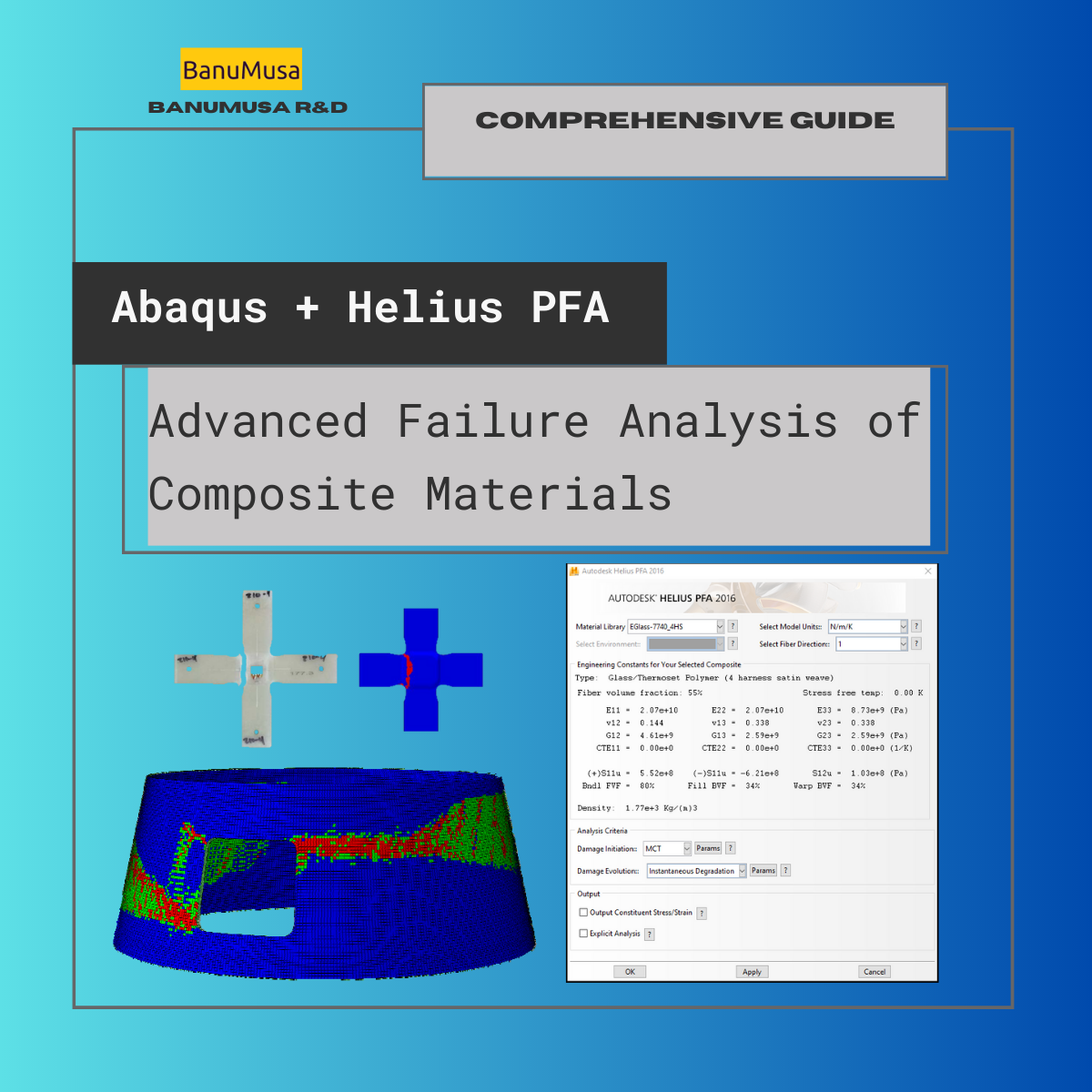
Advanced Failure Analysis of Composite Materials Abaqus -helius
Advanced Failure Analysis of Composite Materials with Abaqus and Autodesk Helius PFA: A Comprehensive Guide € 550.00 Original price was: € 550.00.€ 499.00Current price is: € 499.00.
Back to products
Next product
Introduction to VUMAT Subroutine Abaqus Mentoring Abaqus tutorial video
Introduction to VUMAT Subroutine € 210.00
Modeling Stents Using Abaqus video Tutorial - sma nitimol material
Watch video
Click to enlarge

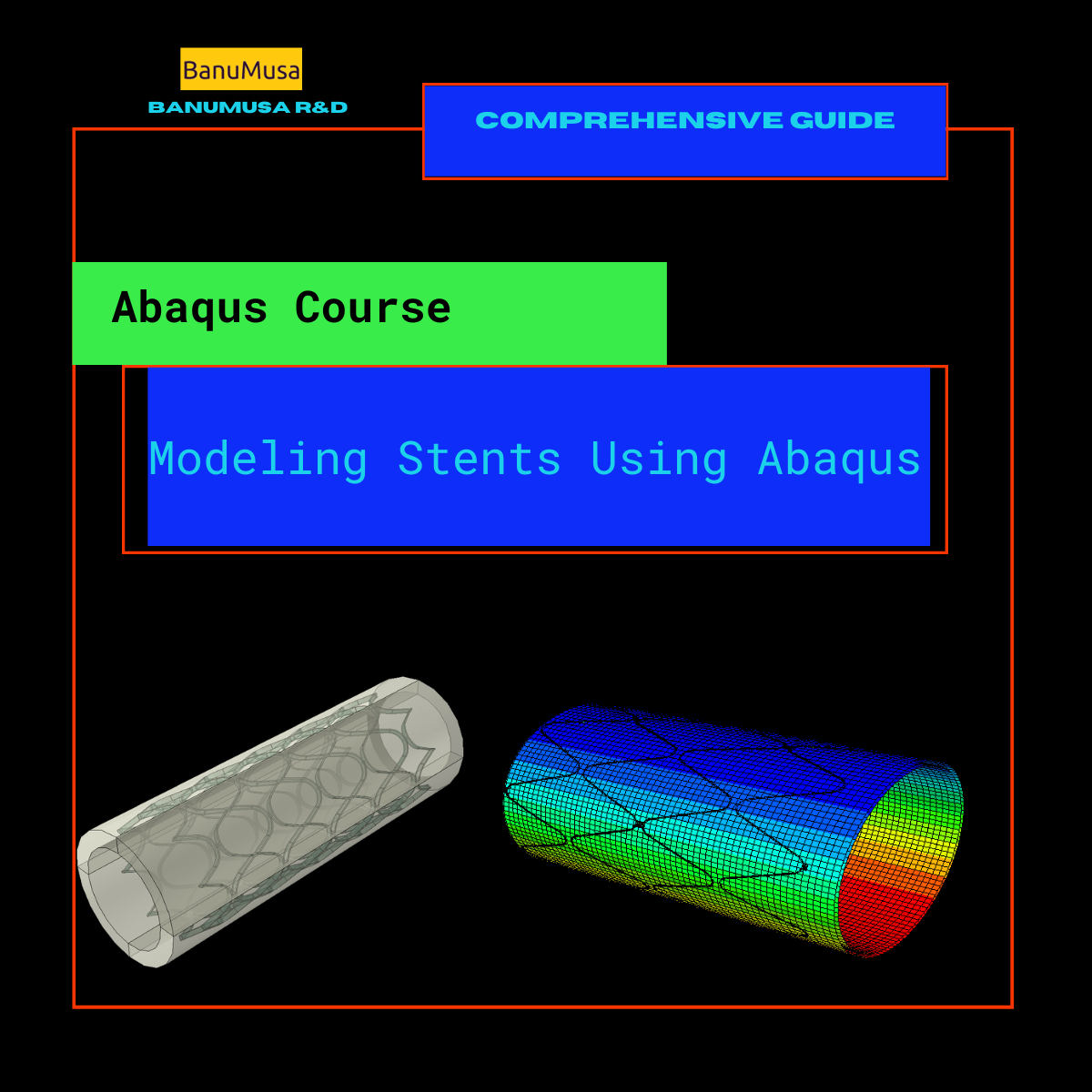
Modeling Stents Using Abaqus

€ 440.00

Modeling stents using Abaqus course is designed for engineers who are in charge of designing medical devices and want to enhance their comprehension of the intricate mechanical behavior related to the performance of these devices. Although the course primarily focuses on using Abaqus to simulate stents, the material is also valuable for simulating other kinds of medical devices.

Abaqus tutorial video (*.mp4)
Lecture notes (PDF)
Abaqus workshop files (*.cae, *.inp, *.jnl, *.odb)
Python scripts (*.py)
Fortran subroutines
15-day money-back guarantee
  Free 24/7 online mentoring

If you want to pay in a way other than Tether/Tron, contact us.
somdn_product_page
Compare
Add to wishlist
SKU: 2024-1 Categories: Abaqus Tips and Tricks, Abaqus, Training courses, Tutorial
Share
Facebook Twitter Email Pinterest linkedin Odnoklassniki WhatsApp WhatsApp VK Telegram
close
You may also like…
  • Advanced Failure Analysis of Composite Materials Abaqus -helius
    Advanced Failure Analysis of Composite Materials with Abaqus and Autodesk Helius PFA: A Comprehensive Guide € 550.00 Original price was: € 550.00.€ 499.00Current price is: € 499.00.
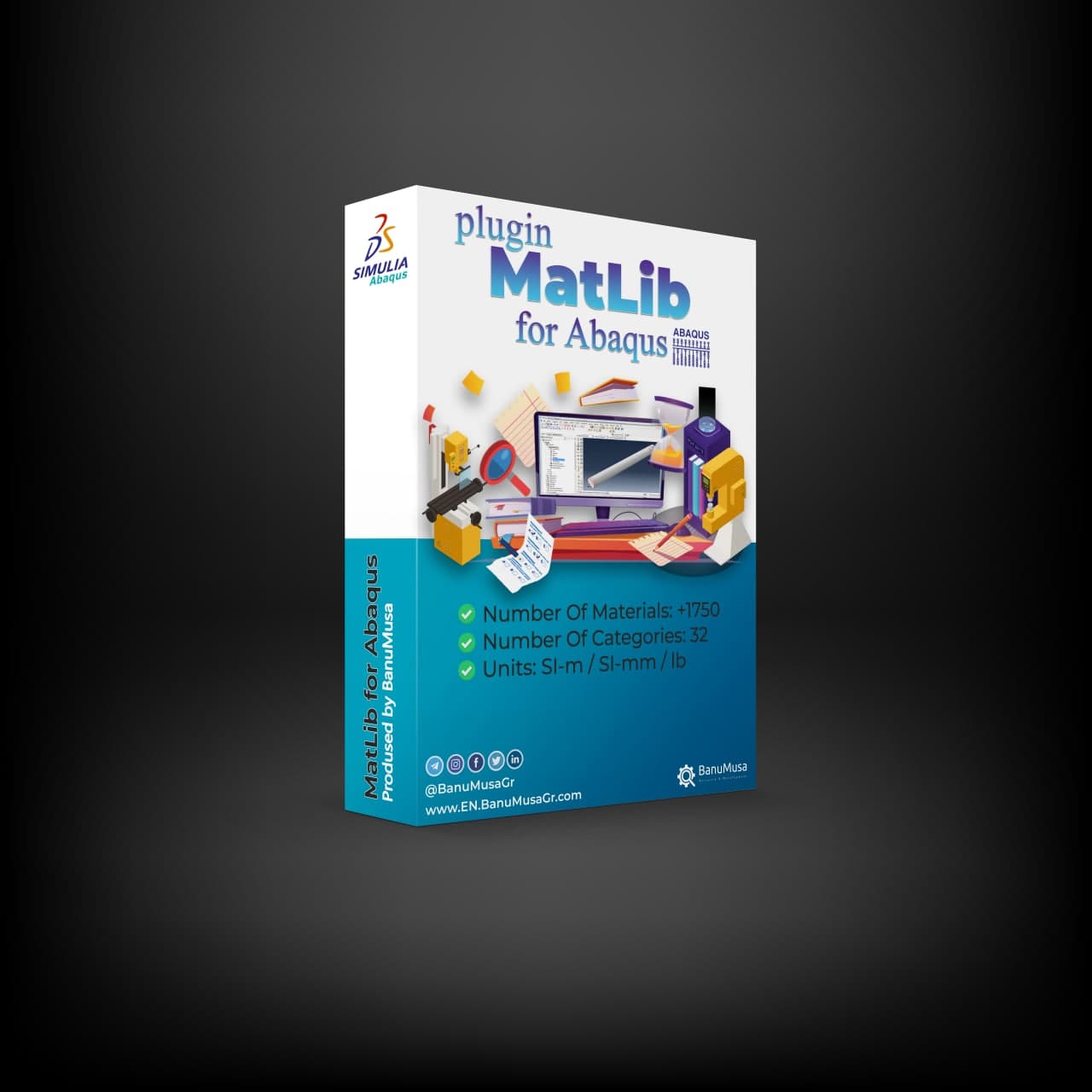
  • abaqus material library
    MatLib: The Ultimate Abaqus Material Library Plugin € 315.00
  • VUMAT JHB JH-2 ceramic model- Implementing Johnson-Holmquist model in Abaqus - JH-2 damage model VUMAT
    Abaqus VUMAT JHB and JH-2 Ceramic Model € 199.00
  • Fortran for Abaqus Subroutine - writing user subroutines udhard umat film uload
    Fortran for Abaqus Subroutine € 255.00
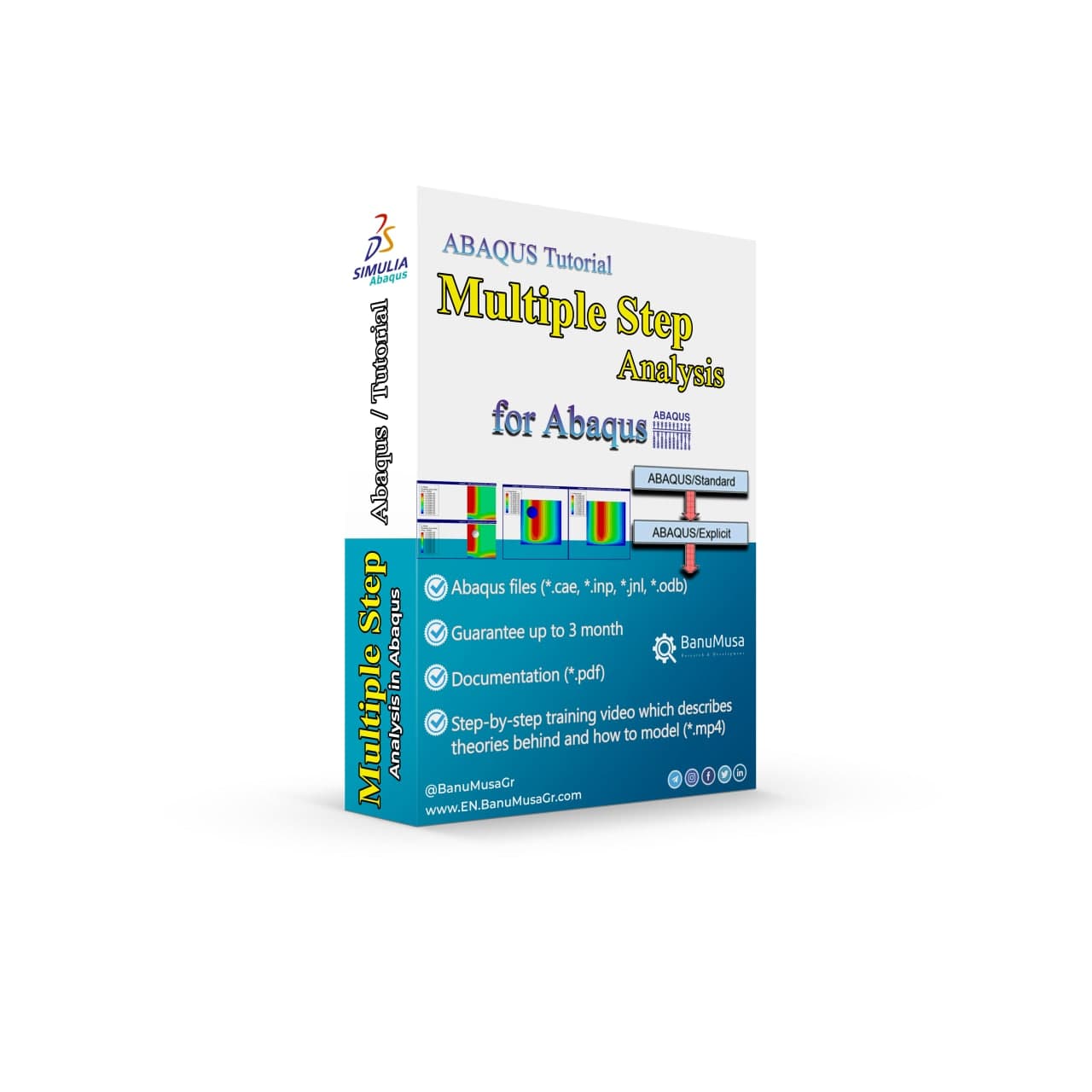
  • Multiple Step Analysis in Abaqus -tutorial- banumusa-
    ABAQUS Tutorial: Multiple Step Analysis € 65.00
Products
  • Numerical Simulation of Nonlinear Engineering Problems Using LS-DYNA book by Hamid Rokhi Banumusa LS-DYNA Book: Numerical Simulation of Nonlinear Engineering Problems Using LS-DYNA € 410.00
  • SlopeSR plugin for geotechnical Shear Strength Reduction and slope stability in Abaqus SlopeSR Plugin for Abaqus € 55.00
  • Description
  • Additional information
  • Payment & Delivery
  • Content
Description

Modeling Stents Using Abaqus

The modeling stents using Abaqus course is intended for engineers responsible for the design of medical devices who seek to accelerate their understanding of the highly complex mechanical behavior associated with the performance of such devices. While the focus of the course is on using Abaqus to model stents, the content is also useful for modeling other types of medical devices.

What you’ll learn

In this Abaqus tutorial video course, you will learn about modeling stents and SMA materials in Abaqus and determine their material parameters. How to model the corrosion in the biodegradable stents, selecting the appropriate element by the analysis, modeling, and its various methods are part of what you will learn in modeling stents in the Abaqus course.

Upon completion of this course, you will be able to:

  • Create geometry for modeling stents and tools
  • Choose the proper element type
  • Choose material models: elastic-plastic (Stainless Steel), superelastic-plastic (Nitinol), hyperelastic (vessels)
  • Perform stent analyses: Static, Implicit, and Explicit Dynamics
  • Define contact and constraints
  • Postprocess stent analyses
  • Perform fatigue evaluation

Overview of the course

Lecture 1 Introduction

  • Stent Basics
  • Stent Modeling
  • Modeling Stents using Abaqus

Lecture 2 Geometry and Meshing

  • Introduction
  • Stents
  • Example: Create Laser Cut Stents
  • Example: Create Braided Wire Stents
  • Expansion and Crimping Tools
  • Stent Residing Vessels
  • Import STL file
  • Import Orphan Meshes
  • Unwrap a Deformed Stent into Flat Geometry

Lecture 3 Element Selection and Mesh Convergence

  • Introduction
  • Solid Elements
  • Beam Elements
  • Surface and Membrane Elements
  • Mesh Convergence
  • Workshop Preliminaries
  • Workshop 1a Balloon-expanded Stent – Geometry and Meshing
  • Workshop 1b Self-expanding Stent – Geometry and Meshing

Lecture 4 Material and Section Properties

  • Introduction
  • Material Models
    • Linear Elastic-plastic Material (Stainless Steel)
    • Superelastic-plastic (Nitinol)
    • Hyperelastic Material (vessels)
  • Material Calibration
    • Calibrate Nitinol Material Behavior Abaqus Plugin
  • Use shape memory alloys in ABAQUS without any Subroutine
  • User subroutines, for accurately modeling the behavior of superelastic alloys such as Nitinol.
  • References
  • Workshop 2a Balloon-expanded Stent – Materials and Sections
  • Workshop 2b Self-expanding Stent – Materials and Sections

Lecture 5 Analysis Procedures

  • Introduction
  • Static Analysis
  • Implicit Dynamics
  • Natural Frequency Extraction
  • Explicit Dynamics
  • Quasi-static Analysis Using Dynamic Procedures
  • Annealing
  • Importing and Transferring Results

Lecture 6 Loads, Contact, and Constraints

  • Introduction
  • Loads and Boundary Conditions
  • Contact
  • General Contact
  • Contact Pairs
  • Local Surface Behavior
  • Contact Enforcement Methods
  • Contact Stabilization
  • Constraints
  • Cyclic Symmetry
  • Workshop 3a Balloon-expanded Stent – Analysis Setup
  • Workshop 3b Self-expanding Stent – Analysis Setup

Lecture 7 Postprocessing Stent Analyses

  • Introduction
  • Results Visualization
  • Fatigue Evaluation using Goodman Diagrams
  • Workshop 4a Balloon-expanded Stent – Postprocessing
  • Workshop 4b Self-expanding Stent – Postprocessing

Appendix 1: Nitinol Fatigue

    • Introduction
    • Background
    • Nitinol Fatigue Model
    • Nitinol Fatigue Plug-in
    • References
    • Workshop 6: Nitinol Fatigue – fe-safe


Knowledge Prerequisites

This course is recommended for engineers with experience using Abaqus.

Available Releases

Abaqus 2024, Abaqus 2023, Abaqus 2022, Abaqus 2021, Abaqus 2020, Abaqus 2019, Abaqus 2018, Abaqus 2017, Abaqus 2016, Abaqus V6.14, Abaqus V6.13, Abaqus V6.12

Duration

16 hours

Discipline

Advanced Abaqus

This course is designed to cover the utilization of Abaqus for the modeling and analysis of stents. However, the course material can also be valuable for modeling various other types of medical devices. It is aimed at engineers who are involved in the design of medical devices and wish to enhance their comprehension of the intricate mechanical behavior associated with the performance of such devices.

Demo

We are ready to help you in CFD & FEA simulations.

Need help? Get a consultation from our experts.

Abaqus E-learning technical FEA & CFD consulting by banumusa FEA & CFD Consultancy Services Abaqus Ansys LS-Dyna user subroutine plugin FEA and CFD consultancy Abaqus consultancy services Technical Abaqus mentoring fluent cfd services ls-dyna consultancy services ansys consultancy services comsol consultancy services
Email us: info@banumusagr.com
Telegram: +98-915-55-20-388
WhatsApp: +98-915-55-20-388

Find Us on WeChat

wechat banumusa company ویچت

Money-Back Guarantee

15-Day

Money back gold guarantee - BanuMusaWe’re fully confident in the value and reliability of the product. If for any reason you are not completely satisfied, email us at info@BanuMusaGr.com within 48 hours of your purchase for a full refund.

Additional information
Software

Abaqus FEA

Type

Abaqus Training Course

Level

Advanced Abaqus

Files

Abaqus files: *.cae, *.jnl, *.inp, *.odb
Python scripts: *.py
Fortran subroutines: *.for
Video: *.mp4
Lecture notes: *.pdf

Language

English

Category

Failure & Damage Analysis
Material Modelling
Medical industry

Solver

Explicit, Implicit

Material

SMA Materials, Nitinol, Hyperelastic materials

Payment & Delivery
All products available on the website come with a guarantee of customer satisfaction. The products can be used immediately after purchase through the download link. There is also online consulting/mentoring for all customer reassurance products.
Before buying, you can also talk to our experts in BanuMusa R&D and buy from the Shop according to your needs.

Note:

Please pay attention to the following points when you pay.

1. Tether / Tron The easiest way to pay is through the Tether portal in the BanuMusa shop. You can easily pay with your wallet.

• How to pay for a product using USDT TRC-20 with ADVCash https://www.youtube.com/watch?v=DYyHsdcLxhk

• Tron TRC20 Wallet for USDT Tutorial (Send USDT for Lowest Fees!!) https://www.youtube.com/watch?v=lBQMkEBf7W4

For other wallets just search on YouTube!

The download link automatically will be sent to you.

2. Payoneer:

If you have Payoneer, you can pay simply through the following ID.

fro458nk@gmail.com

After your payment is processed, you will receive the download links.

Let me know if you need any further adjustments!

3. PAYEER

Send us a message/ email to help you how to pay for this method, please. (info@banumusagr.com)

4. WebMoney

We will send you the wallet if you request this method. Email us.

5. PayPal Payment Instructions:

Please email us to send your PayPal Account.

After your payment is processed, you will receive the download links.

Let me know if you need any further adjustments!

6. SWIFT/IBAN

Another way is to pay via SWIFT or IBAN, contact us to learn more.

We will do our best to make sure you have a good shopping experience.


If it is not possible for you to buy through the Tether gateway, send us the link to the product using email (info@banumusagr.com) or social networks (WhatsApp, WeChat, Telegram). After that, the PayPal account will be sent to you.

Another way is to pay via SWIFT, contact us to learn more.


Ways to Contact Us:

WhatsApp / Telegram / WeChat: +98-915-5520-388
E-mail: info[at]banumusagr.com
Phone: +98-51-35424520

Payment Methods:

You can buy the product through Tether, Tron, Payoneer, PAYEER, WebMoney, PayPal, and SWIFT.

Content

Contents

  • Abaqus tutorial video (*.mp4)
  • Lecture notes (PDF)
  • Abaqus workshop files (*.cae, *.inp, *.jnl, *.odb)
  • Python scripts (*.py)
  • Fortran subroutines
  • 15-day money-back guarantee
  •   Free 24/7 online mentoring

Reviews

There are no reviews yet.

Be the first to review “Modeling Stents Using Abaqus” Cancel reply

You must be logged in to post a review.

Related products

Low-Velocity Impact FRP Laminate damage finite element (fea) analysis on frp composite plate validation - lsdyna tutorial video
low velocity impact damage finite element fea analysis on frp composite plate validation - lsdyna tutorial video
Compare
Close

LS-Dyna Tutorial: 3D modeling techniques for low-velocity impact analysis of FRP composite laminate

€ 239.00
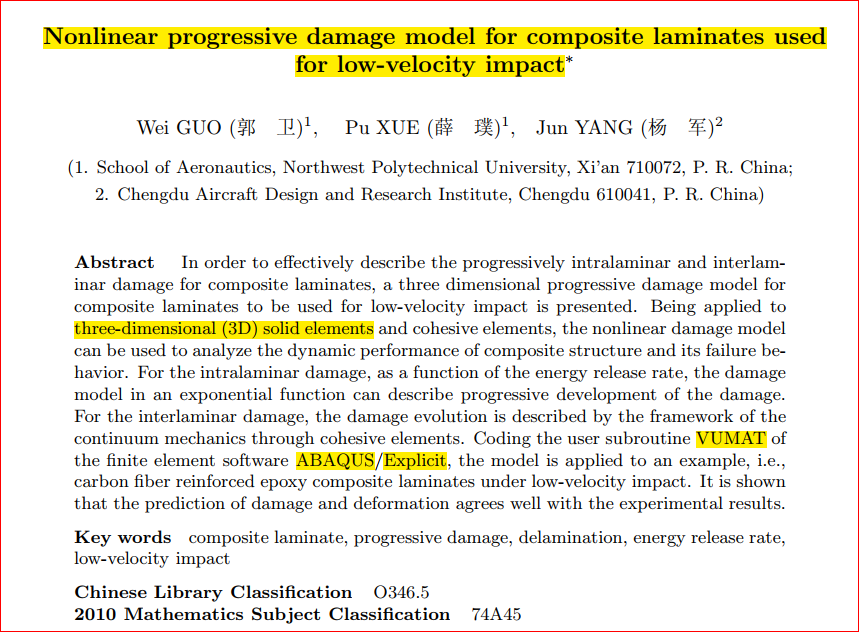
In this LS-Dyna tutorial video, we have tried to cover all the tips and tricks that are required by the user when modeling low-velocity impact FRP laminates FEA analysis with LS-Dyna. Material models for FRP composite & cohesive materials are available in the LS-Dyna and its parameters are described. Also, the modeling methods of geometry, FRP material, cohesive, contacts &, etc. are explained one by one. Finally, in a comprehensive example, the LS-Dyna finite element model is validated by Guo et al. (2013) paper. All the modeling & results files, as well as the LS-Dyna tutorial video, are included in this package. LS-Dyna tutorial video (*.mp4) Lecture notes (PDF) LS-Dyna workshop files (*.k, d3plot) 15-day money-back guarantee   Free 24/7 online mentoring
Add to wishlist
Add to cart
Quick view
Plastic Curve Generator plugin converting stress-strain data in Abaqus
Compare
Close

Plastic Curve Generator Plugin for Abaqus

€ 163.05
The Plastic Curve Generator plugin helps the Abaqus user to create stress-strain curves easily. The input data can be either: engineering stress-strain curves, true total stress-strain curves, or true plastic strain-stress curves. It makes automatically all the conversions needed from the input data, giving the user the total true curve, plastic curve, and output curve, which is obtained according to the plastic flow laws. Documentation (PDF + HTML) Abaqus plugin files (*.RAR) 15-day money-back guarantee   Free 24/7 online mentoring
Add to wishlist
Add to cart
Quick view
Fitness-for-Service Analysis with Signal FFS Course - ffs analysis with signalffs
Fitness-for-Service Analysis with Signal FFS Course - ffs assessment with signalffs
Compare
Close

Fitness-for-Service Analysis with Signal FFS Course

€ 1,250.00
Signal FFS course offers both theoretical knowledge and practical skills in utilizing API-579/ASME FFS-1 and BS 7910 techniques to evaluate the suitability of equipment containing different types of defects. The Fitness-for-Service training course gives guidance on conducting FFS assessments using methods tailored for pressurized equipment. During the training, sample problems will be solved using manual calculations along with the assistance of Signal FFS software. Signal FFS tutorial video (*.mp4) Lecture notes (PDF) Signal FFS workshop files (*.ffs) API 579 / ASME FFS-1 and BS 7910 Standards 15-day money-back guarantee   Free 24/7 online mentoring
Add to wishlist
Add to cart
Quick view
-50%
Bending Pipe plugin interface acting as an advanced pipeline modeling software in Abaqus
Compare
Close

Bending Pipe Plugin for Abaqus

€ 1,365.79 Original price was: € 1,365.79.€ 685.00Current price is: € 685.00.
The Bending Pipe Plugin allows an Abaqus/CAE user to create and execute bending pipe analysis with little effort. Using a simple wizard approach, the plugin guides the user to define different bending methods. The methods included in the Abaqus plugin are: 1- Classical Bending, 2- Compression Bending, 3- Roll Bending, 4- Press Bending, 5- Stretch Bending, & 6- One Step (currently this option only creates both meshes undeformed and deformed) Documentation (PDF + HTML) Abaqus plugin files (*.RAR) 15-day money-back guarantee   Free 24/7 online mentoring
Add to wishlist
Add to cart
Quick view
-8%Hot
umat-vumat-subroutine-gtn-damage-model-abaqus GTN damage model Abaqus Shear-Modified GTN VUMAT Gurson-Tvergaard-Needleman plasticity ductile failure simulation void coalescence Abaqus
Compare
Close

VUMAT Subroutine: Shear Anisotropic Modified GTN Damage Model

€ 535.00 Original price was: € 535.00.€ 490.00Current price is: € 490.00.
In this product, the modified GTN damage Abaqus VUMAT subroutine material model proposed by Gatea et al. (2017) was developed. In this material model, in addition to the original GTN model, the effects of plastic anisotropy and shear loading conditions have been added to increase the accuracy of solving the original GTN damage model. Also, the results have been verified and validated (V&V) with valid papers, and at the end, the extended damage model is compared with the Abaqus built-in GTN model known as the porous metal plasticity model. Lecture notes (PDF) Abaqus workshop files (*.cae, *.inp, *.jnl, *.odb) Fortran Abaqus subroutines run on Windows or Linux GTN material data (*.xls) 15-day money-back guarantee   Free 24/7 online mentoring
Add to wishlist
Add to cart
Quick view
Shot Peening Induced Residual Stresses - Abaqus Validation
Compare
Close

Shot Peening Induced Residual Stresses Simulation & Validation in Abaqus FEA Software

Rated 5.00 out of 5
€ 85.00
This package describes Shot Peening Induced Residual Stresses Simulation & Validation in Abaqus FEA Software, a three-dimensional dynamic finite element (FE) study of single-shot impacting on a metallic component using Abaqus/CAE software. The Finie element results are validated by comparison with results from the published paper by Meguid et al. (1999). The shot peening finite element modeling using Abaqus/CAE allows engineers to optimize shot peening parameters for maximum benefits like increased fatigue life and yield strength. It also helps determine the effective extent of stress relief heat treatment. Abaqus validation files (cae, jnl, inp, odb) Tutorial video (Mp4) 15-day money-back guarantee Free 24/7 online mentoring
Add to wishlist
Add to cart
Quick view
Coupled thermal stress analysis
Hongqi-CA7220-AE_abaqus-Coupled Thermal Stress Analysis of Automotive Disc Brake Validation Tutorial
Compare
Close

Coupled Thermal Stress Analysis of Automotive Disc Brake: A Complete Validation Tutorial

€ 175.00
In Coupled Thermal Stress Analysis of Automotive Disc Brake: A Complete Validation Tutorial, a solid disk brake of a CA7220 car with initial rotational velocity will contact a disk pad. The effects of friction will be an increase in disk temperature due to heat generated by energy dissipation and the reduction of rotational velocity. The numerical results were validated by the Gao & Lin, (2002) paper. Abaqus tutorial video (*.mp4)  Abaqus files (*.cae, *.inp, *.jnl, *.odb) 15-day money-back guarantee   Free 24/7 online mentoring
Add to wishlist
Add to cart
Quick view
-4%
USDFLD Subroutine 3D Hashin
Compare
Close

3D Hashin USDFLD Subroutine Failure Criteria for Abaqus

€ 124.00 Original price was: € 124.00.€ 119.00Current price is: € 119.00.
The 3D Hashin USDFLD subroutine is used in Abaqus to define failure criteria for composite materials based on the Hashin failure criteria and field variables (FV) for softening behavior. It allows you to specify the failure criteria for each ply of composite material in three dimensions (3D). This subroutine is particularly useful for analyzing the failure behavior of composite structures under various loading conditions in Abaqus simulations. It is a functionally validated USDFLD subroutine that compares results with the Chang & Lessard failure criterion available in Abaqus documentation. This code identifies four damage modes including matrix tension, matrix compression, fiber tension, and fiber compression using the elastic constants. Abaqus tutorial video (*.mp4) Lecture notes (PDF) Abaqus workshop files (*.cae, *.inp, *.jnl, *.odb) Fortran Abaqus subroutines run on Windows or Linux 15-day money-back guarantee   Free 24/7 online mentoring
Add to wishlist
Add to cart
Quick view

BanuMusa R&D Simulation Consultancy

Bridging the gap between theoretical engineering and manufacturing reality. We provide high-fidelity FEA, CFD, and specialized Abaqus plugins to eliminate trial-and-error in critical industrial sectors.

Capabilities

  • FEA Consultancy
  • CFD Simulation
  • API 579 FFS Assessment
  • ASME Design by Analysis
  • Composite & COPV

Flagship Utilities

  • MatLib Material Database
  • WCM Plugin (COPV)
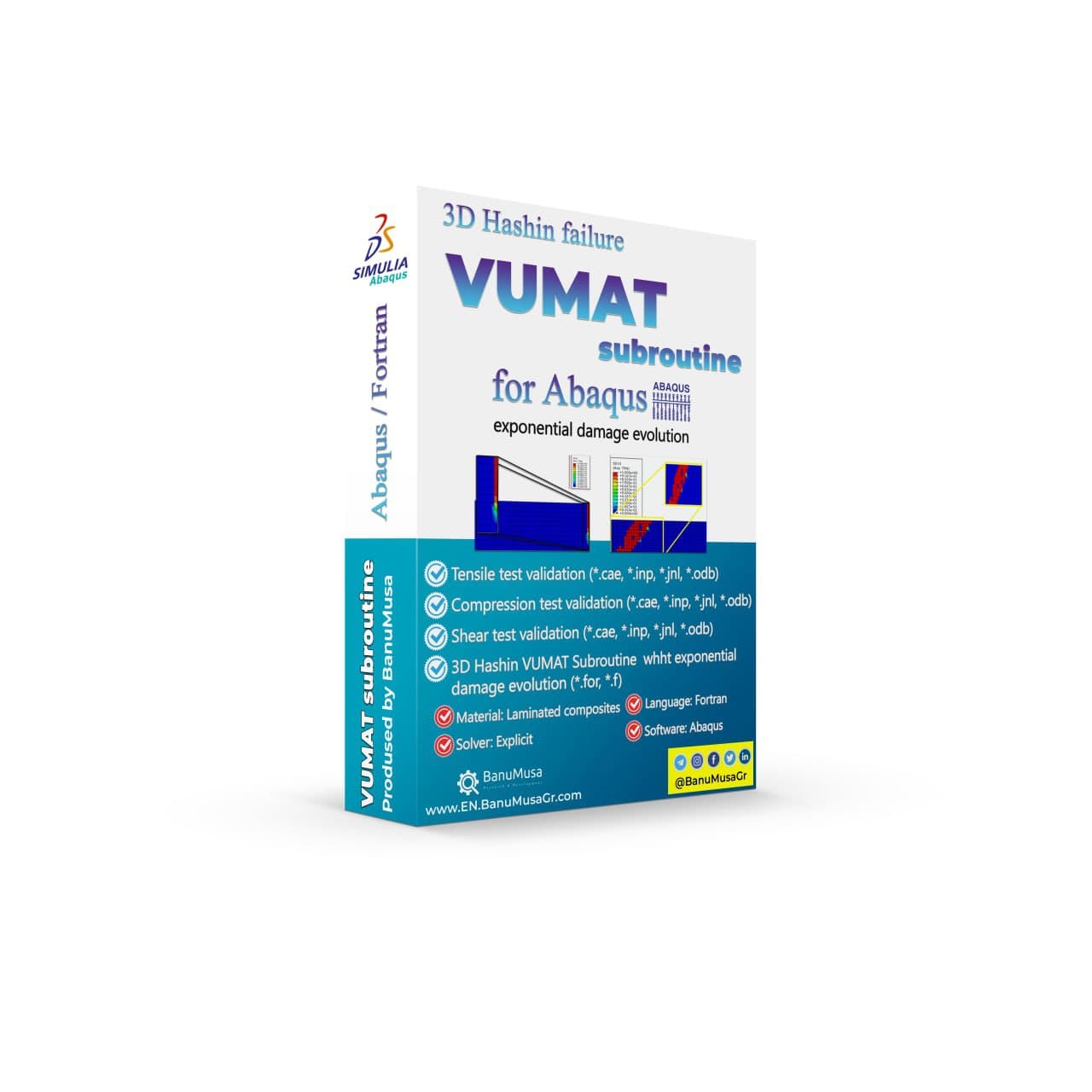
  • 3D Hashin VUMAT
  • Autokeeler (Metal Forming)
  • Johnson-Cook Plugin

Support & Resources

  • 40% Academic Discount
  • 1-on-1 Abaqus Mentoring
  • Advanced CAE Courses
info@banumusagr.com
06-02 Park View condo, Changkat perak, off Lorong Perak, 50250, Kuala Lumpur, Selangor, Malaysia
Accepted Payments
© 2026 BanuMusa R&D. Engineering Simulation & Automation. All rights reserved.
Support & FAQ Payment Methods Privacy Policy Terms of Service

© 2026 FEA & CFD Consultancy | BanuMusa R&D. All rights reserved

Shopping cart

close

Powered by WhatsApp Chat

  • Menu
  • Categories
  • Consulting Services
  • Products
  • Resources
    • Blog
    • Projects
  • About Us
    • Contact Us
    • Our Team
    • Our Partners
    • Careers
  • Consulting Services
  • Products
  • Resources
    • Blog
    • Projects
  • About Us
    • Contact Us
    • Our Team
    • Our Partners
    • Careers

Sign in

close


Lost your password?
No account yet? Create an Account
Sidebar