
Facebook Twitter Email Instagram YouTube linkedin WhatsApp WhatsApp VK Telegram
info@BanuMusaGr.com
Login / Register
0 Wishlist
0 Compare
0 items / € 0.00
Facebook Twitter Email Instagram YouTube linkedin WhatsApp WhatsApp VK Telegram
FEA & CFD Consultancy | BanuMusa R&D FEA & CFD Consultancy | BanuMusa R&D
  • Consulting Services
  • Products
  • Resources
    • Blog
    • Projects
  • About Us
    • Contact Us
    • Our Team
    • Our Partners
    • Careers
Free Mentoring
Menu
FEA & CFD Consultancy | BanuMusa R&D
0 items / € 0.00
HomeShopAbaqusAbaqus Plug-ins Pelamis Fatigue Damage Calculator Plugin for Abaqus
Previous product
Plastic Curve Generator plugin converting stress-strain data in Abaqus
Plastic Curve Generator Plugin for Abaqus € 163.05
Back to products
Next product
Micromechanics Plugin for Abaqus
Micromechanics Plugin for Abaqus € 0.00
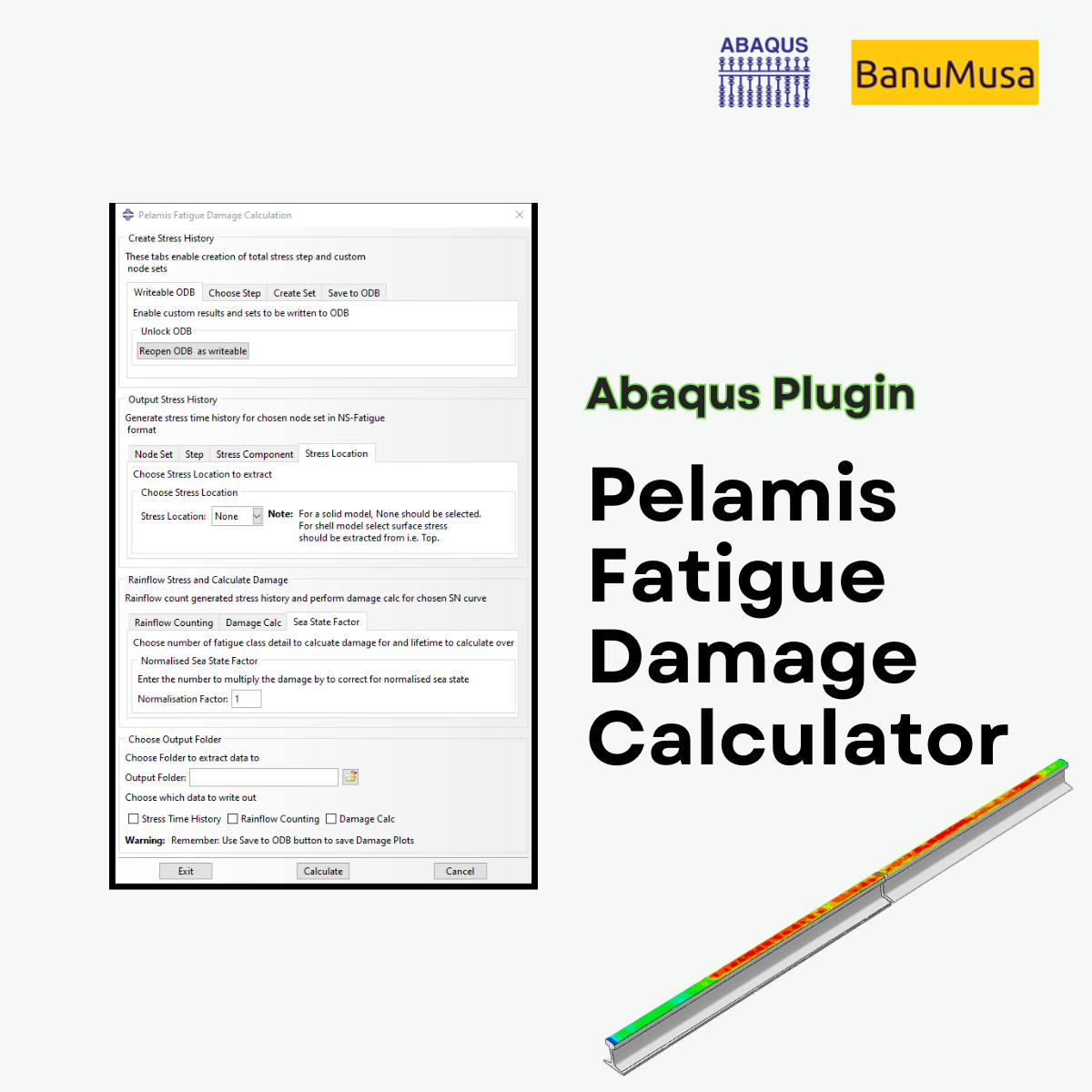
Pelamis Fatigue Damage Calculator plugin for marine Abaqus simulations abaqus fatigue analysis offshore structure design fe safe fatigue failure analysis
Click to enlarge

Pelamis Fatigue Damage Calculator Plugin for Abaqus

€ 0.00

The Pelamis fatigue damage calculator plugin with a user-friendly GUI that makes it easy to perform fatigue analysis of offshore steel structures. The plugin is developed by Dr. Richard Craven. After performing a load time history analysis for a set of nodes, the fatigue damage or life of that set can be calculated. For this purpose, the stress time history for the set using the ASTM rainflow cycle counting method is used, and then the S-N curves available in DNV-RP-C203 are used to calculate the damage.

If you want to pay in a way other than Tether/Tron, contact us.
somdn_product_page
Only registered users can download this free product.
Compare
Add to wishlist
SKU: 2000 Categories: Abaqus, Abaqus Plug-ins
Share
Facebook Twitter Email Pinterest linkedin Odnoklassniki WhatsApp WhatsApp VK Telegram
close
You may also like…
  • Plastic Curve Generator plugin converting stress-strain data in Abaqus
    Plastic Curve Generator Plugin for Abaqus € 163.05
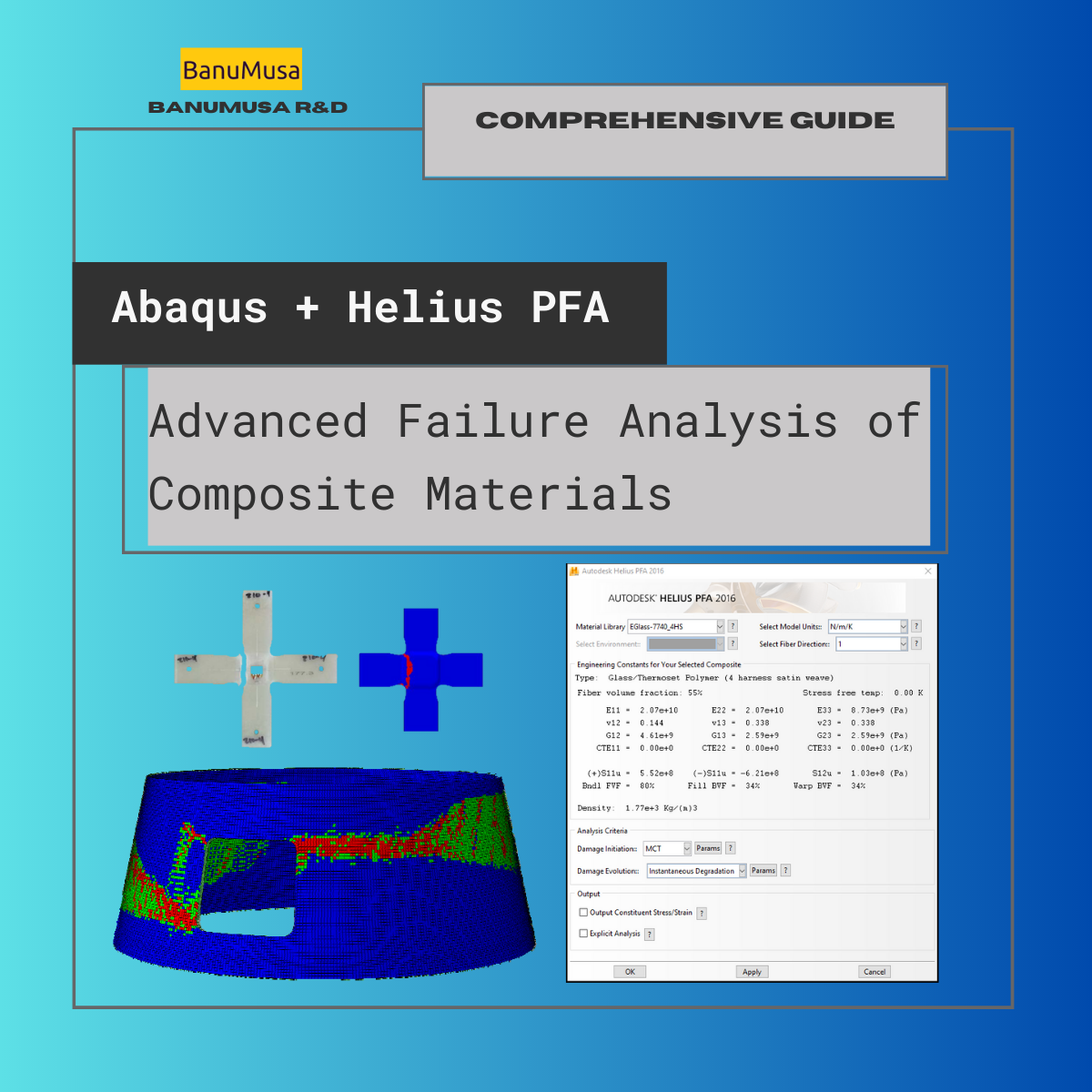
  • Advanced Failure Analysis of Composite Materials Abaqus -helius
    Advanced Failure Analysis of Composite Materials with Abaqus and Autodesk Helius PFA: A Comprehensive Guide € 550.00 Original price was: € 550.00.€ 499.00Current price is: € 499.00.
  • VUMAT JHB JH-2 ceramic model- Implementing Johnson-Holmquist model in Abaqus - JH-2 damage model VUMAT
    Abaqus VUMAT JHB and JH-2 Ceramic Model € 199.00
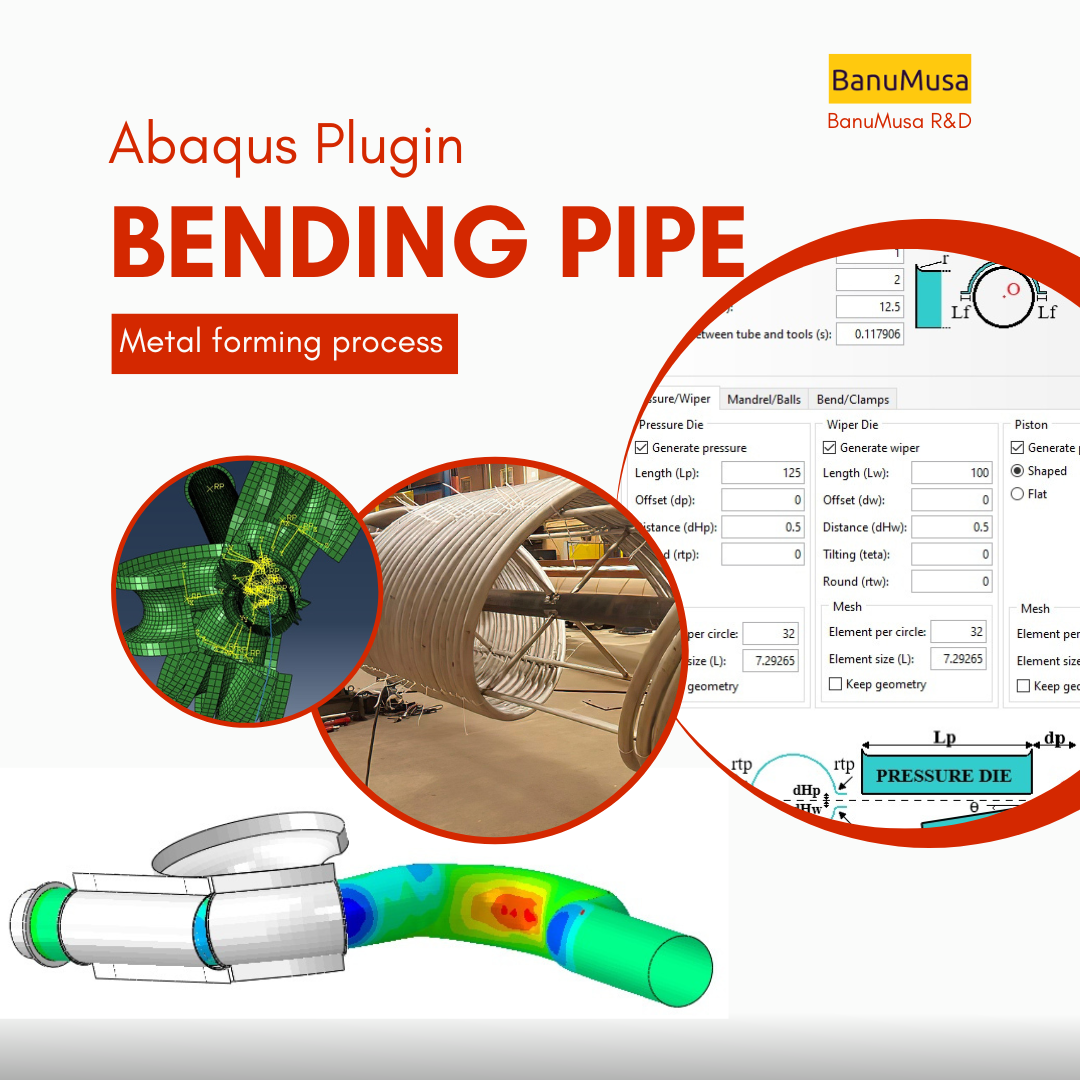
  • Bending Pipe plugin interface acting as an advanced pipeline modeling software in Abaqus
    Bending Pipe Plugin for Abaqus € 1,365.79 Original price was: € 1,365.79.€ 685.00Current price is: € 685.00.
Products
  • USDFLD Subroutine 3D Hashin 3D Hashin USDFLD Subroutine Failure Criteria for Abaqus € 124.00 Original price was: € 124.00.€ 119.00Current price is: € 119.00.
  • Low-Velocity Impact FRP Laminate damage finite element (fea) analysis on frp composite plate validation - lsdyna tutorial video LS-Dyna Tutorial: 3D modeling techniques for low-velocity impact analysis of FRP composite laminate € 239.00
  • Description
  • Additional information
  • Payment & Support
  • Content
Description

Abaqus Fatigue Analysis Plugin | Offshore Design & fe-safe Alternative

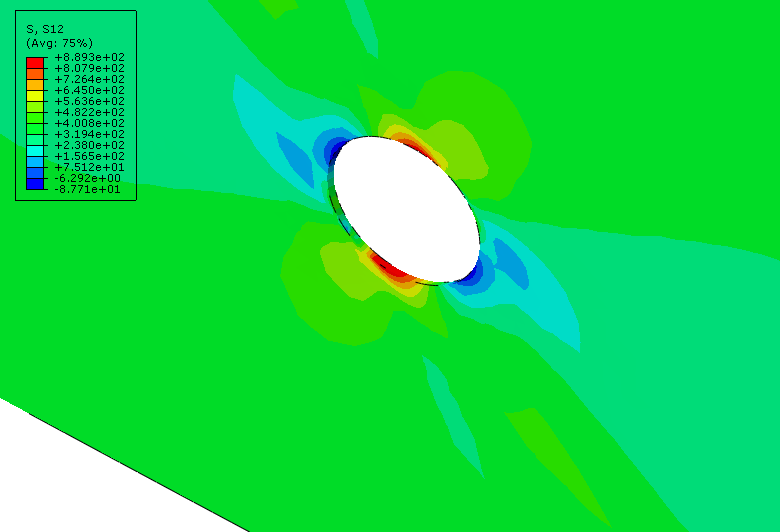
The Pelamis Fatigue Damage Calculator plugin is a tool for calculating the life and fatigue damage of offshore structures. Because Abaqus/fe-safe is not specifically designed to use DNV-RP-C203, the Pelamis Fatigue Damage Calculator plugin can be a suitable tool in addition to hand calculations for designing and estimating the life of offshore structures. Damage or life results can be viewed as a contour plot.

Streamline Offshore Structure Design and Fatigue Calculations

Estimating the life and fatigue damage of marine structures is one of the most critical challenges in offshore structure design. Because the native FE SAFE (fe-safe) environment is not specifically tailored to apply the DNV-RP-C203 standard out of the box, engineers often rely on error-prone and time-consuming hand calculations.

The Pelamis Fatigue Damage Calculator (FDC) Plugin bridges this gap. It is an advanced tool for conducting fatigue failure analysis directly within Abaqus. By acting as a powerful companion for designing and evaluating the life cycle of offshore structures, it provides direct visual contour plots of damage and life results right inside Abaqus/CAE.

Key Features of the Pelamis FDC Plugin

This plugin is engineered to save time while strictly adhering to offshore standards, offering a simpler alternative to complex fe safe setups. Its highly parametrized interface offers:

  • Targeted Analysis: Select specific critical areas (Node sets) or analyze the entire structure (All nodes) simultaneously.

  • Flexible Stress Evaluation: Choose your preferred stress component, including maximum principal stress or von Mises stress.

  • High Precision Rainflow Counting: Ability to select the number of bins (4, 8, 16, 32, 64) for accurate cycle counting.

  • Unit Compatibility: Full support for both Pa and MPa stress units. (Need to convert other units? Explore our tool for managing units in Abaqus).

  • S-N Class Customization: Choose from built-in SN fatigue classes or add your own custom SN classes to the library (via simple scripting).

  • Predictive Life Modeling: Automatically calculate fatigue damage over standard lifespans of 1, 5, 10, or 20 years.

  • Environmental Factors: Built-in coefficients to calculate and adjust damage specifically for harsh sea conditions.

  • Comprehensive Output: Generate detailed reports covering stress-time history, rainflow matrix counting, and specific damage values for each node.

(Note: The plugin comes with an extensive 46-page manual in PDF and CHM formats to guide you through every step of your fatigue analysis in abaqus).

Integrated with DNV-RP-C203 Standard

The DNV-RP-C203 standard is the global benchmark for the fatigue design of offshore steel structures, focusing primarily on weld fatigue. However, this plugin extends its utility, allowing you to use it for steels with a yield stress of less than 960 MPa, bolts, and stainless steels.

The Pelamis plugin is primarily optimized for high-cycle fatigue calculations. It perfectly aligns with Section 2.3.1 of the DNV standard, allowing you to implement three core methodologies based on S-N curves:

  1. The nominal stress method

  2. The hotspot stress method

  3. The notch stress method

Understanding DNV S-N Curves

S-N Curves represent the relationship between applied stress (S) and the number of cycles to failure (N), determined through extensive empirical testing published by DNV. These curves cover different material features and structural details relevant to offshore projects like the Pelamis wave energy converter.

(Pro Tip: If you need to instantly import validated material properties for your FEA setups, check out our Abaqus material library (MatLib Plugin)—currently available with an exclusive 40% discount for university students! Please note this student discount applies strictly and only to the MatLib product).

Who Will Benefit from This Plugin?

  • Marine & Offshore Engineers: Professionals working on the fatigue analysis of offshore structures who need to comply with DNV standards without writing complex Python scripts or navigating extensive fe-safe configurations.

  • Abaqus Application Engineers: FEA experts involved in daily structural integrity and simulation projects who want to replace hand calculations with visual Abaqus contour plots.

  • Academic Researchers: Advanced engineering students and Ph.D. candidates conducting high-cycle fatigue research for their Abaqus FEA projects.

What You Will Gain

By integrating the Pelamis Fatigue Damage Calculator into your workflow, you will perform highly accurate, standard-compliant Abaqus fatigue analysis in a fraction of the time. Stop guessing with hand calculations and start visualizing your fatigue damage directly in Abaqus.

Need Expert Help with Offshore FEA Simulations?

Beyond software plugins, the engineering team at BanuMusa R&D provides professional design, consulting, and simulation services for complex industrial projects. Let us handle your advanced structural and fatigue analyses.

  • Email us: info@banumusagr.com

  • WhatsApp / Telegram: +98-915-55-20-388

💡 Upgrade Your FEA Workflow:
Loved this free plugin? Take your simulations to the next level with MatLib - The Complete Abaqus Material Database. Skip manual calibration and access 1,400+ materials instantly.
We are ready to help you do CFD & FEA simulations.

Need help? Get a consultation from our experts.

Email us: info@banumusagr.com
Telegram: +98-915-55-20-388
WhatsApp: +98-915-55-20-388

Find Us on WeChat

wechat banumusa company ویچت

Recent Posts

  • MatLib | Abaqus Material Database
  • Essential Abaqus Plugins (Add-ons) Every FEA Engineer Should Know – Part II
  • The Critical Role of Analytical Hand Calculations in Modern FEA Validation
  • Understanding Step Cycling in Abaqus 2025
  • Uncertainty Quantification in Finite Element Analysis (FEA)
  • Composite Progressive Failure Analysis
  • Ansys or Abaqus; A Personal Experience
  • Analyzing Nitinol Stents Using Abaqus: FEA Simulation Guide
  • Abaqus Tutorial: Abaqus/CAE Plug-in Utility to Calibrate Nitinol Material Behavior
  • Techniques for Material Model Calibration in Abaqus
Additional information
Software

Abaqus FEA

Type

Abaqus Plugin

Level

Advanced

Files

Abaqus files: *.rar

Documentation: chm/PDF

Language

English

Category

Fatigue analysis

Solver

Explicit, Standard

Material

Metals

Payment & Support

Satisfaction Guarantee & Instant Access

All products available on the BanuMusa R&D website come with a guarantee of customer satisfaction. You will receive an automated download link immediately after your purchase is processed. We also provide online consulting and mentoring to ensure you get the absolute most out of our engineering products.

Before buying, you can consult with our technical experts to ensure the product perfectly aligns with your project requirements.

Secure Payment Methods

Cryptocurrency (Fastest)

The easiest way to pay is through the Tether portal in our shop using your wallet. The download link will be generated automatically.

  • Tether (USDT) - TRC20
  • Tron (TRX)
Video Tutorials:
  • How to pay using USDT TRC-20
  • Tron TRC20 Wallet Tutorial

International e-Wallets

We support major digital wallets. Once your manual payment is verified, we will email you the download links.

  • Payoneer: Contact us to receive the payment address.
  • PayPal: Contact us for our official account.
  • PAYEER: Contact us for instructions.
  • WebMoney: Contact us for our WMZ wallet address.

Bank Transfer (SWIFT)

For corporate clients or large engineering software orders, we accept direct wire transfers.

Please contact our support team to receive our official SWIFT/IBAN banking details and a Proforma Invoice.

Need Help with Payment? Contact Us

If you cannot use the direct Tether gateway or need our payment details (PayPal, Payoneer, SWIFT, etc.), simply send us the product link via email or our social networks.

  • +98-915-5520-388 (WhatsApp, Telegram, WeChat)
  • info@banumusagr.com
  • +98-51-35424520
Content

Contents

  • Abaqus files: *.rar
  • Documentation: HTML/PDF

Reviews

There are no reviews yet.

Be the first to review “Pelamis Fatigue Damage Calculator Plugin for Abaqus” Cancel reply

You must be logged in to post a review.

Related products

rolling contact fatigue rail
Compare
Close

Rolling Contact Fatigue Analysis of UIC60 Rail Wheels

Rated 5.00 out of 5
€ 99.00
Advanced finite element analysis with proper contact modeling and considering parameters like residual stresses can provide detailed insights into the stress state and rolling contact fatigue failure mechanism. This Abaqus tutorial discusses the effect of axial force, velocity, and rail joint gap angle parameters on the distribution of contact and impact stresses. Modeling the rolling contact fatigue of a train wheel rail has tips trained in this tutorial video. In addition to the tutorial video, the Abaqus files and their results will be provided to you so that nothing will remain unclear. Also, all training includes free online 24/7 online tutoring after purchase. Abaqus tutorial video (*.mp4)  Abaqus files (*.cae, *.inp, *.jnl, *.odb) 15-day money-back guarantee   Free 24/7 online mentoring
Add to wishlist
Add to cart
Quick view
Fortran for Abaqus Subroutine - writing user subroutines udhard umat film uload
Compare
Close

Fortran for Abaqus Subroutine

€ 255.00
If you are familiar with user subroutines in Abaqus, you must know that Fortran, C, and C# are languages that can be used to write subroutines in Abaqus. What is common among Abaqus users now is using Fortran in writing user subroutines. In the "Fortran for Abaqus Subroutine" training package, zero-to-one writing user subroutine tips are taught using Fortran in Abaqus. Abaqus tutorial video (*.mp4) Lecture notes (PDF) Abaqus workshop files (*.cae, *.inp, *.jnl, *.odb) Fortran Abaqus subroutines run on Windows or Linux 15-day money-back guarantee   Free 24/7 online mentoring
Add to wishlist
Add to cart
Quick view
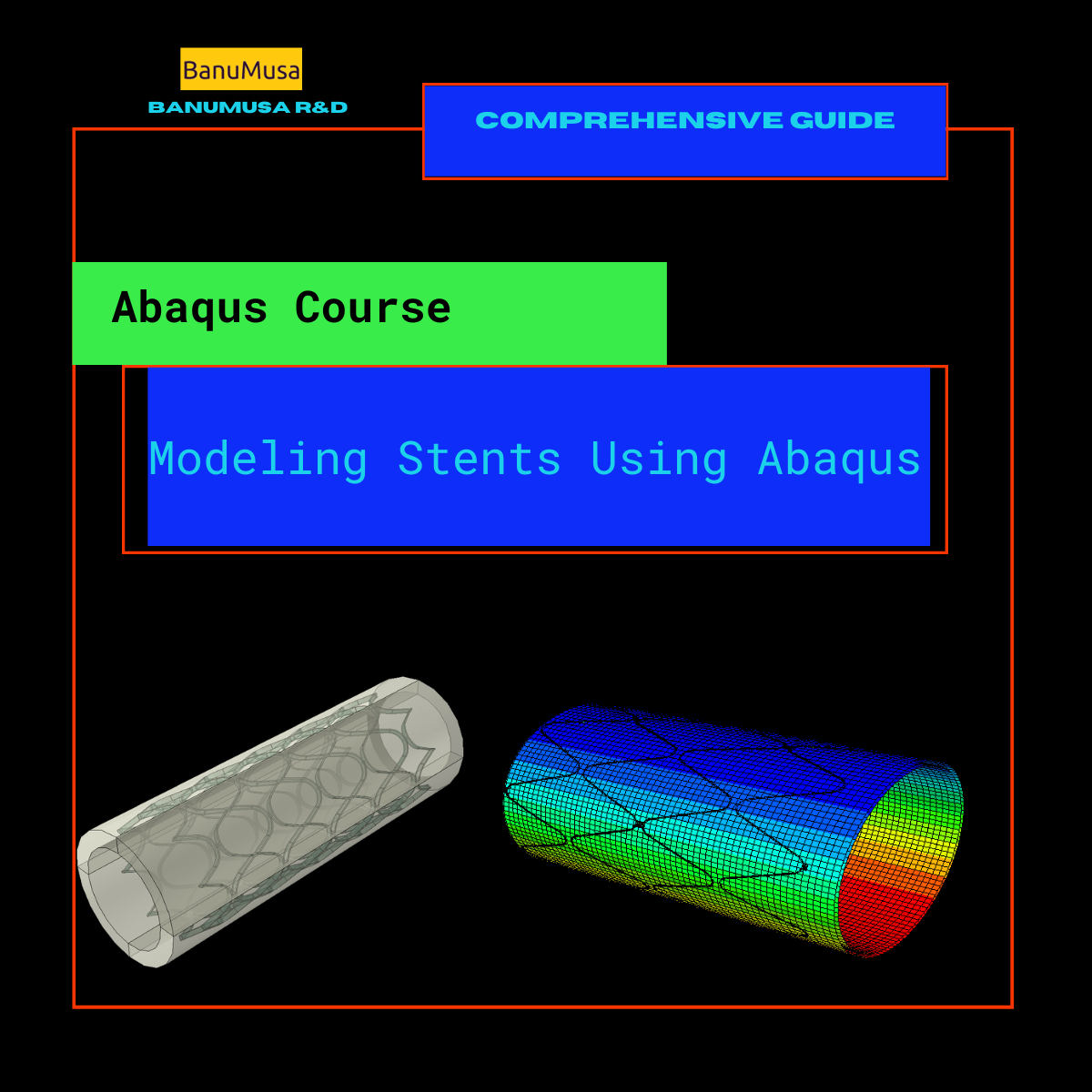
Modeling Stents Using Abaqus video Tutorial - sma nitimol material
Compare
Close

Modeling Stents Using Abaqus

€ 440.00
Modeling stents using Abaqus course is designed for engineers who are in charge of designing medical devices and want to enhance their comprehension of the intricate mechanical behavior related to the performance of these devices. Although the course primarily focuses on using Abaqus to simulate stents, the material is also valuable for simulating other kinds of medical devices. Abaqus tutorial video (*.mp4) Lecture notes (PDF) Abaqus workshop files (*.cae, *.inp, *.jnl, *.odb) Python scripts (*.py) Fortran subroutines 15-day money-back guarantee   Free 24/7 online mentoring
Add to wishlist
Add to cart
Quick view
Johnson-Cook plugin for Abaqus
Compare
Close

Abaqus Johnson Cook Plugin: Free Material Calibration Tool

€ 0.00
Download the free Abaqus Johnson Cook plugin. Automate material calibration, calculate hardening parameters, and plot stress-strain responses instantly.
Add to wishlist
View
Quick view
Introduction to VUMAT Subroutine Abaqus Mentoring Abaqus tutorial video
Introduction to VUMAT Subroutine Abaqus Mentoring- tutorial
Compare
Close

Introduction to VUMAT Subroutine

€ 210.00
Introduction to VUMAT Subroutine course helps you to learn the process of writing VUMAT as quickly as possible with the help of practical examples. All the tips and details that you encounter to write the code are taught in this course and you can implement the material model in the subroutine. Because you may have questions while watching the course, an expert will answer your questions online. Abaqus tutorial video (*.mp4) Lecture notes (PDF) Abaqus workshop files (*.cae, *.inp, *.jnl, *.odb) Fortran subroutines 15-day money-back guarantee   Free 24/7 online mentoring
Add to wishlist
Add to cart
Quick view
concrete modeling in abaqus tutorial video
Compare
Close

Mastering Concrete Modeling in Abaqus: A Comprehensive Course

€ 425.00
In the "Concrete Modeling in Abaqus" tutorial video course, we have tried to cover all the tips and tricks the user requires when modeling concrete structures. Material models are available in the Abaqus and their parameters are described. Also, the modeling methods of rebars and reinforcements are expressed one by one and the strengths and weaknesses of each are examined. Finally, in 3 comprehensive examples in the field of explosion, fire, and connections, these cases are used in practice. Abaqus tutorial video (*.mp4) Lecture notes (PDF) Abaqus workshop files (*.cae, *.inp, *.jnl, *.odb) Concrete Damage Plasticity Calculator Tool (*.xls) 15-day money-back guarantee   Free 24/7 online mentoring
Add to wishlist
Add to cart
Quick view
Calibrate Nitinol Material Behavior Abaqus Plugin free download
Compare
Close

Calibrate Nitinol Material Behavior: Free Abaqus Plugin

€ 0.00

Download the free Abaqus plugin for advanced Nitinol simulation. Automate superelastic material calibration using uniaxial tension test data instantly.

Documentation (PDF + HTML) Abaqus plugin files (*.RAR) Abaqus workshop files
Add to wishlist
View
Quick view
Introduction to Abaqus course
Introduction to Abaqus Training Course - abaqus for students. abaqus for beginners
Compare
Close

Introduction to Abaqus Training Course

€ 410.00
The Introduction to Abaqus Training Course provides a thorough and cohesive overview of Abaqus' modeling and analysis capabilities. Participants will learn how to address linear and nonlinear problems, manage analysis tasks, and examine simulation outcomes within Abaqus' interactive interface. The course will encompass instruction on the following products: Abaqus/CAE, Abaqus Standard, and Abaqus Explicit. Abaqus tutorial video (*.mp4) Lecture notes (PDF) Abaqus workshop files (*.cae, *.inp, *.jnl, *.odb) 15-day money-back guarantee   Free 24/7 online mentoring
Add to wishlist
Add to cart
Quick view

Tag your photos with #PelamisPlugin on Instagram.

BanuMusa R&D Simulation Consultancy

Bridging the gap between theoretical engineering and manufacturing reality. We provide high-fidelity FEA, CFD, and specialized Abaqus plugins to eliminate trial-and-error in critical industrial sectors.

Capabilities

  • FEA Consultancy
  • CFD Simulation
  • API 579 FFS Assessment
  • ASME Design by Analysis
  • Composite & COPV

Flagship Utilities

  • MatLib Material Database
  • WCM Plugin (COPV)
  • 3D Hashin VUMAT
  • Autokeeler (Metal Forming)
  • Johnson-Cook Plugin

Support & Resources

  • 40% Academic Discount
  • 1-on-1 Abaqus Mentoring
  • Advanced CAE Courses
info@banumusagr.com
06-02 Park View condo, Changkat perak, off Lorong Perak, 50250, Kuala Lumpur, Selangor, Malaysia
Accepted Payments
© 2026 BanuMusa R&D. Engineering Simulation & Automation. All rights reserved.
Support & FAQ Payment Methods Privacy Policy Terms of Service

© 2026 FEA & CFD Consultancy | BanuMusa R&D. All rights reserved

Shopping cart

close

Powered by WhatsApp Chat

  • Menu
  • Categories
  • Consulting Services
  • Products
  • Resources
    • Blog
    • Projects
  • About Us
    • Contact Us
    • Our Team
    • Our Partners
    • Careers
  • Consulting Services
  • Products
  • Resources
    • Blog
    • Projects
  • About Us
    • Contact Us
    • Our Team
    • Our Partners
    • Careers

Sign in

close


Lost your password?
No account yet? Create an Account
Sidebar