

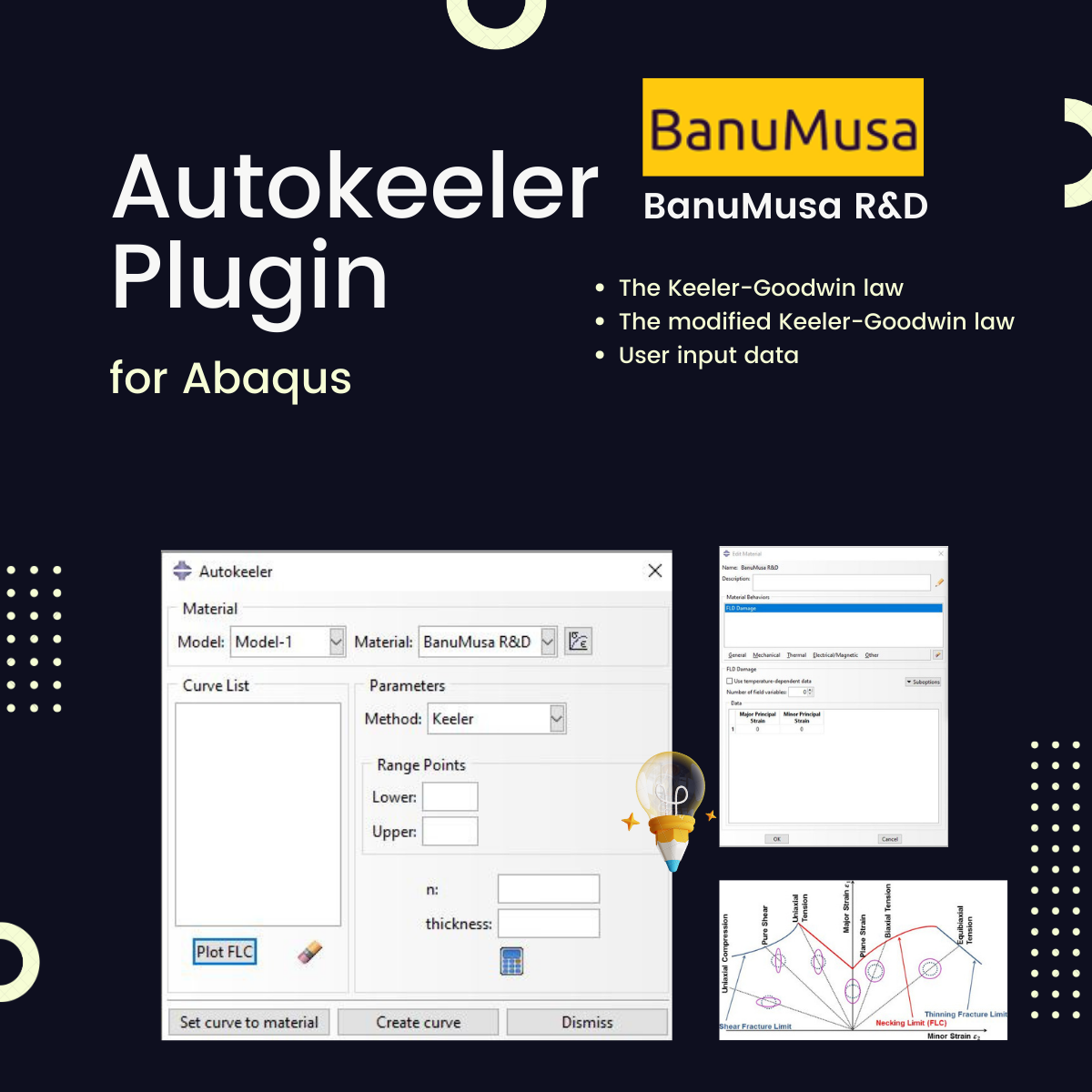
Autokeeler Plugin for Abaqus
Autokeeler Plugin for Abaqus: FLC & FLD Generator
Easily generate Forming Limit Curves (FLC) and define Forming Limit Diagram (FLD) damage criteria in Abaqus. Includes comprehensive HTML & PDF documentation to get you started immediately.
Streamline Your Metal Forming Simulations in Abaqus
The Autokeeler Plugin is an advanced add-on for Abaqus designed to automatically generate Forming Limit Curves (FLC) used for FLD damage criteria. Predicting necking instability is critical for determining damage initiation in sheet metal forming. This plugin eliminates manual calculations and accelerates your material definition process.
The plugin provides three robust methods to create the FLC based on the elastoplastic definition of your material:
-
Standard Keeler-Goodwin law
-
Modified Keeler-Goodwin law
-
Direct user-defined input data
Why Use the Autokeeler Plugin?
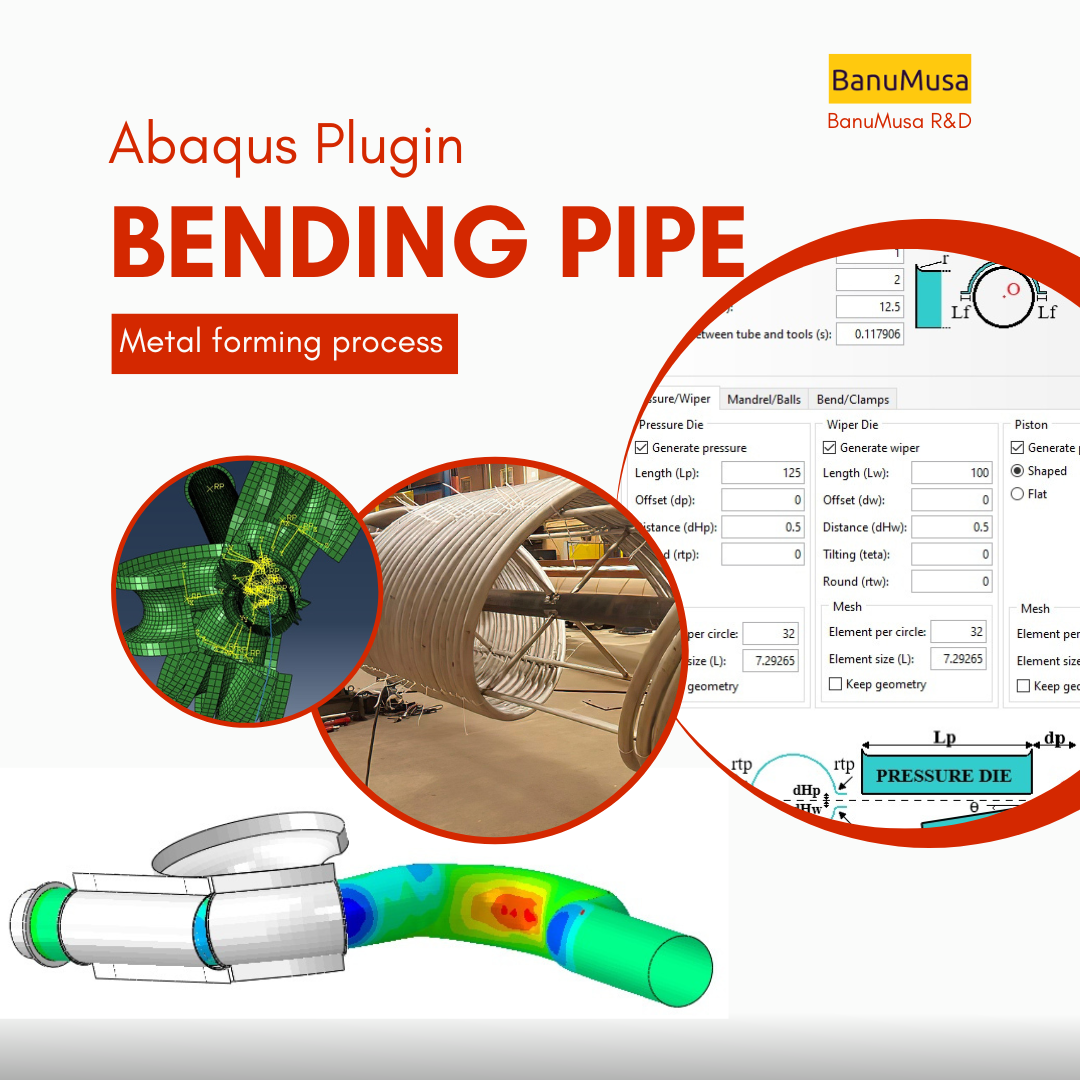
From a feasibility standpoint, evaluating a metal’s capacity to resist large strains during forming processes is critical for a successful design. If you are running complex simulations—such as those generated by the Bending Pipe Plugin—defining accurate damage criteria is essential to avoid necking and failure.
While the Keeler-Goodwin curve shape is widely used, manual implementation takes time. The Autokeeler plugin fully automates this formulation, allowing Abaqus users to quickly generate the FLD and ensure highly accurate simulation results.
What is the FLD Damage Criterion?
Introduced by Keeler and Backofen (1964), the Forming Limit Diagram (FLD) is a continuous damage mechanism criterion used to predict necking instability in sheet metal forming simulations. (Note: A known restriction of this criterion is that the strain paths should be linear. For deep technical insights, refer to section 24.2.2 of the Abaqus Analysis User’s Guide).
Step-by-Step: How to Generate a Forming Limit Curve in Abaqus
Using the Autokeeler plugin is incredibly intuitive. Once installed, you simply open your Abaqus/CAE environment and access the plugin menu. From there, you input your material’s basic elastoplastic properties, such as yield stress and strain hardening exponent.
The Abaqus FLD plugin will automatically process these variables using your chosen Keeler-Goodwin methodology. Within seconds, the exact data points for your Forming Limit Curve (FLC) are generated and seamlessly integrated into your material damage properties. No external spreadsheets, no complex MATLAB codes—just pure, automated FEA efficiency.
Who is this Abaqus Plugin For?
- Simulation Engineers & Professionals: Perfect for Abaqus application engineers involved in daily metal-forming projects who need to quickly apply FLD criteria without writing Python scripts.
- Academic Researchers & Ph.D. Students: Ideal for researchers applying the Keeler-Goodwin laws to evaluate complex structural deformations and material failures in modern alloys.
- Engineering Students: A great tool to bypass complex Abaqus coding and directly solve metal-forming simulations for university thesis projects.
What You Will Gain
By downloading this tool, you will be able to instantly create highly accurate forming limit curves (FLC) based on established Keeler-Goodwin laws or customized point lists, saving hours of manual data processing.
Need Expert Help with CFD & FEA Simulations?
Beyond software plugins, the engineering team at BanuMusa R&D provides professional design, consulting, and simulation services for complex industrial projects. Let us help you overcome your toughest engineering challenges. Contact us
Frequently Asked Questions (FAQ)
Q: Why is predicting necking instability so important in FEA?
A: In metal forming, necking is the localized reduction in thickness that immediately precedes material fracture. If your FEA simulation does not accurately predict this via an FLD damage criterion, your virtual prototyping will fail to match real-world manufacturing outcomes.
Q: Does this plugin include a user manual?
A: Yes, every download of the Autokeeler plugin includes comprehensive HTML and PDF documentation to guide you step-by-step through the installation and application processes.
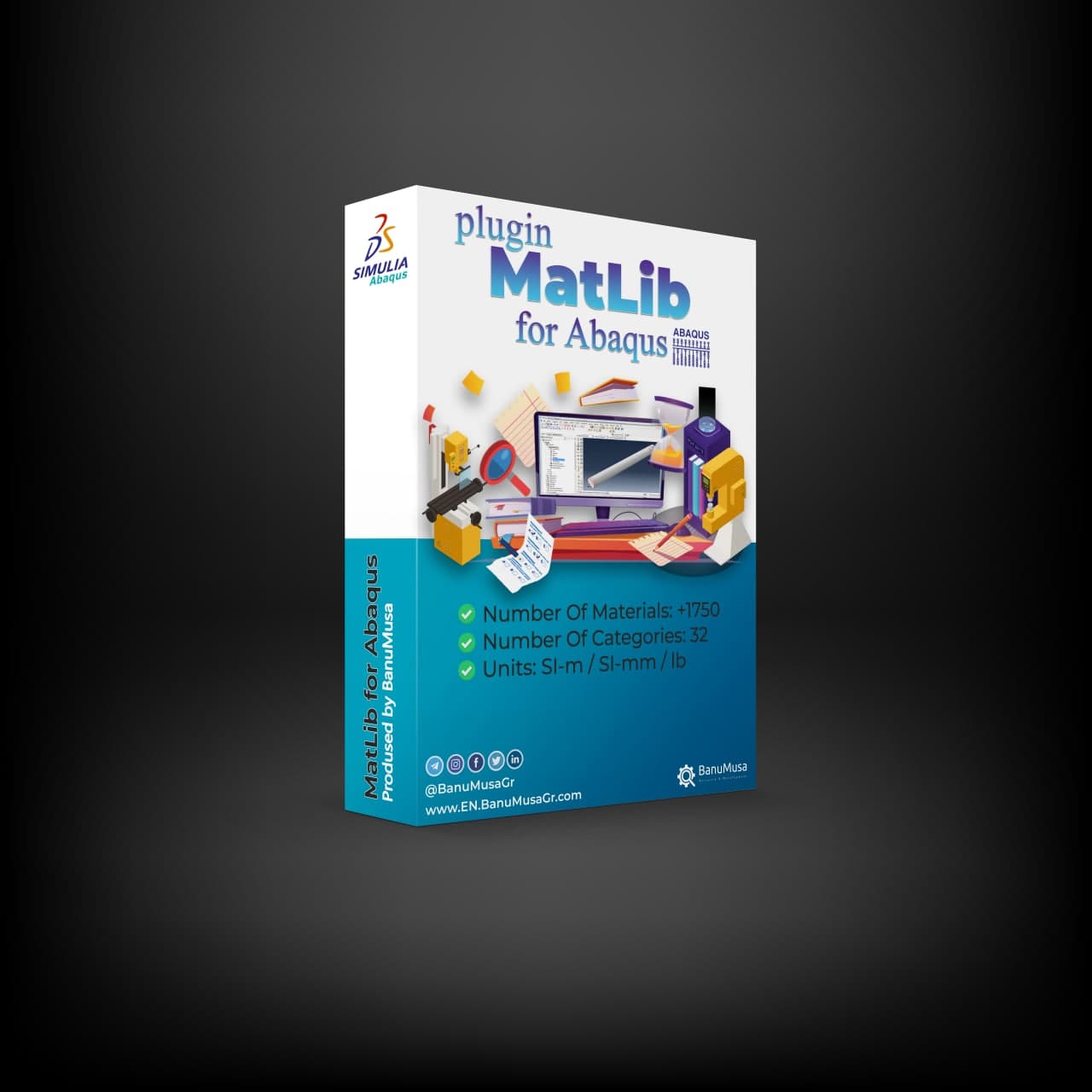
Loved this free plugin? Take your simulations to the next level with MatLib - The Complete Abaqus Material Database. Skip manual calibration and access 1,400+ materials instantly.
Need help? Get a consultation from our experts.
Telegram: +98-915-55-20-388
WhatsApp: +98-915-55-20-388
Find Us on WeChat




نقد و بررسیها
هنوز بررسیای ثبت نشده است.