
Facebook Twitter Email Instagram YouTube linkedin WhatsApp WhatsApp VK Telegram
info@BanuMusaGr.com
Login / Register
0 Wishlist
0 Compare
0 items / € 0.00
Facebook Twitter Email Instagram YouTube linkedin WhatsApp WhatsApp VK Telegram
FEA & CFD Consultancy | BanuMusa R&D FEA & CFD Consultancy | BanuMusa R&D
  • Consulting Services
  • Products
  • Resources
    • Blog
    • Projects
  • About Us
    • Contact Us
    • Our Team
    • Our Partners
    • Careers
Free Mentoring
Menu
FEA & CFD Consultancy | BanuMusa R&D
0 items / € 0.00
HomeShopAbaqusAbaqus Plug-ins Save Multiple Animations Plugin for Abaqus
Previous product
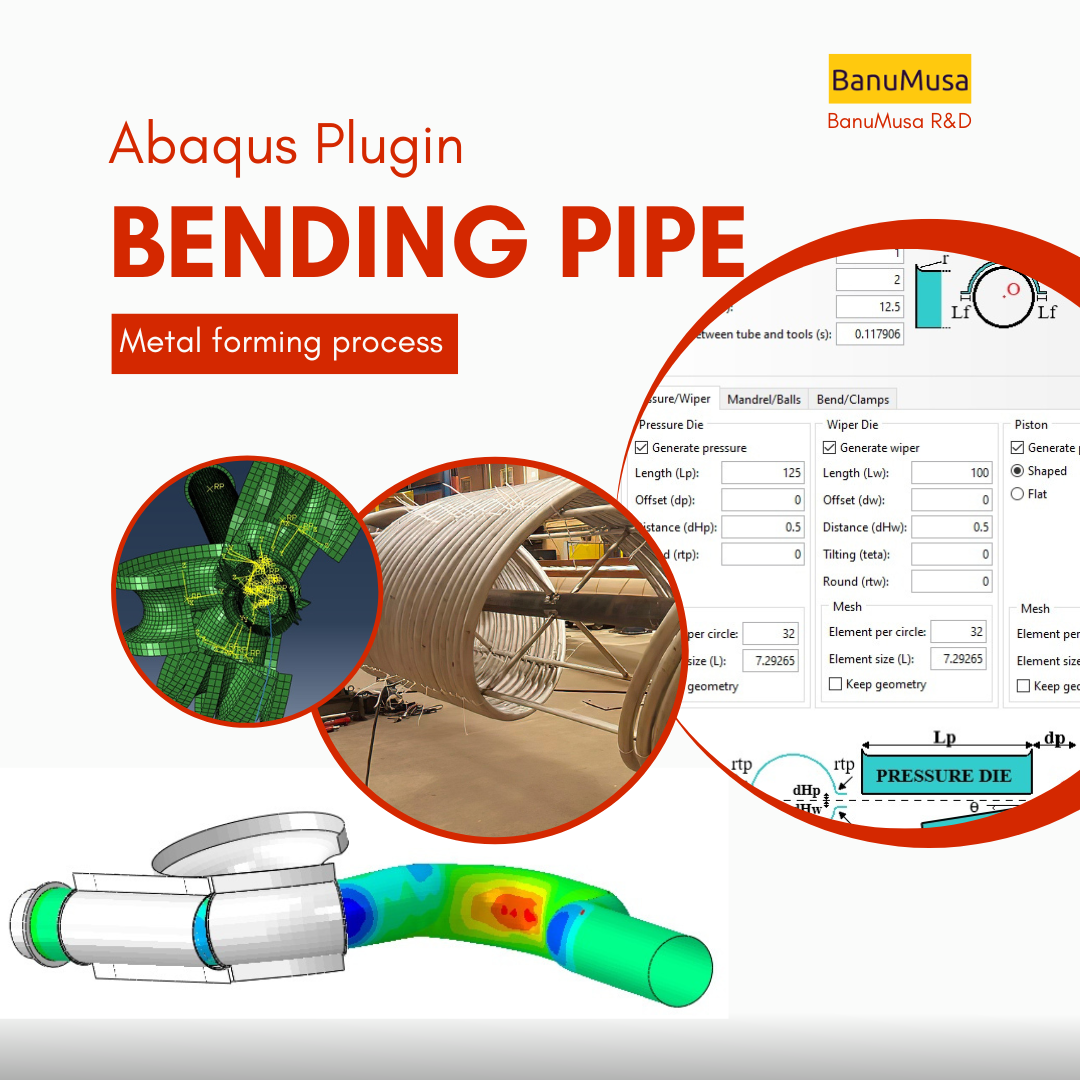
Bending Pipe plugin interface acting as an advanced pipeline modeling software in Abaqus
Bending Pipe Plugin for Abaqus € 1,365.79 Original price was: € 1,365.79.€ 685.00Current price is: € 685.00.
Back to products
Next product
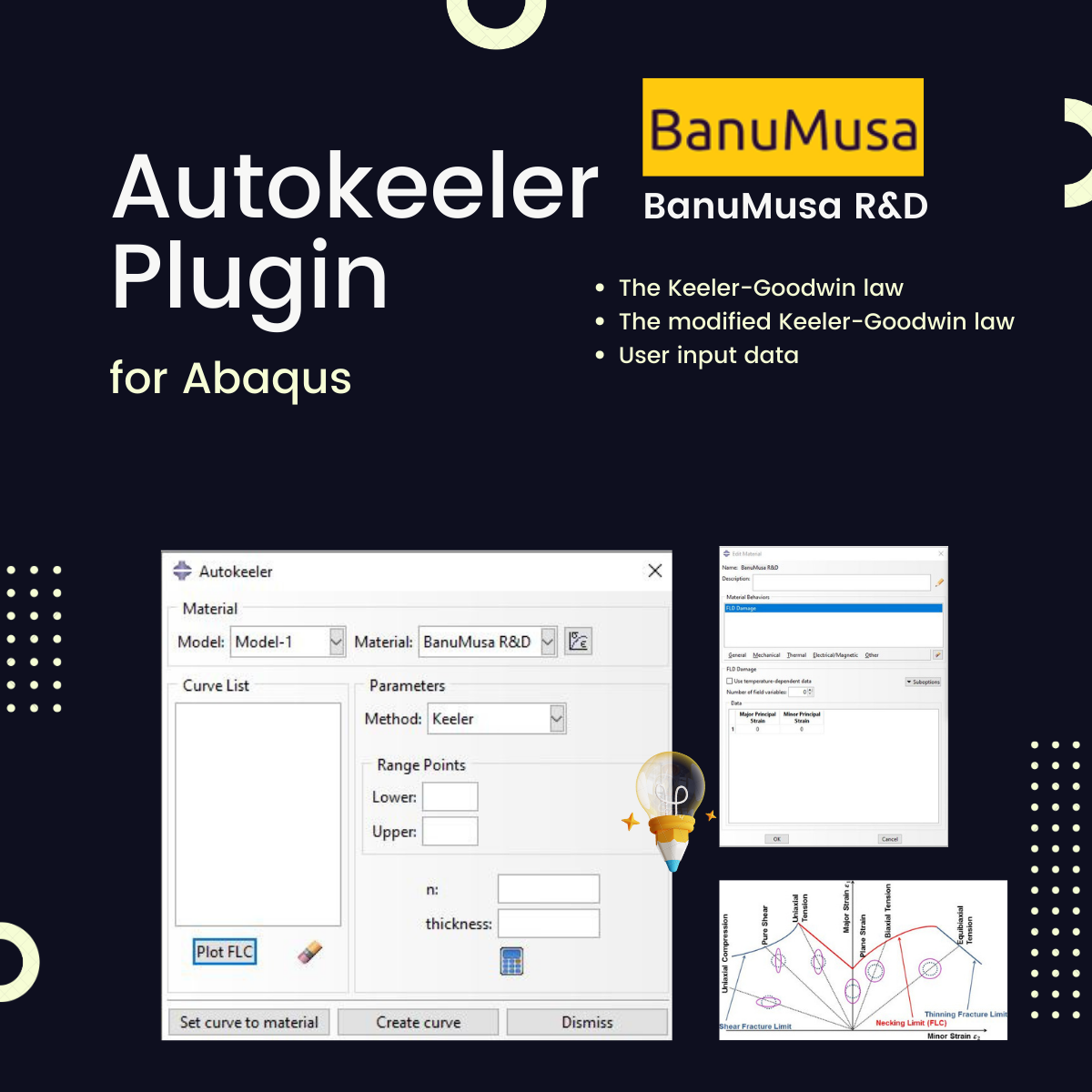
Autokeeler plugin generating Forming Limit Curves (FLC) and FLD in Abaqus
Autokeeler Plugin for Abaqus: FLC & FLD Generator € 0.00
Save Multiple Animations Plugin for Abaqus
Watch video
Click to enlarge

Save Multiple Animations Plugin for Abaqus

€ 0.00

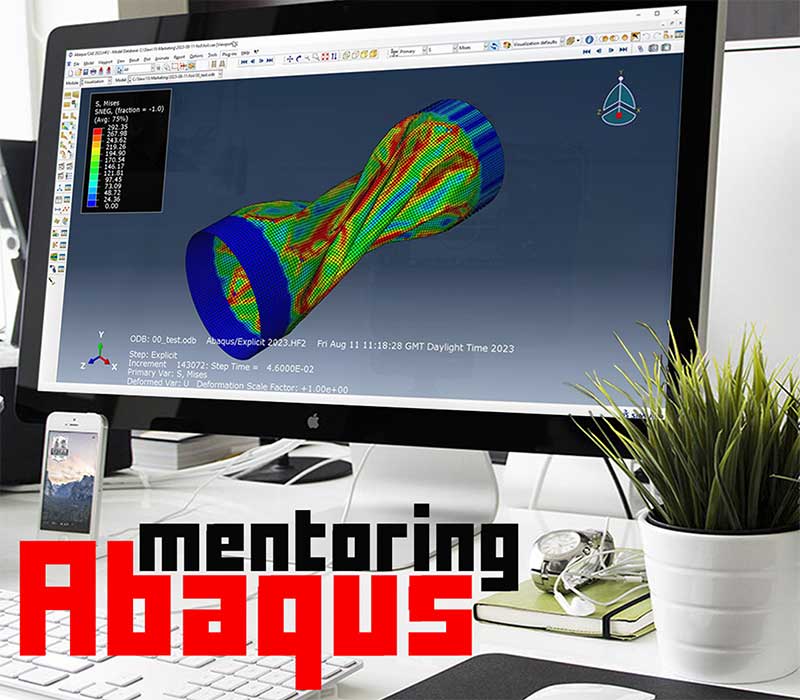
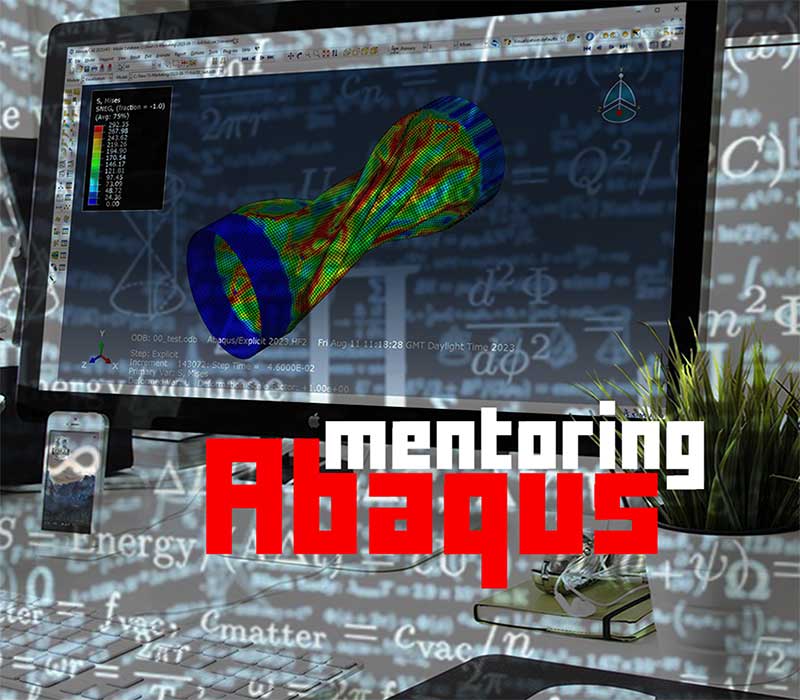
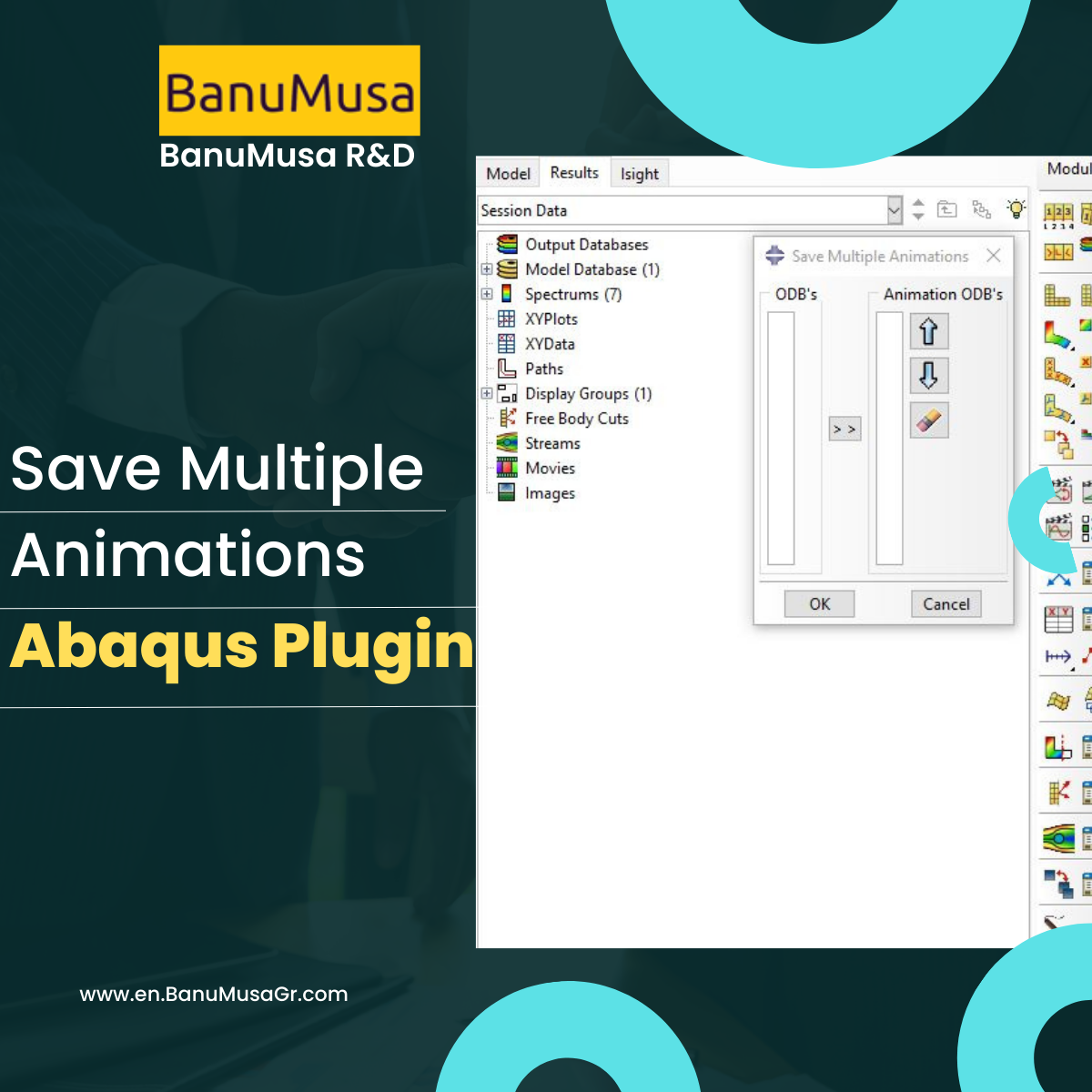
Save Multiple Animations plugin allows the Abaqus user to create a unique animation file by joining different ODB files. Sometimes, due to the simulation workflow being needed, different models simulate a unique process, i.e. metal forming process. The results are, therefore, different *.odb files, and with this plug-in, the user can put them together in a unique file. The plug-in takes the current display on the viewport and applies it to all ODBs selected.


If you want to pay in a way other than Tether/Tron, contact us.
somdn_product_page
Only registered users can download this free product.
Compare
Add to wishlist
SKU: 1000-1 Categories: Abaqus, Abaqus Plug-ins
Share
Facebook Twitter Email Pinterest linkedin Odnoklassniki WhatsApp WhatsApp VK Telegram
close
You may also like…
  • Bending Pipe plugin interface acting as an advanced pipeline modeling software in Abaqus
    Bending Pipe Plugin for Abaqus € 1,365.79 Original price was: € 1,365.79.€ 685.00Current price is: € 685.00.
  • Micromechanics Plugin for Abaqus
    Micromechanics Plugin for Abaqus € 0.00
  • Plastic Curve Generator plugin converting stress-strain data in Abaqus
    Plastic Curve Generator Plugin for Abaqus € 163.05
  • Autokeeler plugin generating Forming Limit Curves (FLC) and FLD in Abaqus
    Autokeeler Plugin for Abaqus: FLC & FLD Generator € 0.00
Products
  • Low-Velocity Impact FRP Laminate damage finite element (fea) analysis on frp composite plate validation - lsdyna tutorial video LS-Dyna Tutorial: 3D modeling techniques for low-velocity impact analysis of FRP composite laminate € 239.00
  • Bending Pipe plugin interface acting as an advanced pipeline modeling software in Abaqus Bending Pipe Plugin for Abaqus € 1,365.79 Original price was: € 1,365.79.€ 685.00Current price is: € 685.00.
  • Description
  • Additional information
  • Payment & Support
  • Content
Description

Save Multiple Animations Plugin

Save Multiple Animations Plugin is a simple but functional and free Abaqus plugin that you can create an animation from a large number of ODBs. Currently, this plugin is available for Abaqus users and you can get it with a few simple clicks. The Save Multiple Animations Plugin is a side tool for the Abaqus Bending Pipe plugin, because after each analysis, a large number of ODB files are generated, and to get an animation of all the forming steps, it is used in the visualization module. In any case, the Save Multiple Animations Plugin is not exclusive to using the Abaqus Bending Pipe plugin and you can use it at any time.

💡 Upgrade Your FEA Workflow:
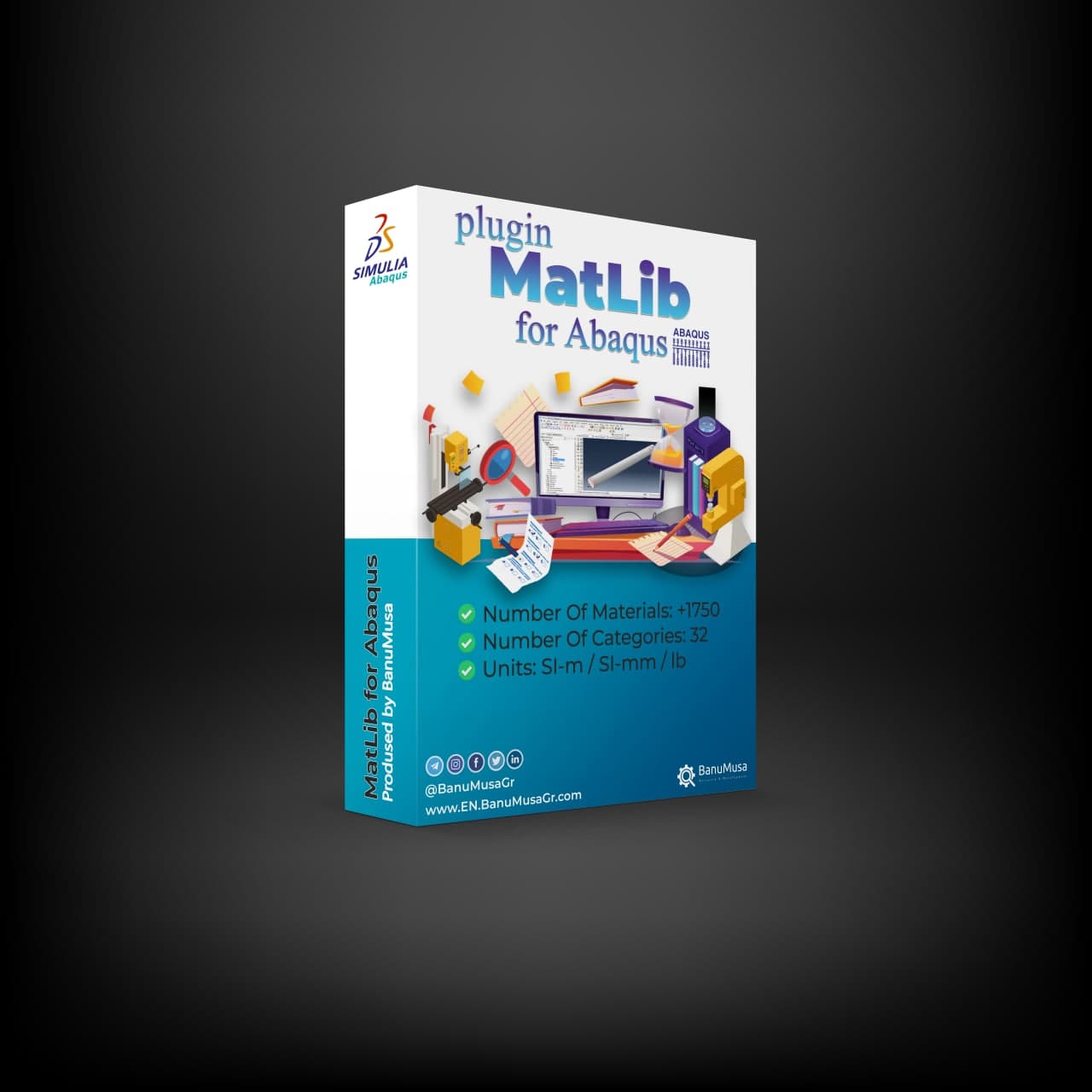
Loved this free plugin? Take your simulations to the next level with MatLib - The Complete Abaqus Material Database. Skip manual calibration and access 1,400+ materials instantly.

Demo

We are ready to help you do CFD & FEA simulations.

Need help? Get a consultation from our experts.

Abaqus E-learning technical FEA & CFD consulting by banumusa FEA & CFD Consultancy Services Abaqus Ansys LS-Dyna user subroutine plugin FEA and CFD consultancy Abaqus consultancy services Technical Abaqus mentoring fluent cfd services ls-dyna consultancy services ansys consultancy services comsol consultancy services
Email us: info@banumusagr.com
Telegram: +98-915-55-20-388
WhatsApp: +98-915-55-20-388

Find Us on WeChat

wechat banumusa company ویچت

Having trouble with Abaqus?!

FEA Online Abaqus Mentoring consulting services for students and engineers30-minute free Abaqus mentoring session
Register

Products

  • Shot Peening Induced Residual Stresses - Abaqus Validation Shot Peening Induced Residual Stresses Simulation & Validation in Abaqus FEA Software
    Rated 5.00 out of 5
    € 85.00
  • abaqus material library MatLib: The Ultimate Abaqus Material Library Plugin
    Rated 4.75 out of 5
    € 315.00
  • larc05-abaqus-failure-criteria-composite-analysis Abaqus Tutorial: LaRC05 Failure Criterion For Fiber-Reinforced Composites
    Rated 5.00 out of 5
    € 110.00 Original price was: € 110.00.€ 99.00Current price is: € 99.00.

Recent Posts

  • MatLib | Abaqus Material Database
  • Essential Abaqus Plugins (Add-ons) Every FEA Engineer Should Know – Part II
  • The Critical Role of Analytical Hand Calculations in Modern FEA Validation
  • Understanding Step Cycling in Abaqus 2025
  • Uncertainty Quantification in Finite Element Analysis (FEA)
Additional information
Software

Abaqus FEA

Type

Abaqus Plugin

Level

Elementary

Files

Abaqus files: *.rar

Documentation: HTML/PDF

Language

English

Category

Metal forming

Solver

Explicit, Standard

Material

All

Payment & Support

Satisfaction Guarantee & Instant Access

All products available on the BanuMusa R&D website come with a guarantee of customer satisfaction. You will receive an automated download link immediately after your purchase is processed. We also provide online consulting and mentoring to ensure you get the absolute most out of our engineering products.

Before buying, you can consult with our technical experts to ensure the product perfectly aligns with your project requirements.

Secure Payment Methods

Cryptocurrency (Fastest)

The easiest way to pay is through the Tether portal in our shop using your wallet. The download link will be generated automatically.

  • Tether (USDT) - TRC20
  • Tron (TRX)
Video Tutorials:
  • How to pay using USDT TRC-20
  • Tron TRC20 Wallet Tutorial

International e-Wallets

We support major digital wallets. Once your manual payment is verified, we will email you the download links.

  • Payoneer: Contact us to receive the payment address.
  • PayPal: Contact us for our official account.
  • PAYEER: Contact us for instructions.
  • WebMoney: Contact us for our WMZ wallet address.

Bank Transfer (SWIFT)

For corporate clients or large engineering software orders, we accept direct wire transfers.

Please contact our support team to receive our official SWIFT/IBAN banking details and a Proforma Invoice.

Need Help with Payment? Contact Us

If you cannot use the direct Tether gateway or need our payment details (PayPal, Payoneer, SWIFT, etc.), simply send us the product link via email or our social networks.

  • +98-915-5520-388 (WhatsApp, Telegram, WeChat)
  • info@banumusagr.com
  • +98-51-35424520
Content
 

Contents

  • Abaqus files: *.rar
  • Documentation: HTML/PDF

Reviews

There are no reviews yet.

Be the first to review “Save Multiple Animations Plugin for Abaqus” Cancel reply

You must be logged in to post a review.

Related products

Fortran for Abaqus Subroutine - writing user subroutines udhard umat film uload
Compare
Close

Fortran for Abaqus Subroutine

€ 255.00
If you are familiar with user subroutines in Abaqus, you must know that Fortran, C, and C# are languages that can be used to write subroutines in Abaqus. What is common among Abaqus users now is using Fortran in writing user subroutines. In the "Fortran for Abaqus Subroutine" training package, zero-to-one writing user subroutine tips are taught using Fortran in Abaqus. Abaqus tutorial video (*.mp4) Lecture notes (PDF) Abaqus workshop files (*.cae, *.inp, *.jnl, *.odb) Fortran Abaqus subroutines run on Windows or Linux 15-day money-back guarantee   Free 24/7 online mentoring
Add to wishlist
Add to cart
Quick view
awi plugin - abaqus welding interface plugin - welding fea simulation - cae - simulia -qustomapps
Compare
Close

Abaqus Welding Interface Plugin

€ 55.00
The Abaqus Welding Interface (AWI) plugin enhances two- and three-dimensional welding simulations by automating labor-intensive tasks in weld model creation, allowing analysts to input basic information, select weld beads, and configure weld pass sequences easily. It generates necessary analysis steps, establishes energy transport boundary conditions, and constructs both thermal and mechanical models for thermal stress analysis. Despite the complexity of welding simulations, which require precise geometric representations and multiple parameters, the AWI streamlines the workflow. However, it is only compatible with Abaqus 2017, as the original plugin does not support Abaqus 2023; users can instead opt for the QustomWeld plugin available from QustomApps. Documentation (PDF) Abaqus plugin files (*.RAR) Abaqus workshop files
Add to wishlist
Add to cart
Quick view
VUMAT JHB JH-2 ceramic model- Implementing Johnson-Holmquist model in Abaqus - JH-2 damage model VUMAT
Compare
Close

Abaqus VUMAT JHB and JH-2 Ceramic Model

€ 199.00
In Abaqus VUMAT JHB and JH-2 Ceramic Model tutorial course, you will learn how to use Built-in VUMAT subroutines in Abaqus to predict brittle materials (e.g. ceramic materials) damage using Johnson, Holmquist, and Beissel (JHB) and Johnson-Holmquist (JH-2) ceramic model. Also, 5 practical workshops show you how to define and use the subroutine, how to configure the model in Abaqus CAE, and how to visualize the results. There is also a JH-2 VUMAT subroutine Fortran file in this CAE package. In addition to the tutorial video, the Abaqus workshop files, & JH-2 VUMAT subroutine will be provided to you so that nothing will remain unclear. Also, all course includes free online 24/7 online tutoring after purchase. Abaqus tutorial video (*.mp4) Lecture notes (PDF) Abaqus workshop files (*.cae, *.inp, *.jnl, *.odb)  JH-2 Fortran VUMAT subroutine run on Windows or Linux 15-day money-back guarantee   Free 24/7 online mentoring
Add to wishlist
Add to cart
Quick view
Hot
abaqus explicit - 3d hashin
Compare
Close

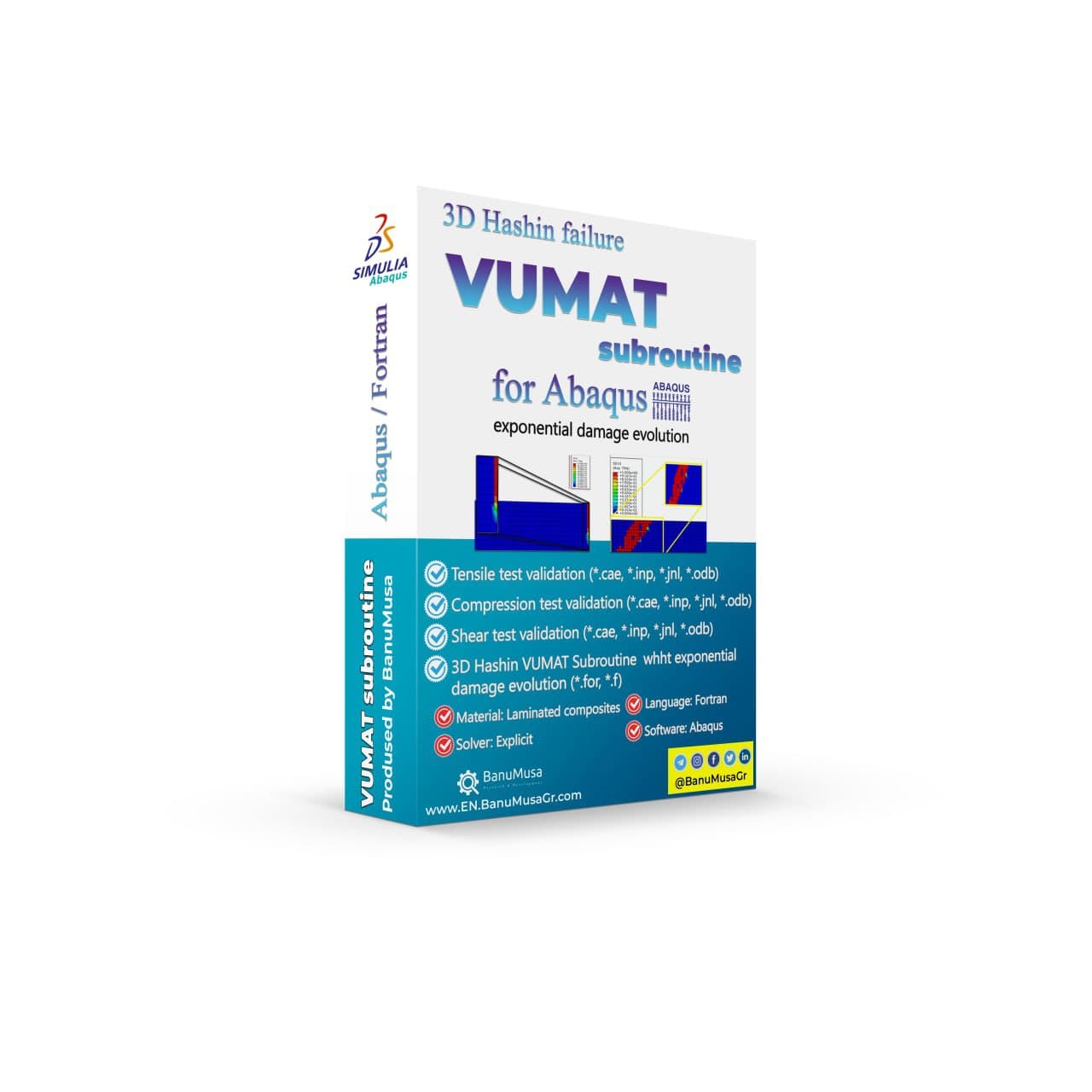
3D Hashin VUMAT Subroutine for Abaqus with Exponential Damage Evolution

Rated 5.00 out of 5
€ 455.00
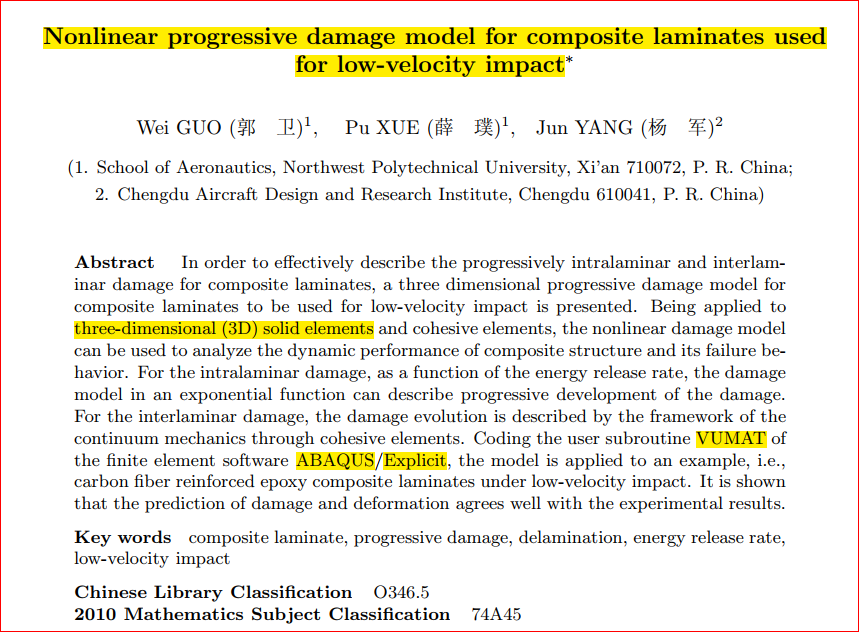
BanuMusa R&D presents a 3D Hashin VUMAT Subroutine for Abaqus with Exponential Damage Evolution. Effectively describe progressive intralaminar and interlaminar damage for FRP composite laminates using this three-dimensional progressive damage model based on continuum damage mechanics (CDM). Analyze dynamic performance and failure behavior of composite structures with this nonlinear damage model. Validated by well-known papers, this VUMAT subroutine can be used in any simulation. User manual (PDF) Abaqus workshop/validation files (*.cae, *.inp, *.jnl, *.odb) Fortran Abaqus subroutines run on Windows or Linux 15-day money-back guarantee   Free 24/7 online mentoring
Add to wishlist
Add to cart
Quick view
Introduction to Abaqus course
Introduction to Abaqus Training Course - abaqus for students. abaqus for beginners
Compare
Close

Introduction to Abaqus Training Course

€ 410.00
The Introduction to Abaqus Training Course provides a thorough and cohesive overview of Abaqus' modeling and analysis capabilities. Participants will learn how to address linear and nonlinear problems, manage analysis tasks, and examine simulation outcomes within Abaqus' interactive interface. The course will encompass instruction on the following products: Abaqus/CAE, Abaqus Standard, and Abaqus Explicit. Abaqus tutorial video (*.mp4) Lecture notes (PDF) Abaqus workshop files (*.cae, *.inp, *.jnl, *.odb) 15-day money-back guarantee   Free 24/7 online mentoring
Add to wishlist
Add to cart
Quick view
Fitness-for-Service Analysis with Abaqus Course - ffs abaqus - ffs analysis
Level 3 assessment abaqus ffs analysis banumusa
Compare
Close

Fitness-for-Service Analysis with Abaqus Course

€ 550.00
In the Fitness-for-Service Analysis with Abaqus Course, participants will gain an in-depth understanding of assessing pressure vessels and piping equipment in accordance with industry standards such as ASME/API-579 Fitness-for-Service (FFS). The course focuses on utilizing Finite Element Analysis (FEA), specifically Level-3 stress analysis assessments, to evaluate equipment with complex geometries and varying loading conditions. Participants will learn techniques for modeling common pressure vessels like distillation towers and storage vessels using Abaqus/CAE. Additionally, the course covers the application and validation of loads such as the weight of contents, internal pressure, and more using Abaqus/Standard, which is essential for Level-3 FFS evaluations. Furthermore, procedures for analyzing metal loss through the finite element method, including mapping thickness readings from scans, will be discussed. This course is designed to enhance participants' expertise in utilizing Abaqus FEA simulation technology for making fitness-for-service (FFS) decisions on assets in the Petrochemical, Refinery, Oil & Gas industries, including pipelines, pressure vessels, heat exchangers, and more. Abaqus tutorial video (*.mp4) Lecture notes (PDF) Abaqus workshop files (*.cae, *.inp, *.jnl, *.odb) FFS Abaqus Plugins API 579 / ASME FFS-1 Standard 15-day money-back guarantee   Free 24/7 online mentoring
Add to wishlist
Add to cart
Quick view
-10%
larc05-abaqus-failure-criteria-composite-analysis
damage-larc05-abaqus4
Compare
Close

Abaqus Tutorial: LaRC05 Failure Criterion For Fiber-Reinforced Composites

Rated 5.00 out of 5
€ 110.00 Original price was: € 110.00.€ 99.00Current price is: € 99.00.
This comprehensive course provides a thorough understanding of the LaRC05 failure criterion for fiber-reinforced composites. Participants will delve into the theory behind the LaRC05 criterion and its significance in predicting failure behavior in these materials. Through practical implementation using the Abaqus software, students will learn how to characterize material properties, validate and verify simulations, and apply the LaRC05 criterion to solve real-world engineering problems. By the end of the course, participants will have gained the knowledge and skills necessary to confidently utilize the LaRC05 failure criterion for accurate analysis and design of fiber-reinforced composites. Abaqus tutorial video (*.mp4) Lecture notes (PDF) Abaqus workshop files (*.cae, *.inp, *.jnl, *.odb) 15-day money-back guarantee   Free 24/7 online mentoring
Add to wishlist
Add to cart
Quick view
Wound Composite Modeler Plugin for Abaqus
Compare
Close

Wound Composite Modeler Plugin for Abaqus

Rated 5.00 out of 5
€ 210.00
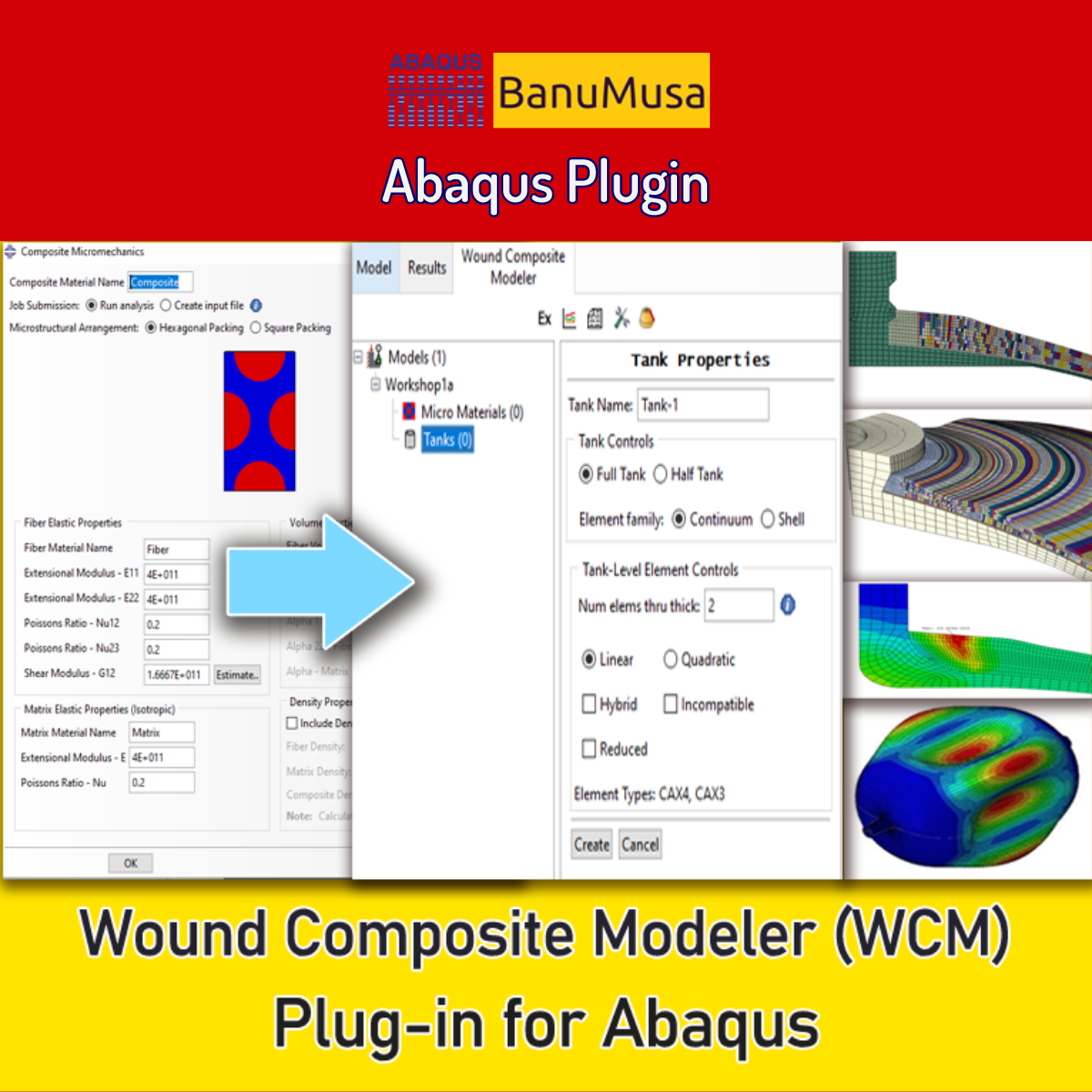
Engineering experts at SIMULIA have developed the Wound Composite Modeler plugin for Abaqus FEA software that enables the modeling of spatial variation of fiber orientation in a practical way. Because of the development of the use of composite materials and its widespread use in the manufacturing of pressure vessels by the filament winding method, the complexity of the design and analysis of these vessels prompted engineers to develop a tool for this purpose to increase the speed and accuracy of the design. Now, the WCM plugin (Ver. 2016) with extensive features is available. Documentation (PDF + HTML) Abaqus plugin files (*.RAR) Abaqus workshop files 15-day money-back guarantee   Free 24/7 online mentoring
Add to wishlist
Add to cart
Quick view

BanuMusa R&D Simulation Consultancy

Bridging the gap between theoretical engineering and manufacturing reality. We provide high-fidelity FEA, CFD, and specialized Abaqus plugins to eliminate trial-and-error in critical industrial sectors.

Capabilities

  • FEA Consultancy
  • CFD Simulation
  • API 579 FFS Assessment
  • ASME Design by Analysis
  • Composite & COPV

Flagship Utilities

  • MatLib Material Database
  • WCM Plugin (COPV)
  • 3D Hashin VUMAT
  • Autokeeler (Metal Forming)
  • Johnson-Cook Plugin

Support & Resources

  • 40% Academic Discount
  • 1-on-1 Abaqus Mentoring
  • Advanced CAE Courses
info@banumusagr.com
06-02 Park View condo, Changkat perak, off Lorong Perak, 50250, Kuala Lumpur, Selangor, Malaysia
Accepted Payments
© 2026 BanuMusa R&D. Engineering Simulation & Automation. All rights reserved.
Support & FAQ Payment Methods Privacy Policy Terms of Service

© 2026 FEA & CFD Consultancy | BanuMusa R&D. All rights reserved

Shopping cart

close

Powered by WhatsApp Chat

  • Menu
  • Categories
  • Consulting Services
  • Products
  • Resources
    • Blog
    • Projects
  • About Us
    • Contact Us
    • Our Team
    • Our Partners
    • Careers
  • Consulting Services
  • Products
  • Resources
    • Blog
    • Projects
  • About Us
    • Contact Us
    • Our Team
    • Our Partners
    • Careers

Sign in

close


Lost your password?
No account yet? Create an Account
Sidebar