

Abaqus Johnson Cook Plugin: Free Material Calibration Tool
Simulating the behavior of metals under extreme conditions—such as high strain rates, impact, and crash events—requires highly accurate material definitions. The Abaqus Johnson Cook plugin is a powerful, free tool designed to automate the process of determining Johnson-Cook hardening parameters directly from standard handbook data.
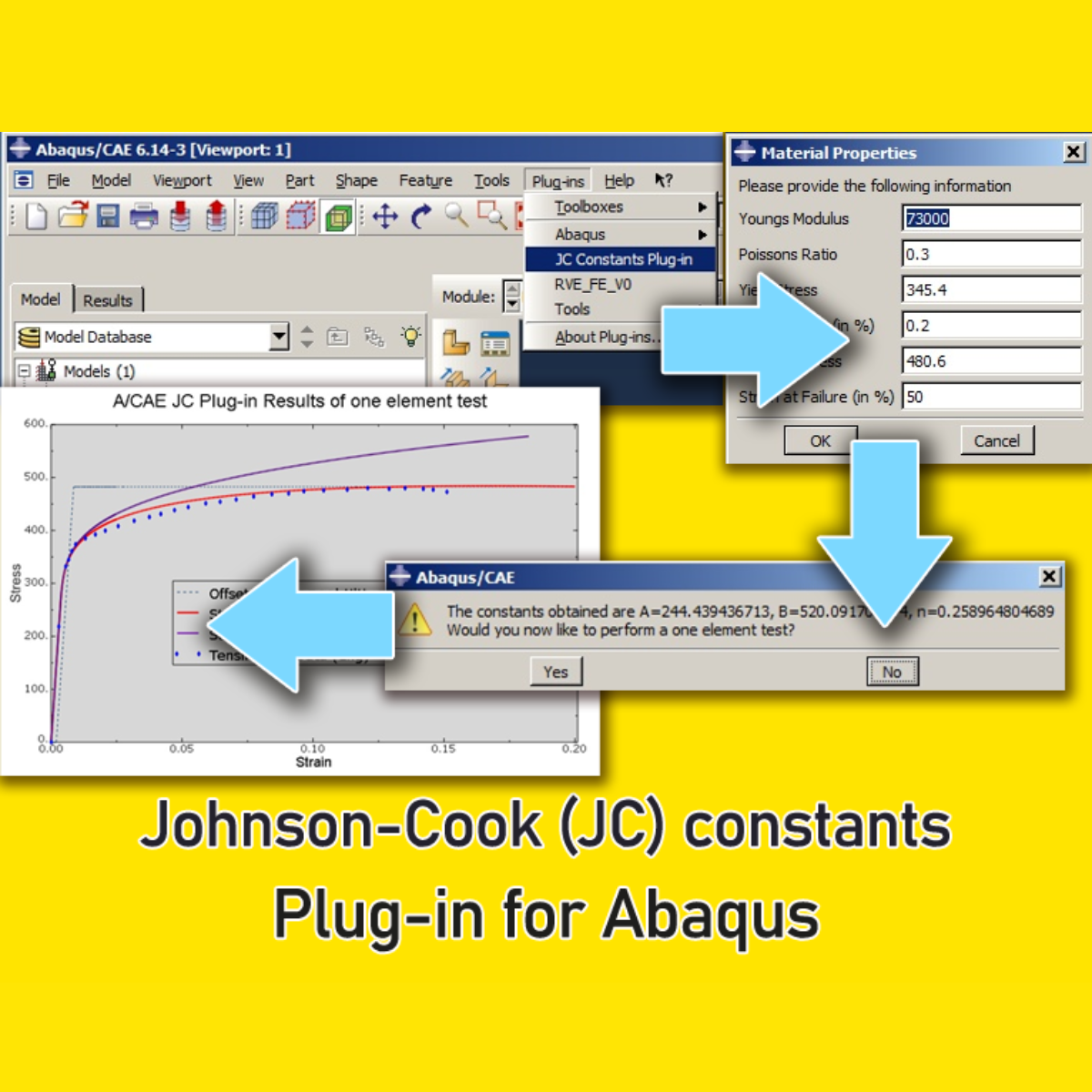
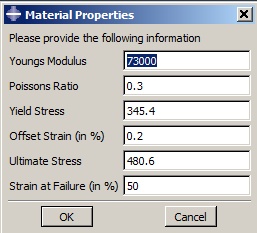
Instead of manually calculating complex variables, this plugin streamlines your finite element analysis (FEA) workflow. Simply input your material’s standard values—Young’s modulus, Poisson’s ratio, yield stress, offset strain, ultimate stress, and strain at failure—and the tool will automatically calculate the critical Johnson-Cook constants (A, B, and n).
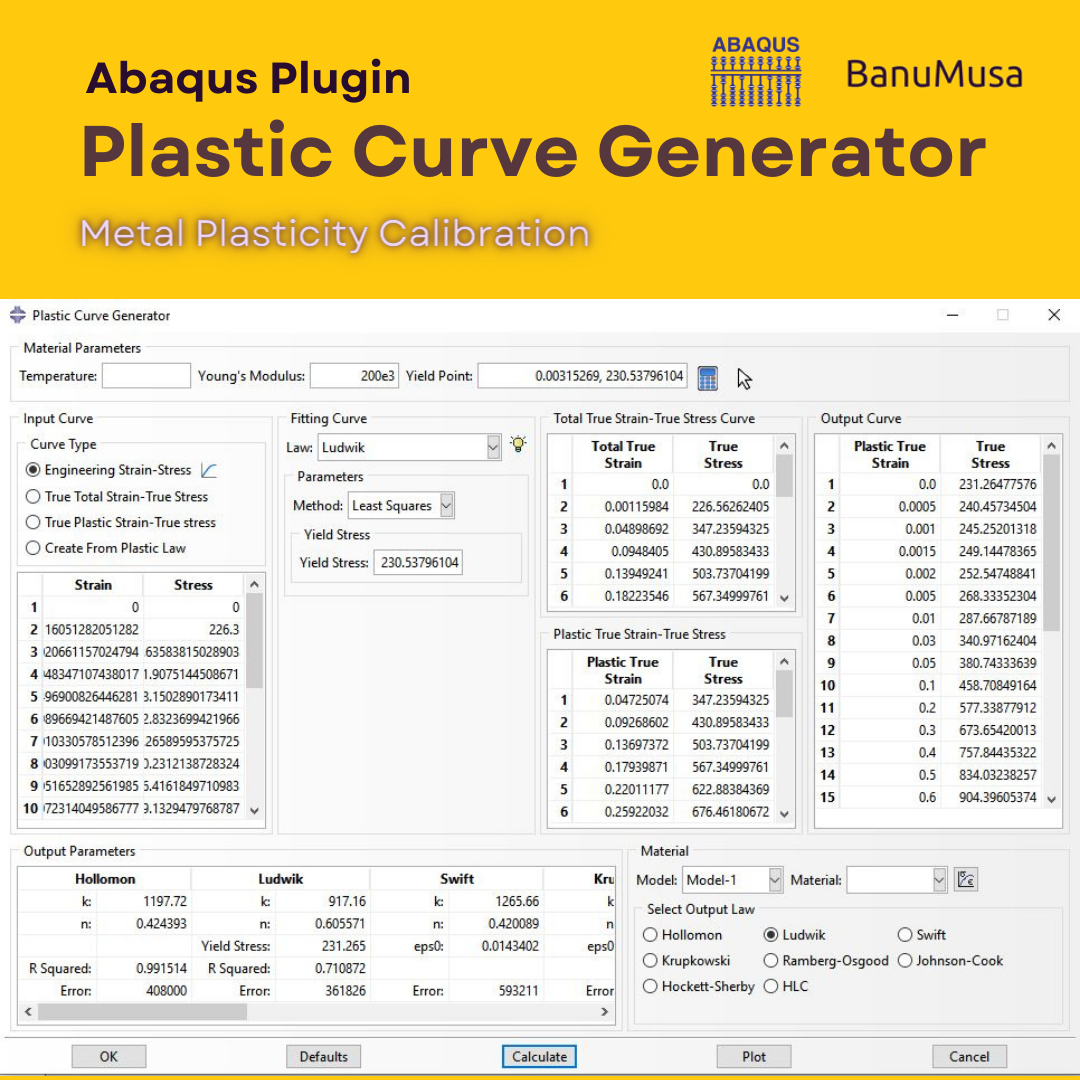
Johnson-Cook Plugin for Abaqus
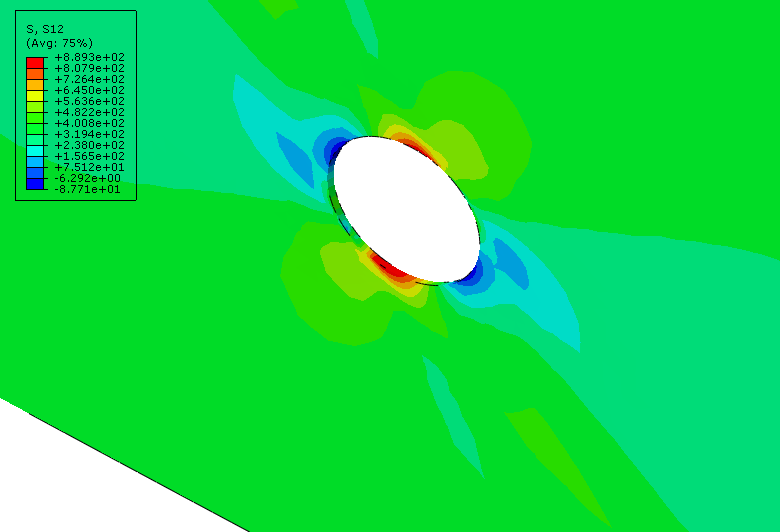
If you press the “Yes” button, the plug-in runs a one-element model using this Johnson-Cook material and plots the stress-strain response.

Johnson-Cook Plugin for Abaqus
How the Johnson-Cook Material Model Works
The Johnson Cook material model is widely used in FEA to describe the flow stress behavior of metals as a function of strain, strain rate, and temperature. The standard empirical equation is expressed as:
σ = (A + Bεn) (1 + C ln ε̇*) (1 – T*m)
Where:
-
A is the yield stress of the material under reference conditions.
-
B is the strain hardening constant.
-
n is the strain hardening exponent.
-
C and m are the strain rate and temperature dependency parameters.
To implement this model successfully in Abaqus, you must define these exact material properties. Traditionally, engineers extract these parameters through extensive physical material testing or deep literature reviews. Now, using this material calibration plugin, you can generate the exact A, B, and n parameters mathematically in seconds.
Key Features of the Abaqus Johnson Cook Plugin
This free utility is built to eliminate mathematical errors and save you hours of pre-processing time.
-
Instant Parameter Calculation: Determine accurate Johnson-Cook hardening parameters using standard tensile test data.
-
One-Click Validation (Element Test): If you press the “Yes” button after calculating, the plug-in automatically runs a single-element model using the newly generated Johnson-Cook material and plots the exact stress-strain response. This visual verification ensures your parameters are physically sound before applying them to a massive 3D mesh.
-
Ready-to-Use Workshops: The plugin includes practical examples, such as the calibration of AL 2024 T351, to help you understand the workflow immediately.
Skip the Calculations: Get Validated Material Properties
While calibrating your own parameters is excellent for custom materials, many simulation engineers prefer to import ready-to-use, scientifically validated material data instantly.
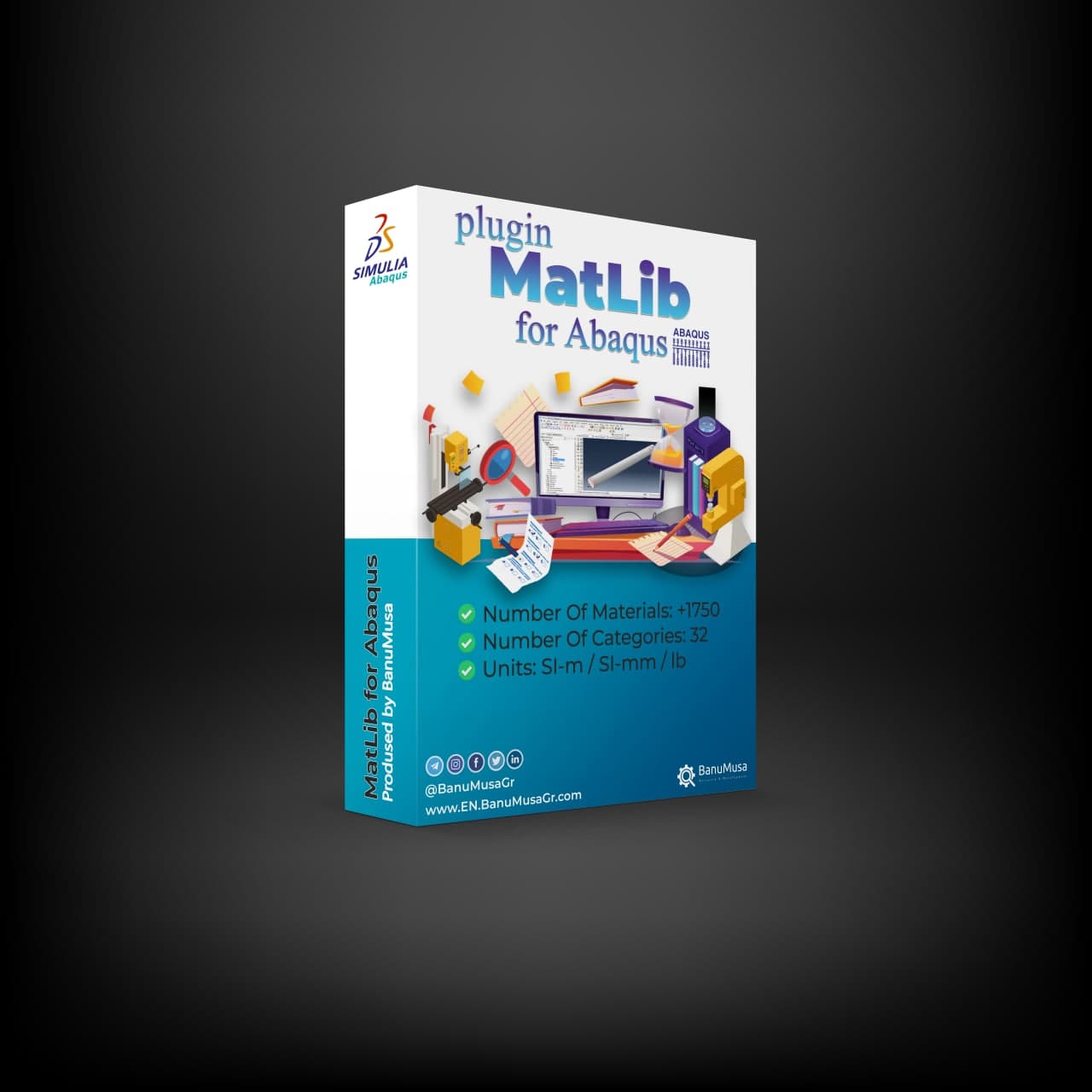
If you want to bypass calibration entirely, we highly recommend our comprehensive MatLib: Abaqus Material Library (MatLib) plugin. It contains hundreds of pre-defined materials ready for your FEA projects. (Note for students: We currently offer an exclusive 40% educational discount. Please note this 40% discount applies strictly and only to the MatLib product. Contact our support team with your university email to claim it!).
Installation and Compatibility
-
Compatibility: The plugin is engineered to be fully compatible with Abaqus/CAE 6.14 and all later versions (including the Version 2016 update).
-
Installation: Simply extract the contents of the zip folder into a subdirectory of your
abaqus_pluginsfolder. You can place it in:-
abaqus_dir\code\python\lib\abaqus_plugins(whereabaqus_diris your Abaqus parent directory). -
Your home directory (making the plugin available globally whenever Abaqus is run).
-
Within the current working directory of your specific Abaqus/CAE session.
-
Who Will Benefit from This Free Tool?
-
Engineering Professionals: FEA analysts and Abaqus application engineers involved in daily impact and crash simulation projects who need rapid material calibration.
-
Academic Researchers: Ph.D. students and advanced engineering researchers calibrating specialized metal alloys for their thesis projects.
-
Science Students: Anyone looking to understand how standard tensile data translates into the complex Johnson Cook material model in Abaqus without writing custom Python scripts or UMAT subroutines.
Download the plugin for free today and accelerate your high-strain-rate simulations! (If you wish to support our development team and want to contribute using a method other than Tether/Tron, please contact us).
Frequently Asked Question (FAQ)
Q: Which versions of Abaqus are compatible with this plugin?
A: This tool is fully compatible with Abaqus/CAE 6.14 and all newer versions, including the 2016 update and beyond.
Q: Do I need to write UMAT subroutines to use this?
A: No, the plugin automatically calculates the hardening parameters (A, B, and n) and applies them directly into your Abaqus material properties without any Python scripting or UMAT coding.
Need help? Get a consultation from our experts.
Telegram: +98-915-55-20-388
WhatsApp: +98-915-55-20-388
Find Us on WeChat








نقد و بررسیها
هنوز بررسیای ثبت نشده است.