
Facebook Twitter Email Instagram YouTube linkedin WhatsApp WhatsApp VK Telegram
info@BanuMusaGr.com
Login / Register
0 Wishlist
0 Compare
0 items / € 0.00
Facebook Twitter Email Instagram YouTube linkedin WhatsApp WhatsApp VK Telegram
FEA & CFD Consultancy | BanuMusa R&D FEA & CFD Consultancy | BanuMusa R&D
  • Consulting Services
  • Products
  • Resources
    • Blog
    • Projects
  • About Us
    • Contact Us
    • Our Team
    • Our Partners
    • Careers
    • Payment Methods
    • Support & FAQ
Free Mentoring
Menu
FEA & CFD Consultancy | BanuMusa R&D
0 items / € 0.00
HomeShopAbaqusAbaqus Plug-ins Calibrate Nitinol Material Behavior: Free Abaqus Plugin
Previous product
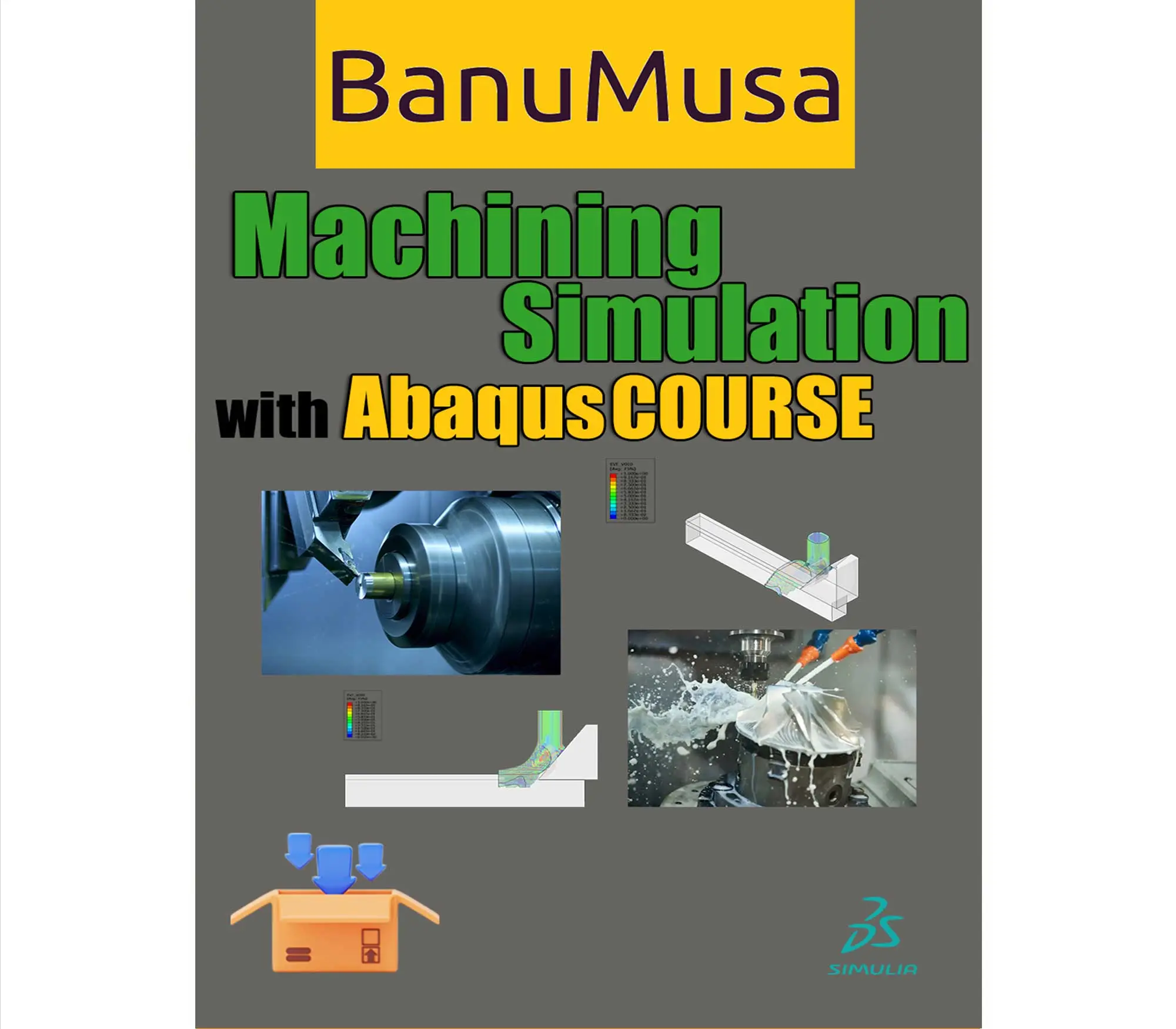
Machining Simulation with Abaqus - chip formation with water jet -coupled eulerian lagrangian model cel - turning drilling milling adaptive meshing abaqus tutorial
Machining Simulation with Abaqus € 280.00
Back to products
Next product
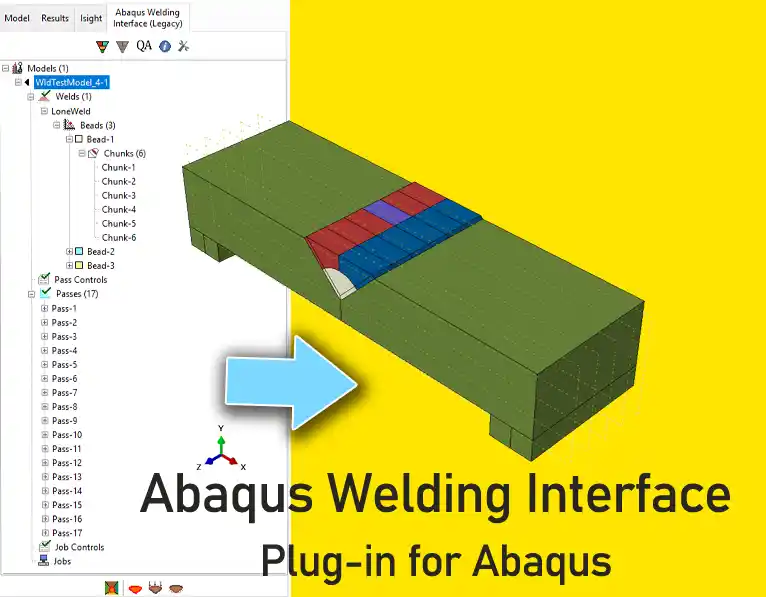
awi plugin - abaqus welding interface plugin - welding fea simulation - cae - simulia -qustomapps
Abaqus Welding Interface Plugin € 55.00
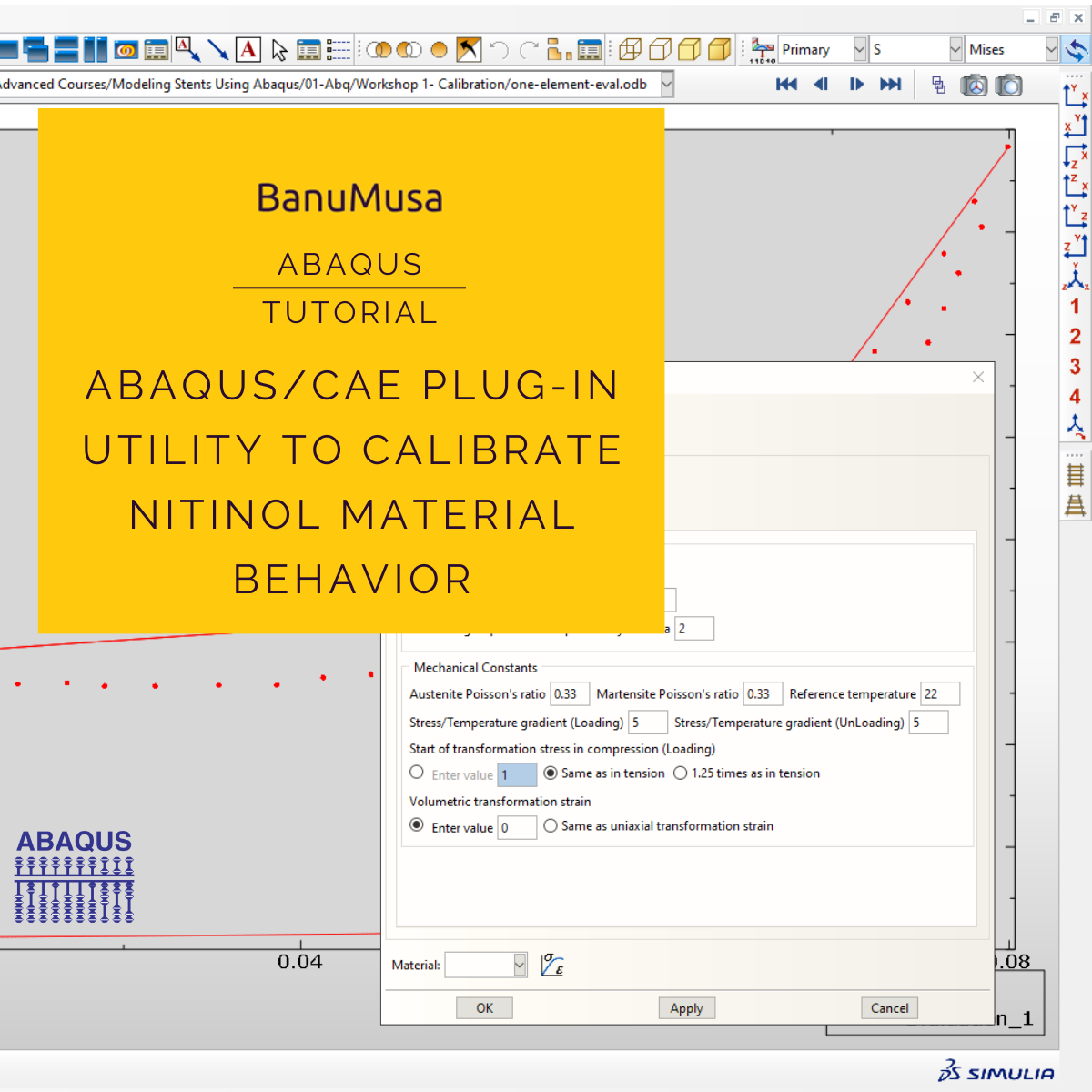
Calibrate Nitinol Material Behavior Abaqus Plugin free download
Click to enlarge

Calibrate Nitinol Material Behavior: Free Abaqus Plugin

€ 0.00

Download the free Abaqus plugin for advanced Nitinol simulation. Automate superelastic material calibration using uniaxial tension test data instantly.

Documentation (PDF + HTML)
Abaqus plugin files (*.RAR)
Abaqus workshop files

If you want to pay in a way other than Tether/Tron, contact us.
somdn_product_page
Only registered users can download this free product.
Compare
Add to wishlist
SKU: 2024-16 Categories: Abaqus, Abaqus Plug-ins
Share
Facebook Twitter Email Pinterest linkedin Odnoklassniki WhatsApp WhatsApp VK Telegram
close
You may also like…
  • Autokeeler plugin generating Forming Limit Curves (FLC) and FLD in Abaqus
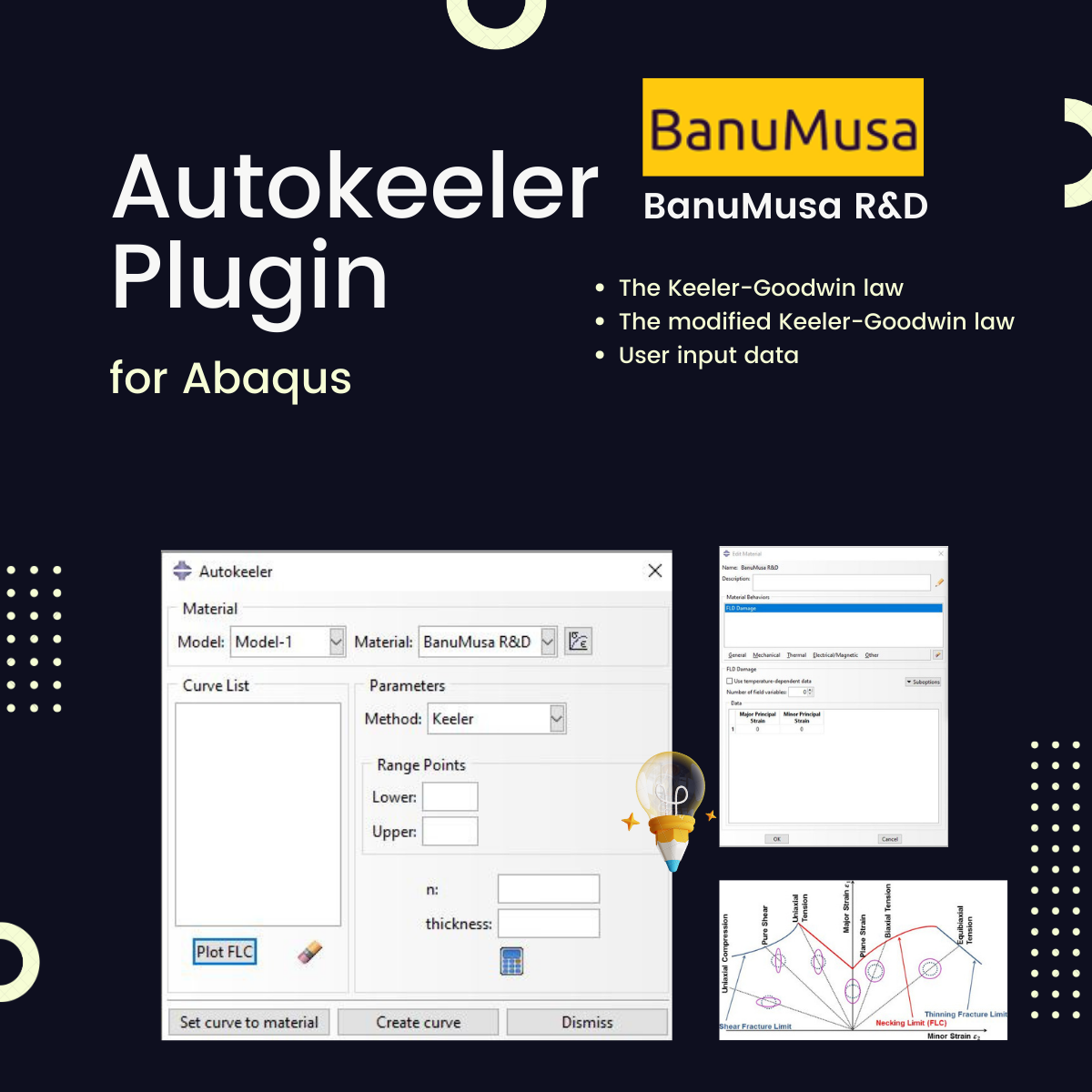
    Autokeeler Plugin for Abaqus: FLC & FLD Generator € 0.00
  • larc05-abaqus-failure-criteria-composite-analysis
    Abaqus Tutorial: LaRC05 Failure Criterion For Fiber-Reinforced Composites € 110.00 Original price was: € 110.00.€ 99.00Current price is: € 99.00.
  • Bending Pipe plugin interface acting as an advanced pipeline modeling software in Abaqus
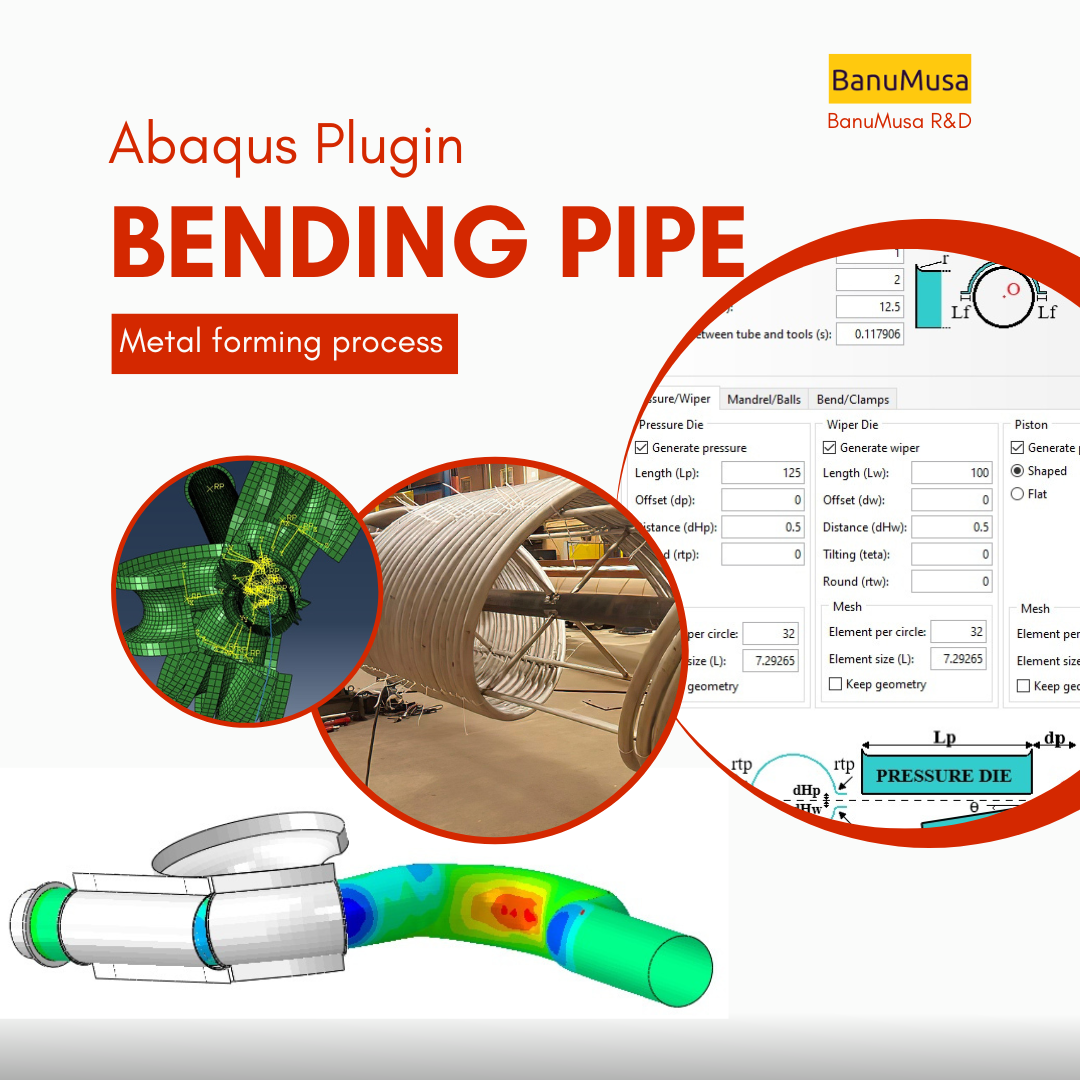
    Bending Pipe Plugin for Abaqus € 1,365.79 Original price was: € 1,365.79.€ 685.00Current price is: € 685.00.
  • Micromechanics Plugin for Abaqus
    Micromechanics Plugin for Abaqus € 0.00
technical support by banumusa
We are ready to help you do CFD & FEA simulations.
Need help?
Get a consultation from our experts.
Email: info@banumusagr.com
Telegram: +98-915-55-20-388
WeChat: +98-915-55-20-388
WhatsApp: +98-915-55-20-388
Categories
  • Description
  • Additional information
  • Payment & Delivery
  • Content
Description

Calibrate Nitinol Material Behavior: Free Abaqus Plugin

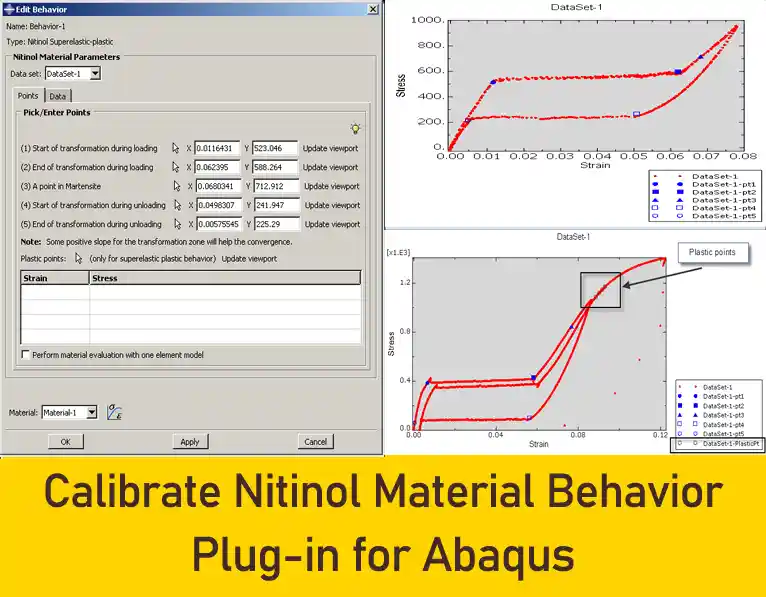
Accurately capturing the unique mechanical behavior of shape memory alloys (SMAs) is one of the most complex tasks in finite element analysis. The Calibrate Nitinol Material Behavior Abaqus Plugin is a powerful, free tool designed to precisely calibrate both the superelastic and superelastic-plastic behaviors of Nitinol for your advanced engineering simulations.

Whether you are designing braided cardiovascular stents or advanced aerospace actuators, this plugin eliminates the guesswork from your Nitinol simulation projects, making it fully compatible with both Abaqus/Standard and Abaqus/Explicit solvers.

Overcoming the Challenges of Nitinol Simulation

Nitinol exhibits exceptional superelasticity due to stress-induced phase transformations between its Austenite and Martensite crystal structures. During loading, the material undergoes a coordinated lattice reorientation, allowing it to sustain massive deformations that are almost entirely recoverable.

Defining these phase transformations manually in Abaqus requires formatting complex data lines and calculating exact stress-strain plateaus. This plugin automates the entire mathematical process. By utilizing a user-friendly interface, any material calibration engineer can input standard uniaxial tension test data, select a few characteristic points, and let the software generate the precise keywords and data lines required.

Key Features of the Calibration Plugin

  • Automated Keyword Generation: Automatically formats all material parameters and renames the material according to standard Abaqus naming conventions.

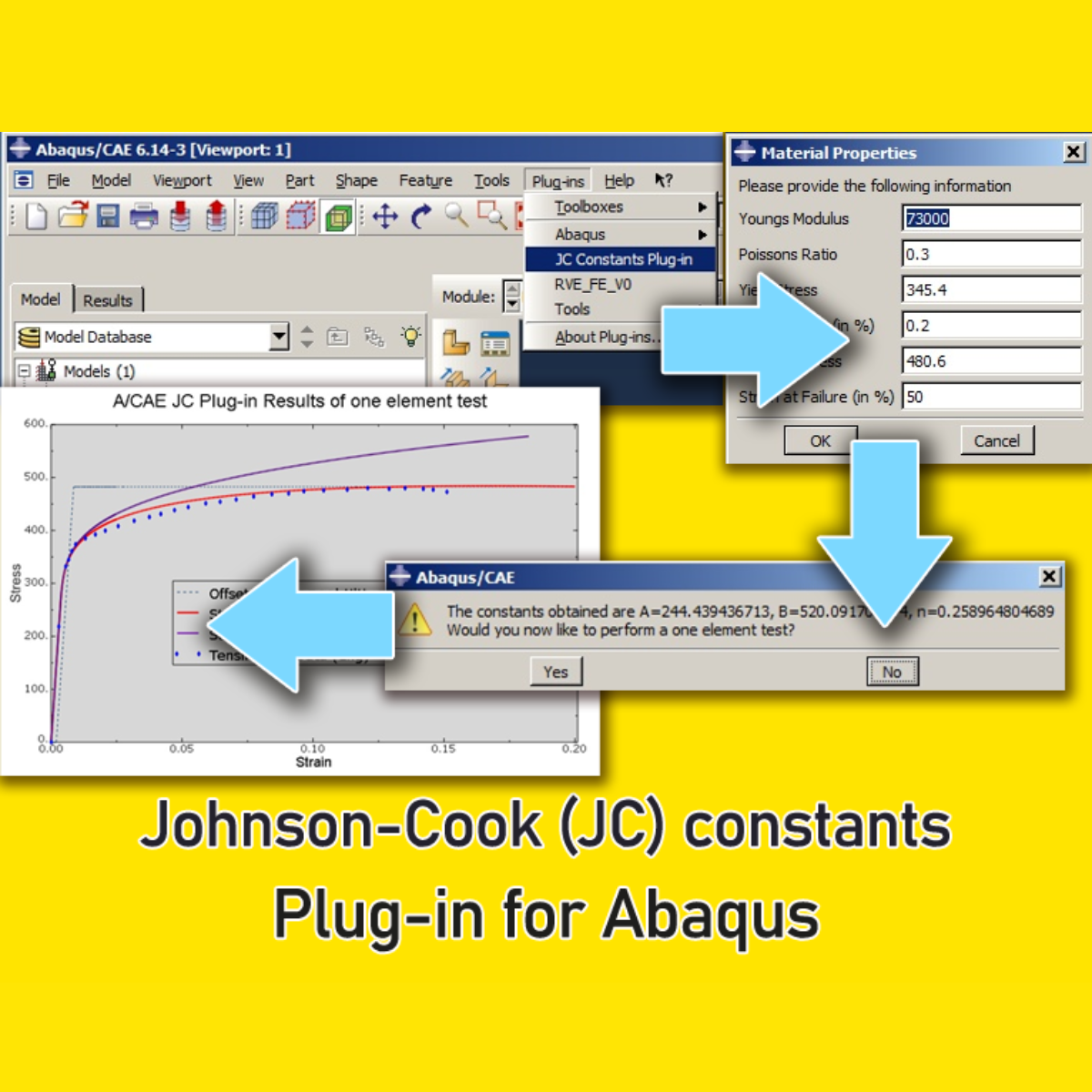
  • Built-in 1-Element Verification: Evaluate your new material definition instantly! The plugin features an option to run a uniaxial 3D one-element model analysis. It plots the FEA results directly against your original test data, allowing you to iterate and adjust points until the desired superelastic behavior is achieved perfectly.

  • Ready for Direct Use: The calibrated properties are injected directly into your Abaqus/CAE workspace, saving hours of pre-processing time.

Skip the Calibration: Access 1400+ Ready Material Models

While this free tool is perfect for engineers with their own experimental tension test data, many simulation projects require immediate access to validated material properties without the hassle of manual calibration.

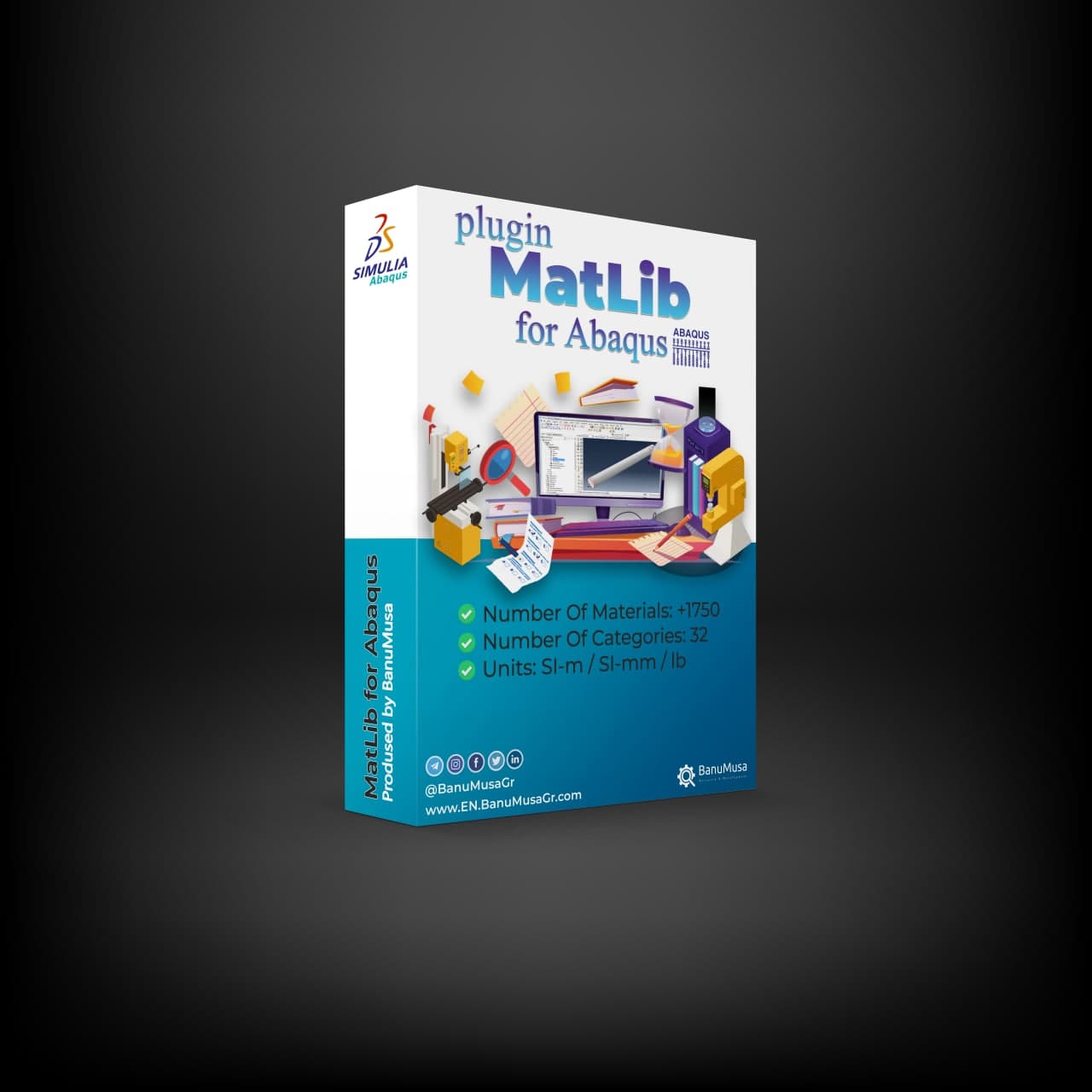
If you want to accelerate your workflow, we highly recommend our Abaqus Material Library (MatLib). It includes hundreds of pre-calibrated, scientifically validated material models ready for instant import into your FEA projects. (Note for university students: We offer an exclusive 40% educational discount. Contact our support team to claim yours!)

Installation and Compatibility

  • Compatibility: This Abaqus plugin is rigorously tested and fully compatible with Abaqus/CAE 6.10 and all newer versions.

  • Installation: Simply extract the ZIP folder contents into your abaqus_plugins directory. You can place it in your Abaqus parent directory (abaqus_dir/code/python/lib/abaqus_plugins), your home directory, or the current working directory of your active Abaqus/CAE session.

Download Includes Workshops & Tutorials

To help you master Nitinol simulations rapidly, your free download includes comprehensive documentation (PDF and HTML format) alongside practical Abaqus workshop files (e.g., Workshop 1: Superelasticity model and the built-in material model).

Download the plugin for free today and revolutionize your shape memory alloy simulations! (If you wish to support our continuous R&D efforts and prefer to use a payment method other than Tether/Tron, please contact us).

Frequently Asked Question (FAQ)

Q: Does this plugin work with Abaqus/Explicit?

A: Yes, the calibrated Nitinol material parameters generated by this plugin are fully formatted for both Abaqus/Standard and Abaqus/Explicit dynamic analyses.

Q: What input data is required for calibration?

A: You only need standard uniaxial tension test data. The graphical interface lets you pick characteristic points on the curve to automatically calculate the superelastic limits.

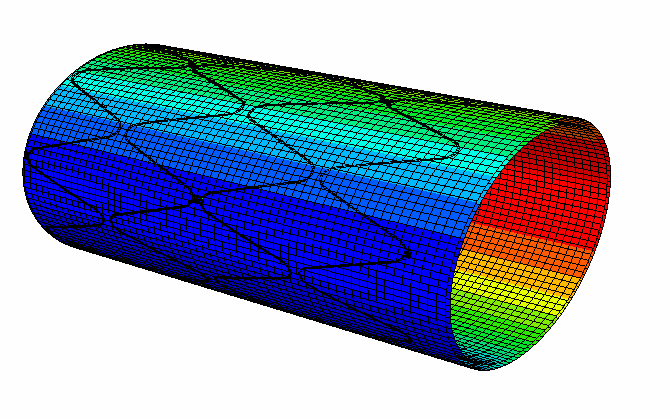
Skip Calibration: Download 100+ Ready Material Models in MatLib
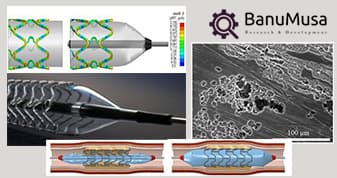
Optimizing Performance: FEA Medical Stent simulation with Abaqus vumat subroutine
  • Medical industry

Optimizing Performance: FEA-Enhanced Medical Stent

View Large
Facebook Twitter Email Pinterest linkedin Odnoklassniki WhatsApp WhatsApp VK Telegram
Numerical modeling of biodegradable stent corrosion
  • Materials
  • Medical industry

Numerical Modeling of Biodegradable Stent Corrosion

View Large
Facebook Twitter Email Pinterest linkedin Odnoklassniki WhatsApp WhatsApp VK Telegram

Demo

Find Us on WeChat

abaqus ansys lsdyna banumusa wechat
We are ready to help you do CFD & FEA simulations.

Need help? Get a consultation from our experts.

Abaqus E-learning technical FEA & CFD consulting by banumusa FEA & CFD Consultancy Services Abaqus Ansys LS-Dyna user subroutine plugin FEA and CFD consultancy Abaqus consultancy services Technical Abaqus mentoring fluent cfd services ls-dyna consultancy services ansys consultancy services comsol consultancy services
Email us: info@banumusagr.com
Telegram: +98-915-55-20-388
WhatsApp: +98-915-55-20-388

Related Products

Shot Peening Induced Residual Stresses - Abaqus Validation
Compare
Close

Shot Peening Induced Residual Stresses Simulation & Validation in Abaqus FEA Software

Rated 5.00 out of 5
€ 85.00
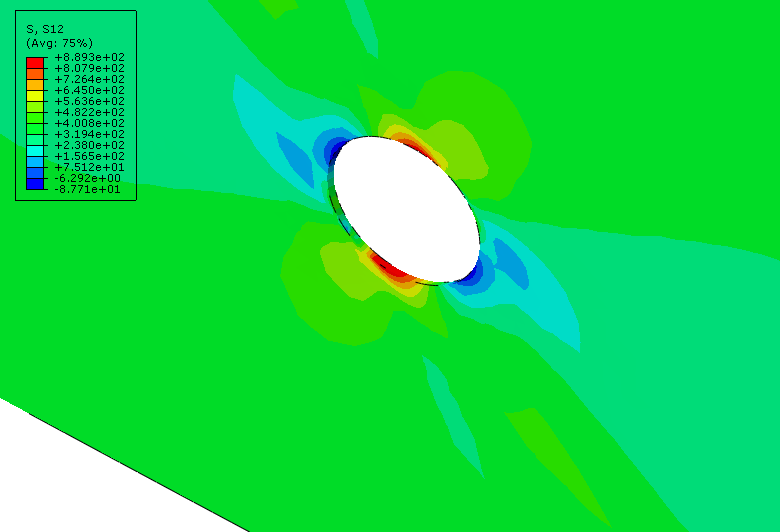
This package describes Shot Peening Induced Residual Stresses Simulation & Validation in Abaqus FEA Software, a three-dimensional dynamic finite element (FE) study of single-shot impacting on a metallic component using Abaqus/CAE software. The Finie element results are validated by comparison with results from the published paper by Meguid et al. (1999). The shot peening finite element modeling using Abaqus/CAE allows engineers to optimize shot peening parameters for maximum benefits like increased fatigue life and yield strength. It also helps determine the effective extent of stress relief heat treatment. Abaqus validation files (cae, jnl, inp, odb) Tutorial video (Mp4) 15-day money-back guarantee Free 24/7 online mentoring
Add to wishlist
Add to cart
Quick view
-10%
larc05-abaqus-failure-criteria-composite-analysis
damage-larc05-abaqus4
Compare
Close

Abaqus Tutorial: LaRC05 Failure Criterion For Fiber-Reinforced Composites
Rated 5.00 out of 5
€ 110.00 Original price was: € 110.00.€ 99.00Current price is: € 99.00.
This comprehensive course provides a thorough understanding of the LaRC05 failure criterion for fiber-reinforced composites. Participants will delve into the theory behind the LaRC05 criterion and its significance in predicting failure behavior in these materials. Through practical implementation using the Abaqus software, students will learn how to characterize material properties, validate and verify simulations, and apply the LaRC05 criterion to solve real-world engineering problems. By the end of the course, participants will have gained the knowledge and skills necessary to confidently utilize the LaRC05 failure criterion for accurate analysis and design of fiber-reinforced composites. Abaqus tutorial video (*.mp4) Lecture notes (PDF) Abaqus workshop files (*.cae, *.inp, *.jnl, *.odb) 15-day money-back guarantee   Free 24/7 online mentoring
Add to wishlist
Add to cart
Quick view
Hot
abaqus explicit - 3d hashin
v3s6cvAJMn67gI2usmgAAAABJRU5ErkJggg==
Compare
Close

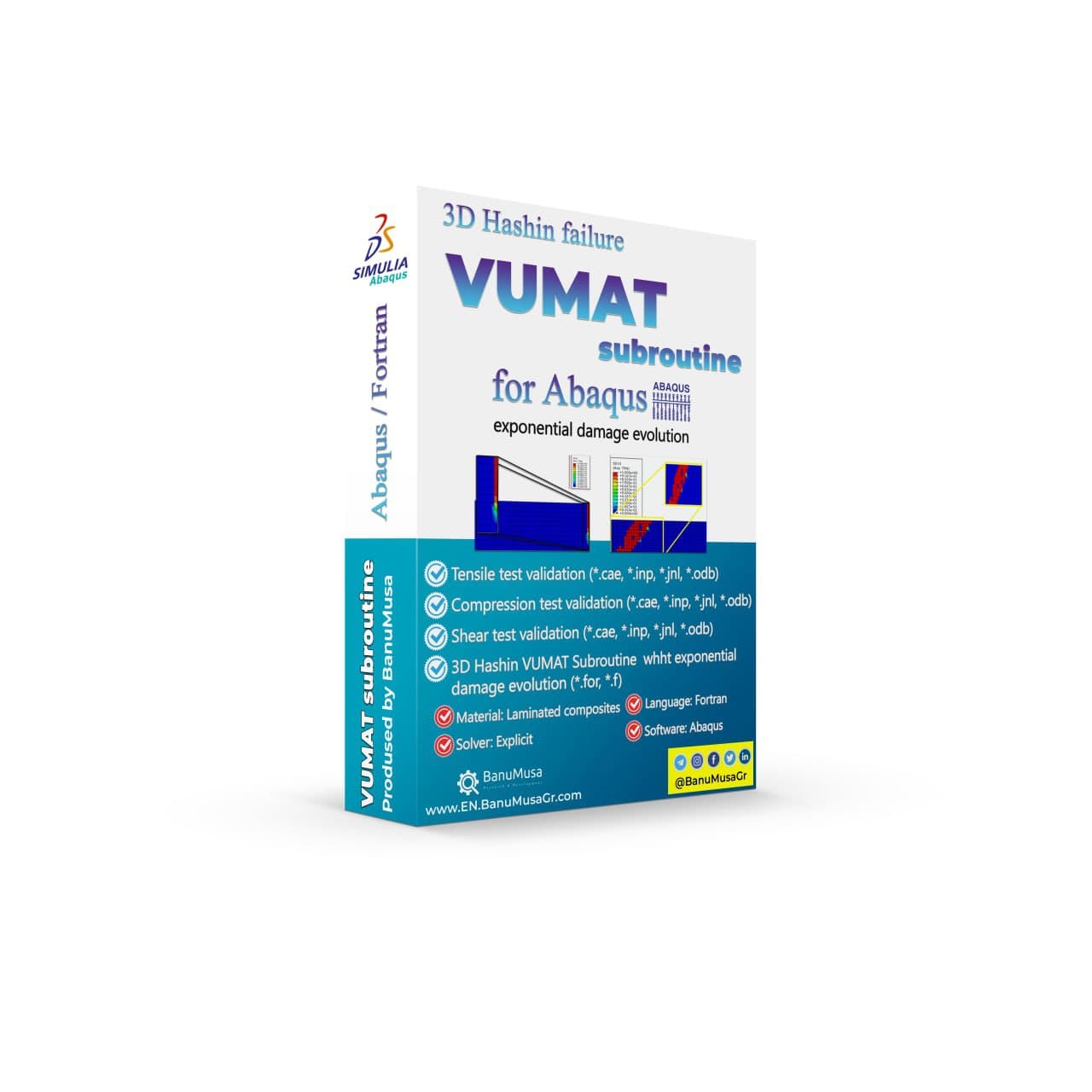
3D Hashin VUMAT Subroutine for Abaqus with Exponential Damage Evolution

Rated 5.00 out of 5
€ 455.00
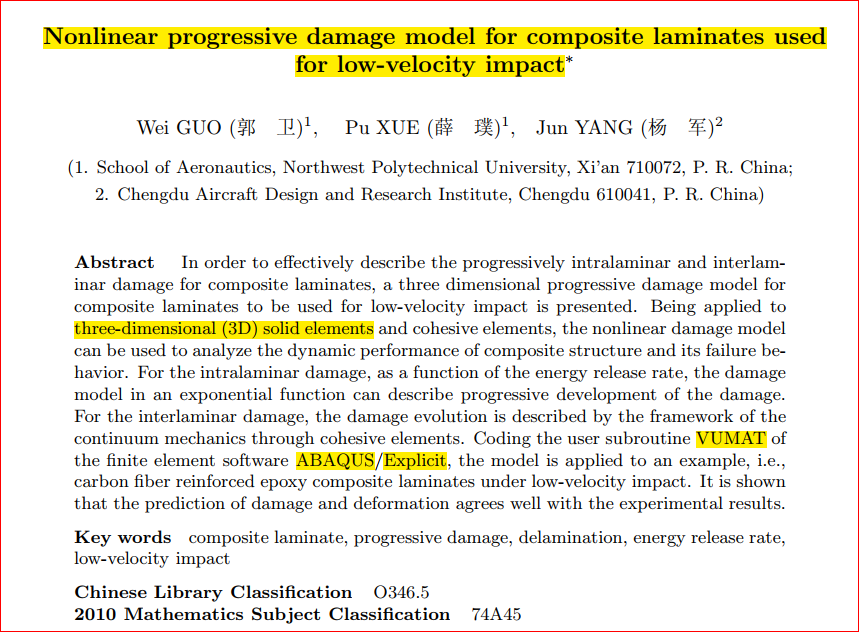
BanuMusa R&D presents a 3D Hashin VUMAT Subroutine for Abaqus with Exponential Damage Evolution. Effectively describe progressive intralaminar and interlaminar damage for FRP composite laminates using this three-dimensional progressive damage model based on continuum damage mechanics (CDM). Analyze dynamic performance and failure behavior of composite structures with this nonlinear damage model. Validated by well-known papers, this VUMAT subroutine can be used in any simulation. User manual (PDF) Abaqus workshop/validation files (*.cae, *.inp, *.jnl, *.odb) Fortran Abaqus subroutines run on Windows or Linux 15-day money-back guarantee   Free 24/7 online mentoring
Add to wishlist
Add to cart
Quick view
rolling contact fatigue rail
Compare
Close

Rolling Contact Fatigue Analysis of UIC60 Rail Wheels

Rated 5.00 out of 5
€ 99.00
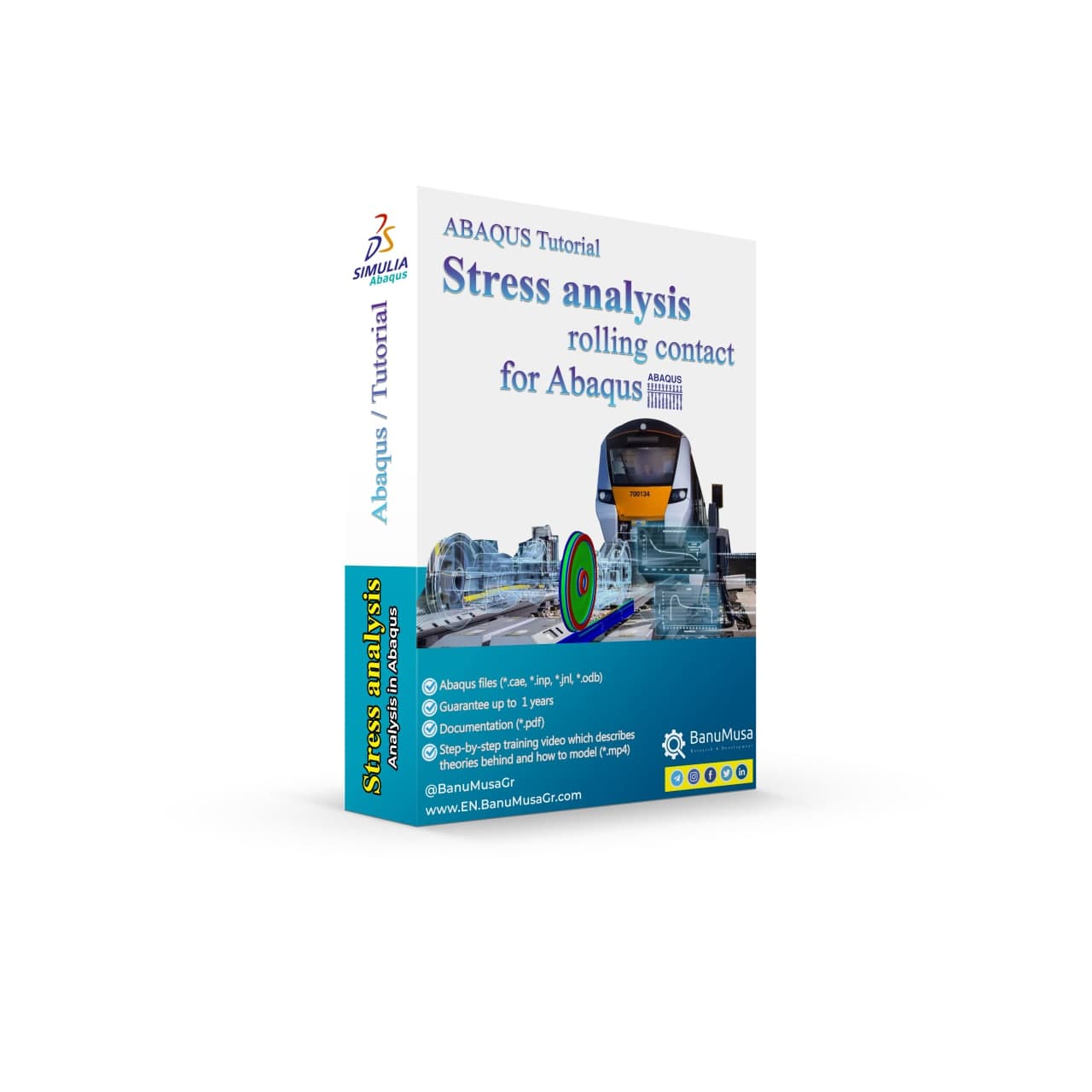
Advanced finite element analysis with proper contact modeling and considering parameters like residual stresses can provide detailed insights into the stress state and rolling contact fatigue failure mechanism. This Abaqus tutorial discusses the effect of axial force, velocity, and rail joint gap angle parameters on the distribution of contact and impact stresses. Modeling the rolling contact fatigue of a train wheel rail has tips trained in this tutorial video. In addition to the tutorial video, the Abaqus files and their results will be provided to you so that nothing will remain unclear. Also, all training includes free online 24/7 online tutoring after purchase. Abaqus tutorial video (*.mp4)  Abaqus files (*.cae, *.inp, *.jnl, *.odb) 15-day money-back guarantee   Free 24/7 online mentoring
Add to wishlist
Add to cart
Quick view
Multiple Step Analysis in Abaqus -tutorial- banumusa-
Compare
Close

ABAQUS Tutorial: Multiple Step Analysis

Rated 5.00 out of 5
€ 65.00
In this training video, you will learn how to transfer the results of heat transfer analysis, such as thermal stress, from the Abaqus/standard to impact analysis in Abaqus/explicit as an initial condition. You will learn the limitations, and technical tips in modeling, as well as a practical example of low-velocity impact analysis on a composite plate. Lecture notes (PDF) Abaqus tutorial video (*.mp4) 15-day money-back guarantee   Free 24/7 online mentoring
Add to wishlist
Add to cart
Quick view
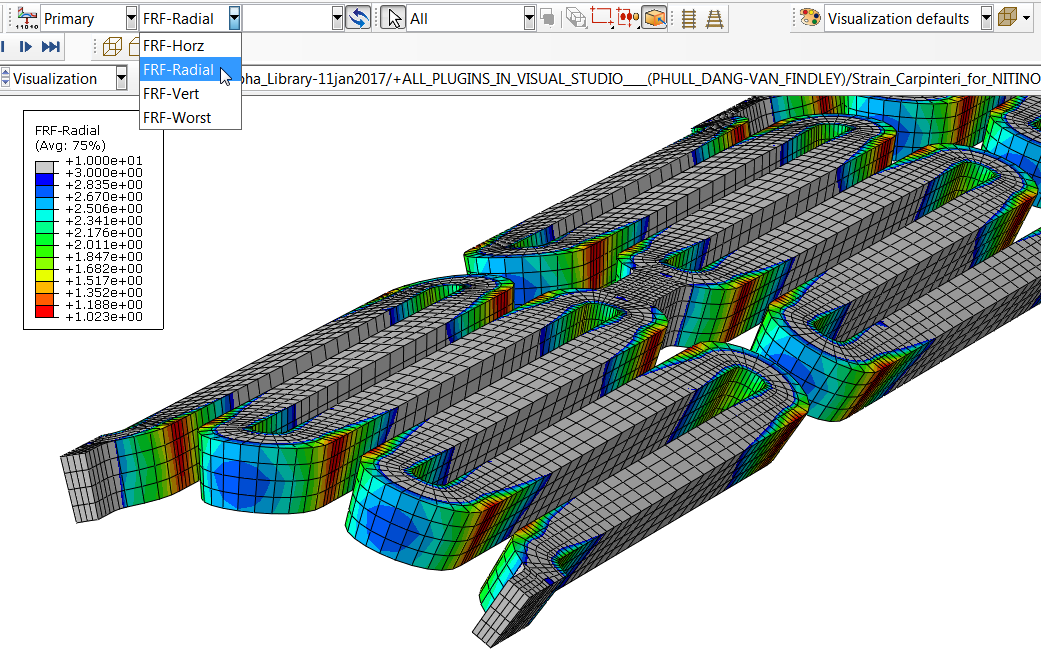
fatigue analysis with Nitinol fatigue fe-safe plugin in Abaqus
24 Jan
Abaqus, Abaqus Plugins, Abaqus Tips & Tricks

Analyzing Nitinol Stents Using Abaqus: FEA Simulation Guide

  • 13 August 2026
  • Posted by author-avatar Mohamad Khorashad
  • 0 comments
Facebook Twitter Email Pinterest linkedin Odnoklassniki WhatsApp WhatsApp VK Telegram
Analyzing Nitinol Stents Using Abaqus: A Comprehensive FEA Guide Self-expanding microdevices, particularly Nitinol stents, have revo...

Continue reading

AIKUIAthwob3QAAAABJRU5ErkJggg==
19 Jan
Abaqus Plugins, Abaqus Tutorials

Abaqus Tutorial: Abaqus/CAE Plug-in Utility to Calibrate Nitinol Material Behavior

  • 9 June 2026
  • Posted by author-avatar Mohamad Khorashad
  • 0 comments
Facebook Twitter Email Pinterest linkedin Odnoklassniki WhatsApp WhatsApp VK Telegram
In this Abaqus tutorial, we will explore the Abaqus/CAE Plug-in Utility for calibrating Nitinol mate...

Continue reading

Additional information
Software

Abaqus FEA

Type

Abaqus Plugin

Level

Advanced

Files

Abaqus files: *.rar
Documentation: PDF
Workshops: PDF

Language

English

Category

Nitinol Stents

Solver

Explicit, Standard

Material

Nitinol

Payment & Delivery
All products available on the website come with a guarantee of customer satisfaction. The products can be used immediately after purchase through the download link. There is also online consulting/mentoring for all customer reassurance products.
Before buying, you can also talk to our experts in BanuMusa R&D and buy from the Shop according to your needs.

Note:

Please pay attention to the following points when you pay.

1. Tether / Tron The easiest way to pay is through the Tether portal in the BanuMusa shop. You can easily pay with your wallet.

• How to pay for a product using USDT TRC-20 with ADVCash https://www.youtube.com/watch?v=DYyHsdcLxhk

• Tron TRC20 Wallet for USDT Tutorial (Send USDT for Lowest Fees!!) https://www.youtube.com/watch?v=lBQMkEBf7W4

For other wallets just search on YouTube!

The download link automatically will be sent to you.

2. Payoneer:

If you have Payoneer, you can pay simply through the following ID.

fro458nk@gmail.com

After your payment is processed, you will receive the download links.

Let me know if you need any further adjustments!

3. PAYEER

Send us a message/ email to help you how to pay for this method, please. (info@banumusagr.com)

4. WebMoney

We will send you the wallet if you request this method. Email us.

5. PayPal Payment Instructions:

Please email us to send your PayPal Account.

After your payment is processed, you will receive the download links.

Let me know if you need any further adjustments!

6. SWIFT/IBAN

Another way is to pay via SWIFT or IBAN, contact us to learn more.

We will do our best to make sure you have a good shopping experience.


If it is not possible for you to buy through the Tether gateway, send us the link to the product using email (info@banumusagr.com) or social networks (WhatsApp, WeChat, Telegram). After that, the PayPal account will be sent to you.

Another way is to pay via SWIFT, contact us to learn more.


Ways to Contact Us:

WhatsApp / Telegram / WeChat: +98-915-5520-388
E-mail: info[at]banumusagr.com
Phone: +98-51-35424520

Payment Methods:

You can buy the product through Tether, Tron, Payoneer, PAYEER, WebMoney, PayPal, and SWIFT.

Content

Contents

  • Abaqus plugin files: *.rar
  • Abaqus workshop files: CAE, JNL, INP
  • Documentation: PDF
  • Workshops: PDF

Reviews

There are no reviews yet.

Be the first to review “Calibrate Nitinol Material Behavior: Free Abaqus Plugin” Cancel reply

You must be logged in to post a review.

Related products

Introduction to umat subroutine
Introduction to umat subroutie abaqus tutorial video writing umat subroutine
Compare
Close

Introduction to UMAT Subroutine

€ 210.00
Introduction to UMAT Subroutine course helps you to learn the process of writing UMAT as quickly as possible with the help of practical examples. All the tips and details that you encounter to write the code are taught in this course and you can implement the material model in the subroutine. Because you may have questions while watching the course, an expert will answer your questions online. Abaqus tutorial video (*.mp4) Lecture notes (PDF) Abaqus workshop files (*.cae, *.inp, *.jnl, *.odb) Fortran subroutines 15-day money-back guarantee   Free 24/7 online mentoring
Add to wishlist
Add to cart
Quick view
Modeling Stents Using Abaqus video Tutorial - sma nitimol material
Compare
Close

Modeling Stents Using Abaqus

€ 440.00
Modeling stents using Abaqus course is designed for engineers who are in charge of designing medical devices and want to enhance their comprehension of the intricate mechanical behavior related to the performance of these devices. Although the course primarily focuses on using Abaqus to simulate stents, the material is also valuable for simulating other kinds of medical devices. Abaqus tutorial video (*.mp4) Lecture notes (PDF) Abaqus workshop files (*.cae, *.inp, *.jnl, *.odb) Python scripts (*.py) Fortran subroutines 15-day money-back guarantee   Free 24/7 online mentoring
Add to wishlist
Add to cart
Quick view
Plastic Curve Generator plugin converting stress-strain data in Abaqus
Compare
Close

Plastic Curve Generator Plugin for Abaqus

€ 163.05
The Plastic Curve Generator plugin helps the Abaqus user to create stress-strain curves easily. The input data can be either: engineering stress-strain curves, true total stress-strain curves, or true plastic strain-stress curves. It makes automatically all the conversions needed from the input data, giving the user the total true curve, plastic curve, and output curve, which is obtained according to the plastic flow laws. Documentation (PDF + HTML) Abaqus plugin files (*.RAR) 15-day money-back guarantee   Free 24/7 online mentoring
Add to wishlist
Add to cart
Quick view
online Technical Abaqus Mentoring by Skype and anydesk - banumusa - fea consulting
Compare
Close

Technical Abaqus Mentoring by Skype

€ 75.00
Our Technical Abaqus Mentoring by Skype service offers you the opportunity to engage in personalized one-on-one mentoring sessions via Skype and AnyDesk with our team of certified Abaqus specialists. This unique platform allows you to delve into your engineering challenges, providing you with expert guidance and support to navigate through any obstacles you may encounter. Our specialists are dedicated to steering you in the right direction, ensuring that you receive the assistance needed to overcome your technical hurdles effectively and efficiently.
Add to wishlist
Add to cart
Quick view
rolling contact fatigue rail
Compare
Close

Rolling Contact Fatigue Analysis of UIC60 Rail Wheels

Rated 5.00 out of 5
€ 99.00
Advanced finite element analysis with proper contact modeling and considering parameters like residual stresses can provide detailed insights into the stress state and rolling contact fatigue failure mechanism. This Abaqus tutorial discusses the effect of axial force, velocity, and rail joint gap angle parameters on the distribution of contact and impact stresses. Modeling the rolling contact fatigue of a train wheel rail has tips trained in this tutorial video. In addition to the tutorial video, the Abaqus files and their results will be provided to you so that nothing will remain unclear. Also, all training includes free online 24/7 online tutoring after purchase. Abaqus tutorial video (*.mp4)  Abaqus files (*.cae, *.inp, *.jnl, *.odb) 15-day money-back guarantee   Free 24/7 online mentoring
Add to wishlist
Add to cart
Quick view
Save Multiple Animations Plugin for Abaqus
Compare
Close

Save Multiple Animations Plugin for Abaqus

€ 0.00
Save Multiple Animations plugin allows the Abaqus user to create a unique animation file by joining different ODB files. Sometimes, due to the simulation workflow being needed, different models simulate a unique process, i.e. metal forming process. The results are, therefore, different *.odb files, and with this plug-in, the user can put them together in a unique file. The plug-in takes the current display on the viewport and applies it to all ODBs selected.  
Add to wishlist
View
Quick view
-4%
USDFLD Subroutine 3D Hashin
Compare
Close

3D Hashin USDFLD Subroutine Failure Criteria for Abaqus

€ 124.00 Original price was: € 124.00.€ 119.00Current price is: € 119.00.
The 3D Hashin USDFLD subroutine is used in Abaqus to define failure criteria for composite materials based on the Hashin failure criteria and field variables (FV) for softening behavior. It allows you to specify the failure criteria for each ply of composite material in three dimensions (3D). This subroutine is particularly useful for analyzing the failure behavior of composite structures under various loading conditions in Abaqus simulations. It is a functionally validated USDFLD subroutine that compares results with the Chang & Lessard failure criterion available in Abaqus documentation. This code identifies four damage modes including matrix tension, matrix compression, fiber tension, and fiber compression using the elastic constants. Abaqus tutorial video (*.mp4) Lecture notes (PDF) Abaqus workshop files (*.cae, *.inp, *.jnl, *.odb) Fortran Abaqus subroutines run on Windows or Linux 15-day money-back guarantee   Free 24/7 online mentoring
Add to wishlist
Add to cart
Quick view
Introduction to VUMAT Subroutine Abaqus Mentoring Abaqus tutorial video
Introduction to VUMAT Subroutine Abaqus Mentoring- tutorial
Compare
Close

Introduction to VUMAT Subroutine

€ 210.00
Introduction to VUMAT Subroutine course helps you to learn the process of writing VUMAT as quickly as possible with the help of practical examples. All the tips and details that you encounter to write the code are taught in this course and you can implement the material model in the subroutine. Because you may have questions while watching the course, an expert will answer your questions online. Abaqus tutorial video (*.mp4) Lecture notes (PDF) Abaqus workshop files (*.cae, *.inp, *.jnl, *.odb) Fortran subroutines 15-day money-back guarantee   Free 24/7 online mentoring
Add to wishlist
Add to cart
Quick view
University of Warwick
NBJX
MultiFat
kitech
kims
EnginSoft
Techinco
NIGC
Mobarakeh Steel Co.
Lincoln University
ISOICO Shipbuilding Company
IRISL Company
Ferdows Marine Tech
AQR Company

Founded in 2016, BanuMusa R&D is an established engineering consultancy specializing in advanced Finite Element Analysis (FEA), Computational Fluid Dynamics (CFD), and simulation-driven product development.

Facebook Youtube Linkedin Instagram

Products

  • 3D Hashin VUMAT Subroutine for Abaqus with Exponential Damage Evolution
  • VUMAT Subroutine: Shear Anisotropic Modified GTN Damage Model
  • MatLib Abaqus Material Library

Company

  • Contact us
  • Our team
  • Our partners
  • Careers
Start Project

Our WeChat 

abaqus ansys lsdyna banumusa wechat

Copyright BanuMusa 2026
payments

Shopping cart

close

Powered by WhatsApp Chat

  • Menu
  • Categories
  • Consulting Services
  • Products
  • Resources
    • Blog
    • Projects
  • About Us
    • Contact Us
    • Our Team
    • Our Partners
    • Careers
    • Payment Methods
    • Support & FAQ
  • Consulting Services
  • Products
  • Resources
    • Blog
    • Projects
  • About Us
    • Contact Us
    • Our Team
    • Our Partners
    • Careers
    • Payment Methods
    • Support & FAQ

Sign in

close


Lost your password?
No account yet? Create an Account
Sidebar