
Facebook Twitter Email Instagram YouTube linkedin WhatsApp WhatsApp VK Telegram
info@BanuMusaGr.com
Login / Register
0 Wishlist
0 Compare
0 items / € 0.00
Facebook Twitter Email Instagram YouTube linkedin WhatsApp WhatsApp VK Telegram
FEA & CFD Consultancy | BanuMusa R&D FEA & CFD Consultancy | BanuMusa R&D
  • Consulting Services
  • Products
  • Resources
    • Blog
    • Projects
  • About Us
    • Contact Us
    • Our Team
    • Our Partners
    • Careers
    • Payment Methods
    • Support & FAQ
Free Mentoring
Menu
FEA & CFD Consultancy | BanuMusa R&D
0 items / € 0.00
HomeShopAbaqusAbaqus Plug-ins Abaqus Welding Interface Plugin
Previous product
Calibrate Nitinol Material Behavior Abaqus Plugin free download
Calibrate Nitinol Material Behavior: Free Abaqus Plugin € 0.00
Back to products
Next product
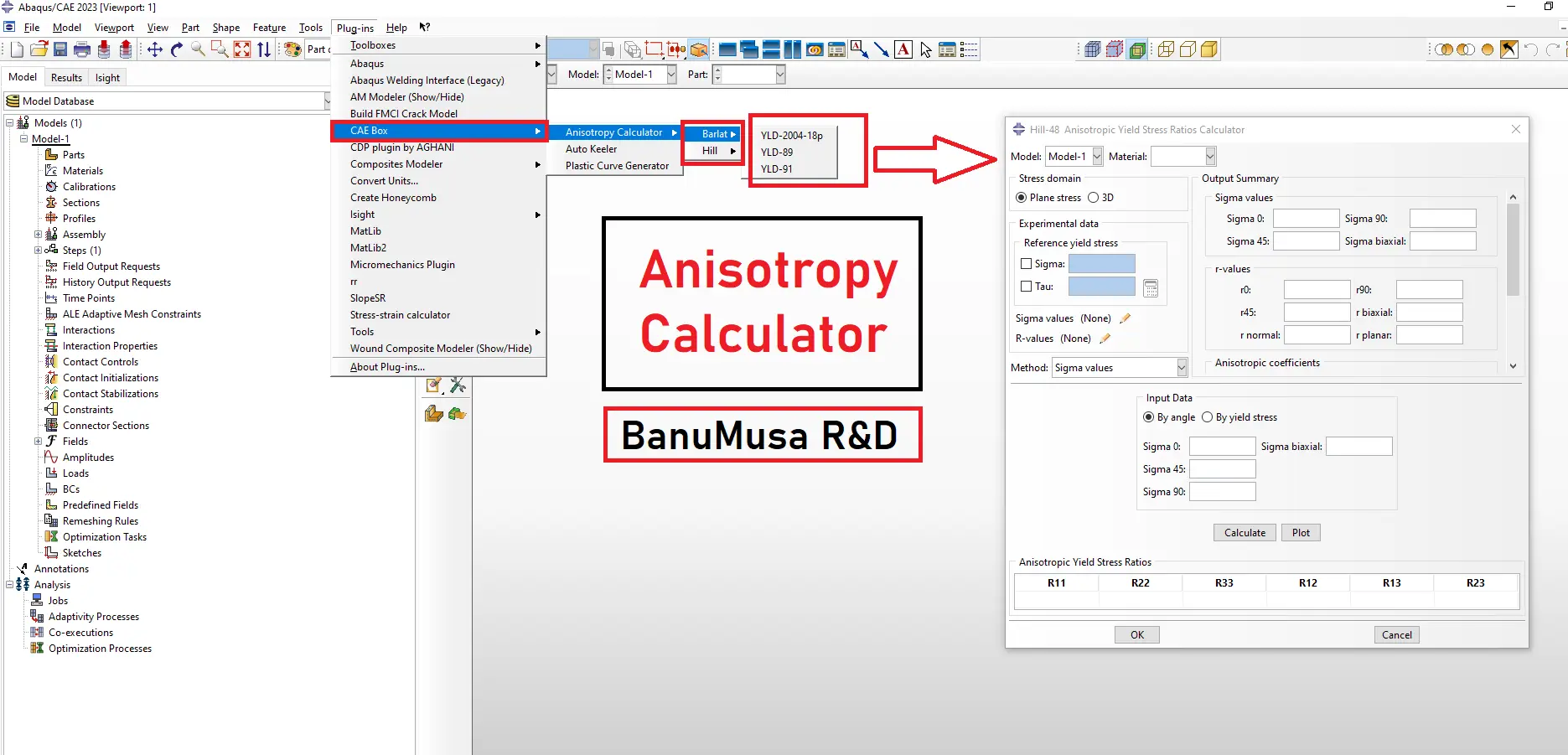
Anisotropy Calculator Abaqus plugin for sheet metal forming material models
Anisotropy Calculator Abaqus Plugin € 190.00
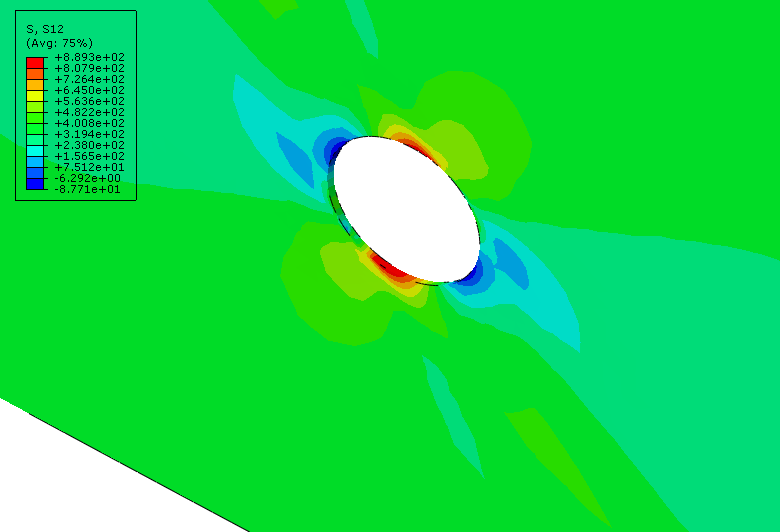
awi plugin - abaqus welding interface plugin - welding fea simulation - cae - simulia -qustomapps
Click to enlarge

Abaqus Welding Interface Plugin

€ 55.00

The Abaqus Welding Interface (AWI) plugin enhances two- and three-dimensional welding simulations by automating labor-intensive tasks in weld model creation, allowing analysts to input basic information, select weld beads, and configure weld pass sequences easily. It generates necessary analysis steps, establishes energy transport boundary conditions, and constructs both thermal and mechanical models for thermal stress analysis. Despite the complexity of welding simulations, which require precise geometric representations and multiple parameters, the AWI streamlines the workflow. However, it is only compatible with Abaqus 2017, as the original plugin does not support Abaqus 2023; users can instead opt for the QustomWeld plugin available from QustomApps.

Documentation (PDF)
Abaqus plugin files (*.RAR)
Abaqus workshop files

If you want to pay in a way other than Tether/Tron, contact us.
somdn_product_page
Compare
Add to wishlist
SKU: 2024-18 Categories: Abaqus, Abaqus Plug-ins
Share
Facebook Twitter Email Pinterest linkedin Odnoklassniki WhatsApp WhatsApp VK Telegram
close
You may also like…
  • larc05-abaqus-failure-criteria-composite-analysis
    Abaqus Tutorial: LaRC05 Failure Criterion For Fiber-Reinforced Composites € 110.00 Original price was: € 110.00.€ 99.00Current price is: € 99.00.
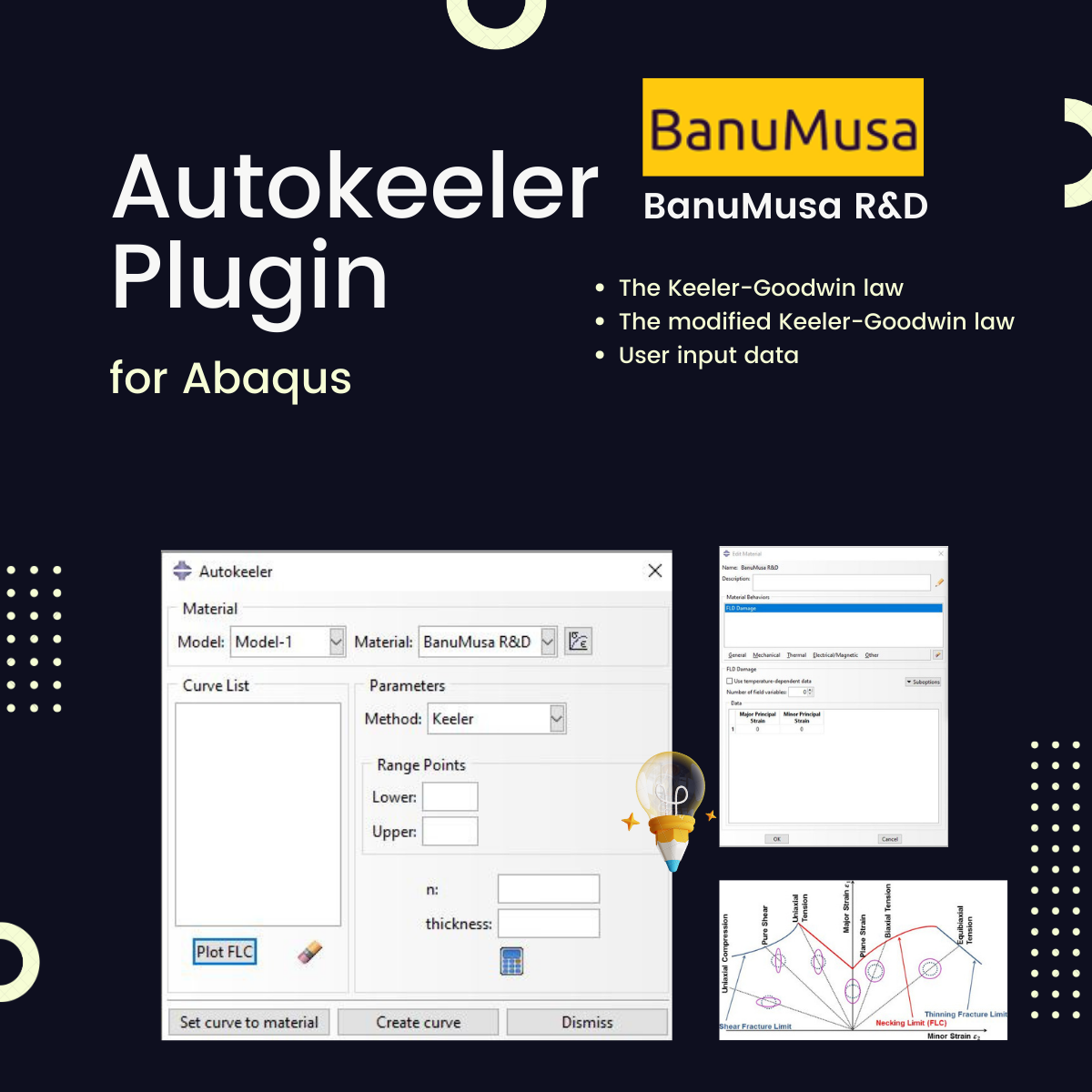
  • Autokeeler plugin generating Forming Limit Curves (FLC) and FLD in Abaqus
    Autokeeler Plugin for Abaqus: FLC & FLD Generator € 0.00
  • Micromechanics Plugin for Abaqus
    Micromechanics Plugin for Abaqus € 0.00
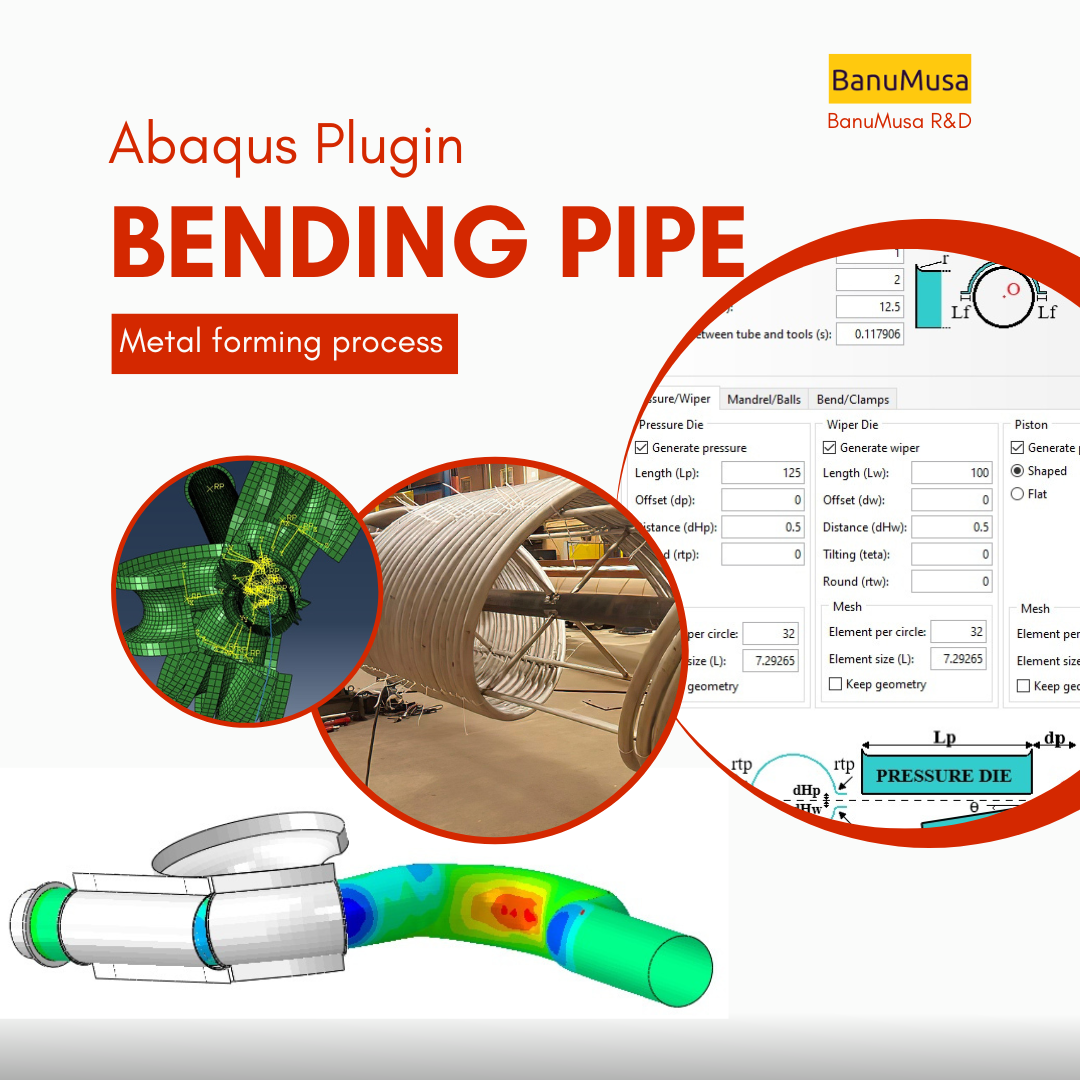
  • Bending Pipe plugin interface acting as an advanced pipeline modeling software in Abaqus
    Bending Pipe Plugin for Abaqus € 1,365.79 Original price was: € 1,365.79.€ 685.00Current price is: € 685.00.
technical support by banumusa
We are ready to help you do CFD & FEA simulations.
Need help?
Get a consultation from our experts.
Email: info@banumusagr.com
Telegram: +98-915-55-20-388
WeChat: +98-915-55-20-388
WhatsApp: +98-915-55-20-388
Categories
  • Description
  • Additional information
  • Payment & Delivery
  • Content
Description

Abaqus Welding Interface Plugin

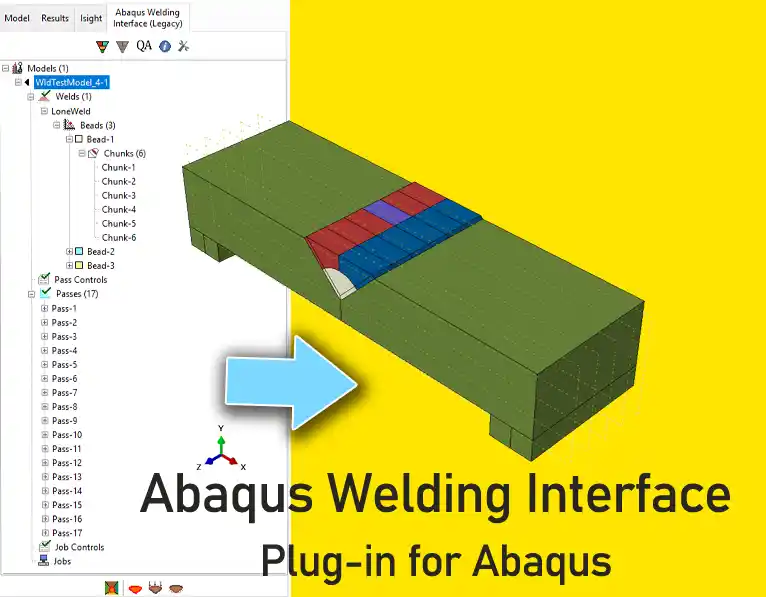
The Abaqus Welding Interface plugin (AWI) outlined in this documentation significantly enhances two- and three-dimensional welding simulations by automating many of the labor-intensive tasks involved in building a weld model. Within the plugin environment, analysts can complete a few dialog boxes with basic information relevant to the entire welding process, select the weld beads from the viewport, and optionally configure a custom weld pass sequence or allow the plugin to define the passes automatically.

The AWI plugin then generates all necessary analysis steps with the appropriate data, establishes energy transport boundary conditions for each step, creates sets for sensor output requests, and constructs the complete thermal model, followed by the automatic generation of the corresponding mechanical model for thermal stress analysis.

Welding simulations are complex and typically require precise representations of geometric features, multiple weld passes, non-linear temperature-dependent material properties, thermal and structural boundary conditions, and more. Capturing all these details demands considerable user effort. Although Abaqus has long offered analysis capabilities for modeling welding processes, enhanced by extensive user subroutines, the setup of weld models—particularly the preprocessing stage—has remained a time-consuming aspect of the workflow.

Abaqus 2017 is the final version supported. The original AWI plugin distributed by Simulia is not compatible with Abaqus 2023. Its replacement is the QustomWeld plugin, which can be acquired from QustomApps.

Abaqus Workshops/ Tutorials

  • Workshop 1: Multi-pass Pipe Welding Analysis – 2D Welding Simulations
  • Workshop 1: Multi-pass Pipe Welding Analysis – 3D Welding Simulations
Abaqus welding interface plugin - awi abaqus plugin - welding simulationInstalling The Plugin

Extract the contents of the zip folder into a subdirectory of the abaqus_plugins folder, which can either be located in the

  • abaqus_dircodepythonlibabaqus_plugins where abaqus_dir is the Abaqus parent directory or,
  • home directory (in which case the plugin will be available whenever Abaqus is run) or,
  • within the current working directory of your Abaqus/CAE session.

Compatibility

The Abaqus plugin is designed to be compatible with Abaqus/CAE 2017.

Updates

Version 2017

Who this plugin is for:

  • Engineering or science students and professionals who work in the welding process
  • Advanced students, Ph.D. students, or researchers for their Abaqus FEA projects
  • Any Abaqus Application Engineer who is involved with various daily simulation projects

What you’ll gain

  • You will be able to simulate welding process in Abaqus in much less time

Demo

We are ready to help you do CFD & FEA simulations.

Need help? Get a consultation from our experts.

Abaqus E-learning technical FEA & CFD consulting by banumusa FEA & CFD Consultancy Services Abaqus Ansys LS-Dyna user subroutine plugin FEA and CFD consultancy Abaqus consultancy services Technical Abaqus mentoring fluent cfd services ls-dyna consultancy services ansys consultancy services comsol consultancy services
Email us: info@banumusagr.com
Telegram: +98-915-55-20-388
WhatsApp: +98-915-55-20-388

Find Us on WeChat

wechat banumusa company ویچت
Additional information
Software

Abaqus FEA

Type

Abaqus Plugin

Level

Advanced

Files

Abaqus files: *.rar
Documentation: PDF
Workshops: PDF

Language

English

Category

Welding

Solver

Explicit, Standard

Material

Metals

Payment & Delivery
All products available on the website come with a guarantee of customer satisfaction. The products can be used immediately after purchase through the download link. There is also online consulting/mentoring for all customer reassurance products.
Before buying, you can also talk to our experts in BanuMusa R&D and buy from the Shop according to your needs.

Note:

Please pay attention to the following points when you pay.

1. Tether / Tron The easiest way to pay is through the Tether portal in the BanuMusa shop. You can easily pay with your wallet.

• How to pay for a product using USDT TRC-20 with ADVCash https://www.youtube.com/watch?v=DYyHsdcLxhk

• Tron TRC20 Wallet for USDT Tutorial (Send USDT for Lowest Fees!!) https://www.youtube.com/watch?v=lBQMkEBf7W4

For other wallets just search on YouTube!

The download link automatically will be sent to you.

2. Payoneer:

If you have Payoneer, you can pay simply through the following ID.

fro458nk@gmail.com

After your payment is processed, you will receive the download links.

Let me know if you need any further adjustments!

3. PAYEER

Send us a message/ email to help you how to pay for this method, please. (info@banumusagr.com)

4. WebMoney

We will send you the wallet if you request this method. Email us.

5. PayPal Payment Instructions:

Please email us to send your PayPal Account.

After your payment is processed, you will receive the download links.

Let me know if you need any further adjustments!

6. SWIFT/IBAN

Another way is to pay via SWIFT or IBAN, contact us to learn more.

We will do our best to make sure you have a good shopping experience.


If it is not possible for you to buy through the Tether gateway, send us the link to the product using email (info@banumusagr.com) or social networks (WhatsApp, WeChat, Telegram). After that, the PayPal account will be sent to you.

Another way is to pay via SWIFT, contact us to learn more.


Ways to Contact Us:

WhatsApp / Telegram / WeChat: +98-915-5520-388
E-mail: info[at]banumusagr.com
Phone: +98-51-35424520

Payment Methods:

You can buy the product through Tether, Tron, Payoneer, PAYEER, WebMoney, PayPal, and SWIFT.

Content

Contents

  • Abaqus plugin files: *.rar
  • Abaqus workshop files: CAE, JNL, INP
  • Documentation: PDF
  • Workshops: PDF

Reviews

There are no reviews yet.

Be the first to review “Abaqus Welding Interface Plugin” Cancel reply

You must be logged in to post a review.

Related products

Anisotropy Calculator Abaqus plugin for sheet metal forming material models
Compare
Close

Anisotropy Calculator Abaqus Plugin

€ 190.00
The Anisotropy Calculator Abaqus Plugin is a specialized tool designed to simplify the calculation of anisotropic parameters for materials used in Abaqus simulations, especially in sheet metal forming. This plugin assists users in defining accurate anisotropy parameters, enhancing simulation precision by accounting for material behaviors that vary with direction. Documentation (PDF/HTML) Abaqus plugin files (*.RAR) Abaqus workshop files
Add to wishlist
Add to cart
Quick view
Introduction to Abaqus course
Introduction to Abaqus Training Course - abaqus for students. abaqus for beginners
Compare
Close

Introduction to Abaqus Training Course

€ 410.00
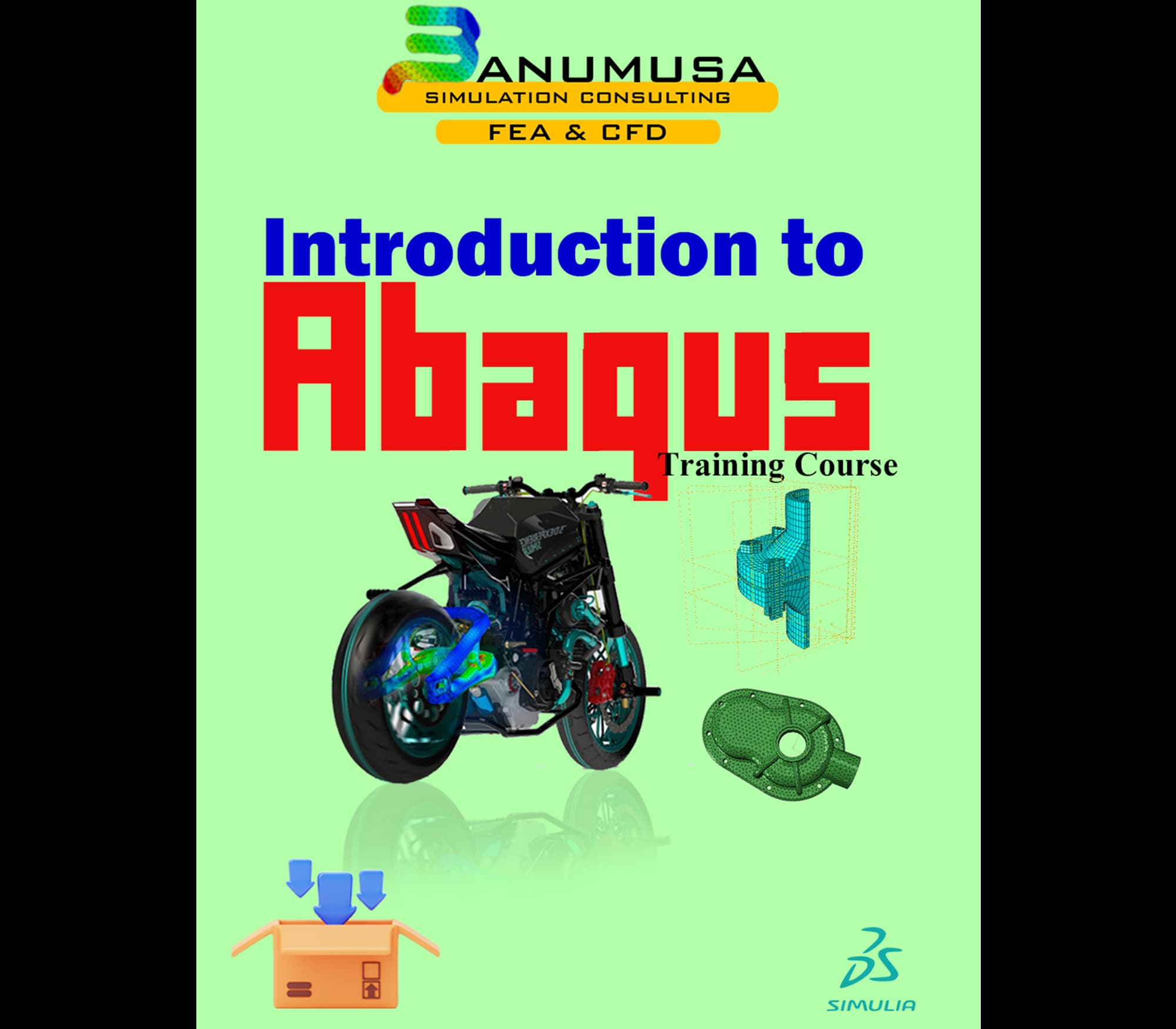
The Introduction to Abaqus Training Course provides a thorough and cohesive overview of Abaqus' modeling and analysis capabilities. Participants will learn how to address linear and nonlinear problems, manage analysis tasks, and examine simulation outcomes within Abaqus' interactive interface. The course will encompass instruction on the following products: Abaqus/CAE, Abaqus Standard, and Abaqus Explicit. Abaqus tutorial video (*.mp4) Lecture notes (PDF) Abaqus workshop files (*.cae, *.inp, *.jnl, *.odb) 15-day money-back guarantee   Free 24/7 online mentoring
Add to wishlist
Add to cart
Quick view
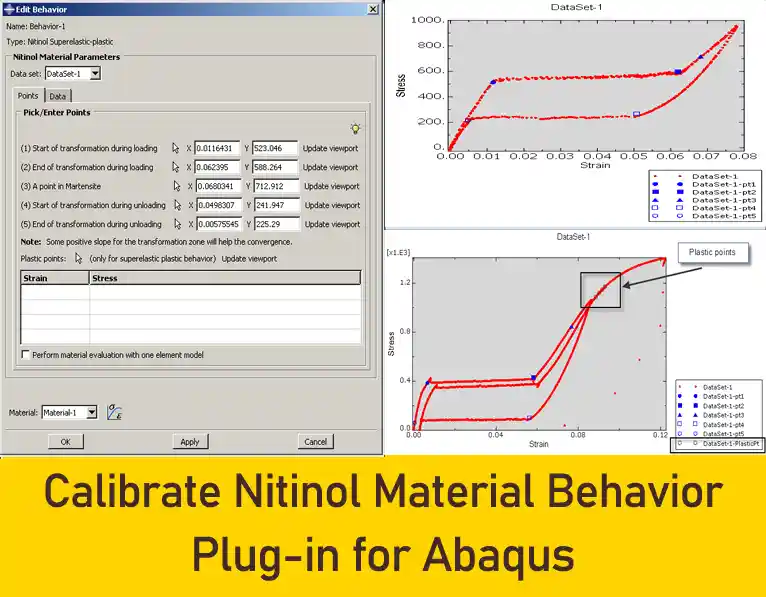
Calibrate Nitinol Material Behavior Abaqus Plugin free download
Compare
Close

Calibrate Nitinol Material Behavior: Free Abaqus Plugin

€ 0.00

Download the free Abaqus plugin for advanced Nitinol simulation. Automate superelastic material calibration using uniaxial tension test data instantly.

Documentation (PDF + HTML) Abaqus plugin files (*.RAR) Abaqus workshop files
Add to wishlist
View
Quick view
Coupled thermal stress analysis
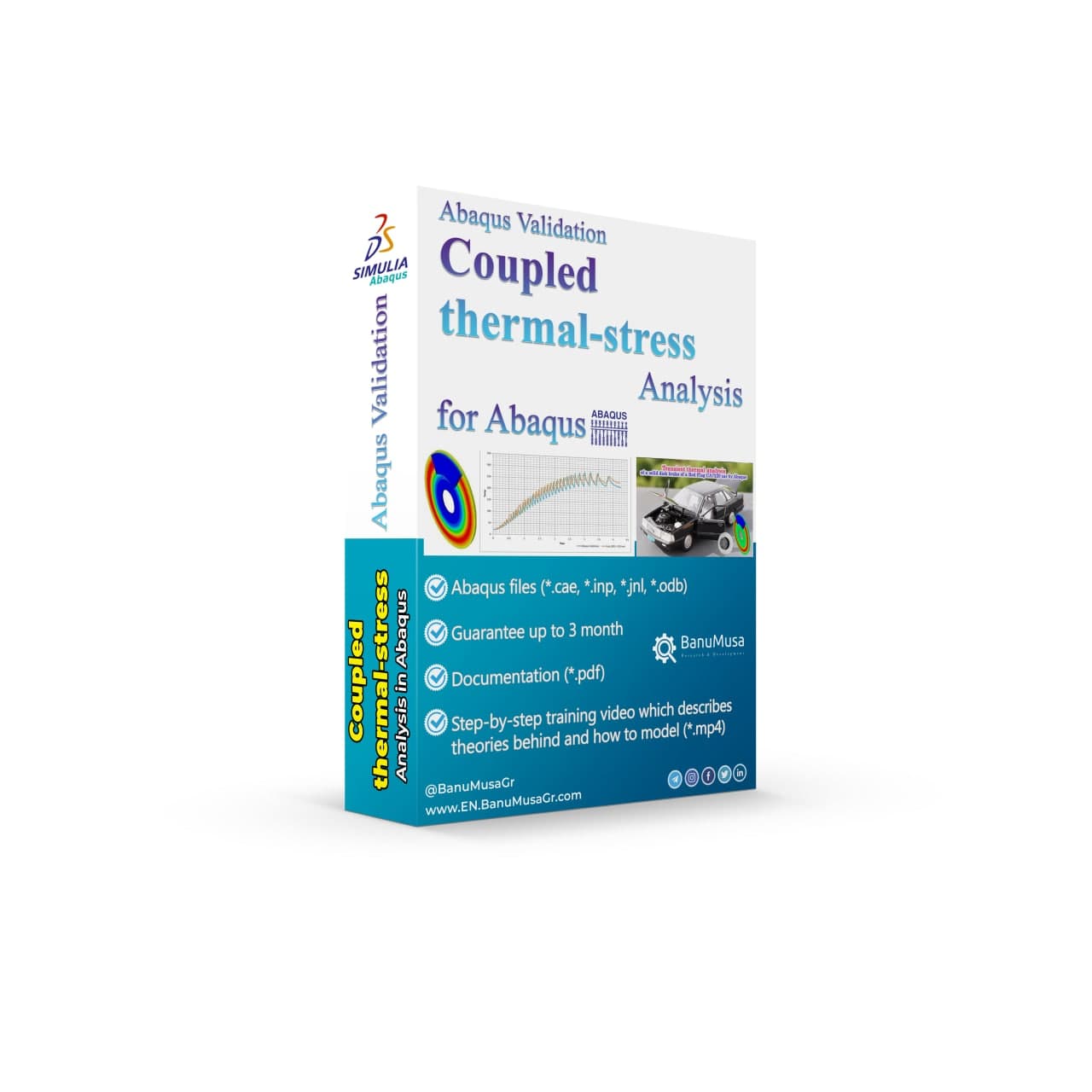
Hongqi-CA7220-AE_abaqus-Coupled Thermal Stress Analysis of Automotive Disc Brake Validation Tutorial
Compare
Close

Coupled Thermal Stress Analysis of Automotive Disc Brake: A Complete Validation Tutorial

€ 175.00
In Coupled Thermal Stress Analysis of Automotive Disc Brake: A Complete Validation Tutorial, a solid disk brake of a CA7220 car with initial rotational velocity will contact a disk pad. The effects of friction will be an increase in disk temperature due to heat generated by energy dissipation and the reduction of rotational velocity. The numerical results were validated by the Gao & Lin, (2002) paper. Abaqus tutorial video (*.mp4)  Abaqus files (*.cae, *.inp, *.jnl, *.odb) 15-day money-back guarantee   Free 24/7 online mentoring
Add to wishlist
Add to cart
Quick view
-4%
USDFLD Subroutine 3D Hashin
Compare
Close

3D Hashin USDFLD Subroutine Failure Criteria for Abaqus

€ 124.00 Original price was: € 124.00.€ 119.00Current price is: € 119.00.
The 3D Hashin USDFLD subroutine is used in Abaqus to define failure criteria for composite materials based on the Hashin failure criteria and field variables (FV) for softening behavior. It allows you to specify the failure criteria for each ply of composite material in three dimensions (3D). This subroutine is particularly useful for analyzing the failure behavior of composite structures under various loading conditions in Abaqus simulations. It is a functionally validated USDFLD subroutine that compares results with the Chang & Lessard failure criterion available in Abaqus documentation. This code identifies four damage modes including matrix tension, matrix compression, fiber tension, and fiber compression using the elastic constants. Abaqus tutorial video (*.mp4) Lecture notes (PDF) Abaqus workshop files (*.cae, *.inp, *.jnl, *.odb) Fortran Abaqus subroutines run on Windows or Linux 15-day money-back guarantee   Free 24/7 online mentoring
Add to wishlist
Add to cart
Quick view
concrete modeling in abaqus tutorial video
Compare
Close

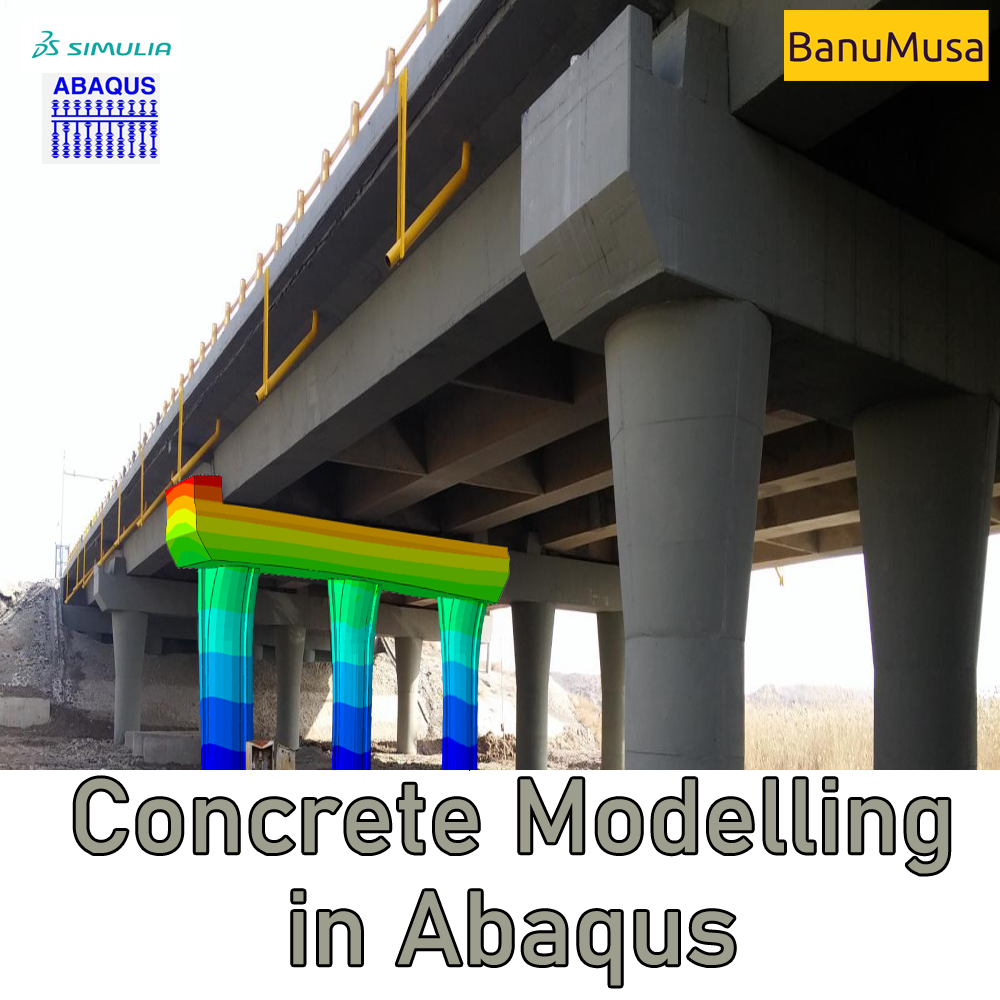
Mastering Concrete Modeling in Abaqus: A Comprehensive Course

€ 425.00
In the "Concrete Modeling in Abaqus" tutorial video course, we have tried to cover all the tips and tricks the user requires when modeling concrete structures. Material models are available in the Abaqus and their parameters are described. Also, the modeling methods of rebars and reinforcements are expressed one by one and the strengths and weaknesses of each are examined. Finally, in 3 comprehensive examples in the field of explosion, fire, and connections, these cases are used in practice. Abaqus tutorial video (*.mp4) Lecture notes (PDF) Abaqus workshop files (*.cae, *.inp, *.jnl, *.odb) Concrete Damage Plasticity Calculator Tool (*.xls) 15-day money-back guarantee   Free 24/7 online mentoring
Add to wishlist
Add to cart
Quick view
Introduction to VUMAT Subroutine Abaqus Mentoring Abaqus tutorial video
Introduction to VUMAT Subroutine Abaqus Mentoring- tutorial
Compare
Close

Introduction to VUMAT Subroutine

€ 210.00
Introduction to VUMAT Subroutine course helps you to learn the process of writing VUMAT as quickly as possible with the help of practical examples. All the tips and details that you encounter to write the code are taught in this course and you can implement the material model in the subroutine. Because you may have questions while watching the course, an expert will answer your questions online. Abaqus tutorial video (*.mp4) Lecture notes (PDF) Abaqus workshop files (*.cae, *.inp, *.jnl, *.odb) Fortran subroutines 15-day money-back guarantee   Free 24/7 online mentoring
Add to wishlist
Add to cart
Quick view
Fortran for Abaqus Subroutine - writing user subroutines udhard umat film uload
Compare
Close

Fortran for Abaqus Subroutine

€ 255.00
If you are familiar with user subroutines in Abaqus, you must know that Fortran, C, and C# are languages that can be used to write subroutines in Abaqus. What is common among Abaqus users now is using Fortran in writing user subroutines. In the "Fortran for Abaqus Subroutine" training package, zero-to-one writing user subroutine tips are taught using Fortran in Abaqus. Abaqus tutorial video (*.mp4) Lecture notes (PDF) Abaqus workshop files (*.cae, *.inp, *.jnl, *.odb) Fortran Abaqus subroutines run on Windows or Linux 15-day money-back guarantee   Free 24/7 online mentoring
Add to wishlist
Add to cart
Quick view

Tag your photos with #awiPlugin on Instagram.

University of Warwick
NBJX
MultiFat
kitech
kims
EnginSoft
Techinco
NIGC
Mobarakeh Steel Co.
Lincoln University
ISOICO Shipbuilding Company
IRISL Company
Ferdows Marine Tech
AQR Company

Founded in 2016, BanuMusa R&D is an established engineering consultancy specializing in advanced Finite Element Analysis (FEA), Computational Fluid Dynamics (CFD), and simulation-driven product development.

Facebook Youtube Linkedin Instagram

Products

  • 3D Hashin VUMAT Subroutine for Abaqus with Exponential Damage Evolution
  • VUMAT Subroutine: Shear Anisotropic Modified GTN Damage Model
  • MatLib Abaqus Material Library

Company

  • Contact us
  • Our team
  • Our partners
  • Careers
Start Project

Our WeChat 

abaqus ansys lsdyna banumusa wechat

Copyright BanuMusa 2026
payments

Shopping cart

close

Powered by WhatsApp Chat

  • Menu
  • Categories
  • Consulting Services
  • Products
  • Resources
    • Blog
    • Projects
  • About Us
    • Contact Us
    • Our Team
    • Our Partners
    • Careers
    • Payment Methods
    • Support & FAQ
  • Consulting Services
  • Products
  • Resources
    • Blog
    • Projects
  • About Us
    • Contact Us
    • Our Team
    • Our Partners
    • Careers
    • Payment Methods
    • Support & FAQ

Sign in

close


Lost your password?
No account yet? Create an Account
Sidebar